An AI transcript summarizer turns long meeting, audio, video, PDF, or imported transcript content into a shorter record of key points, decisions, risks, and next steps. The best workflow keeps the original source close, so teams can verify quotes, owners, dates, and commitments before sharing or acting.
Try HiNoter to summarize permitted transcripts and turn them into structured notes, action items, mind maps, exports, and searchable Q&A.
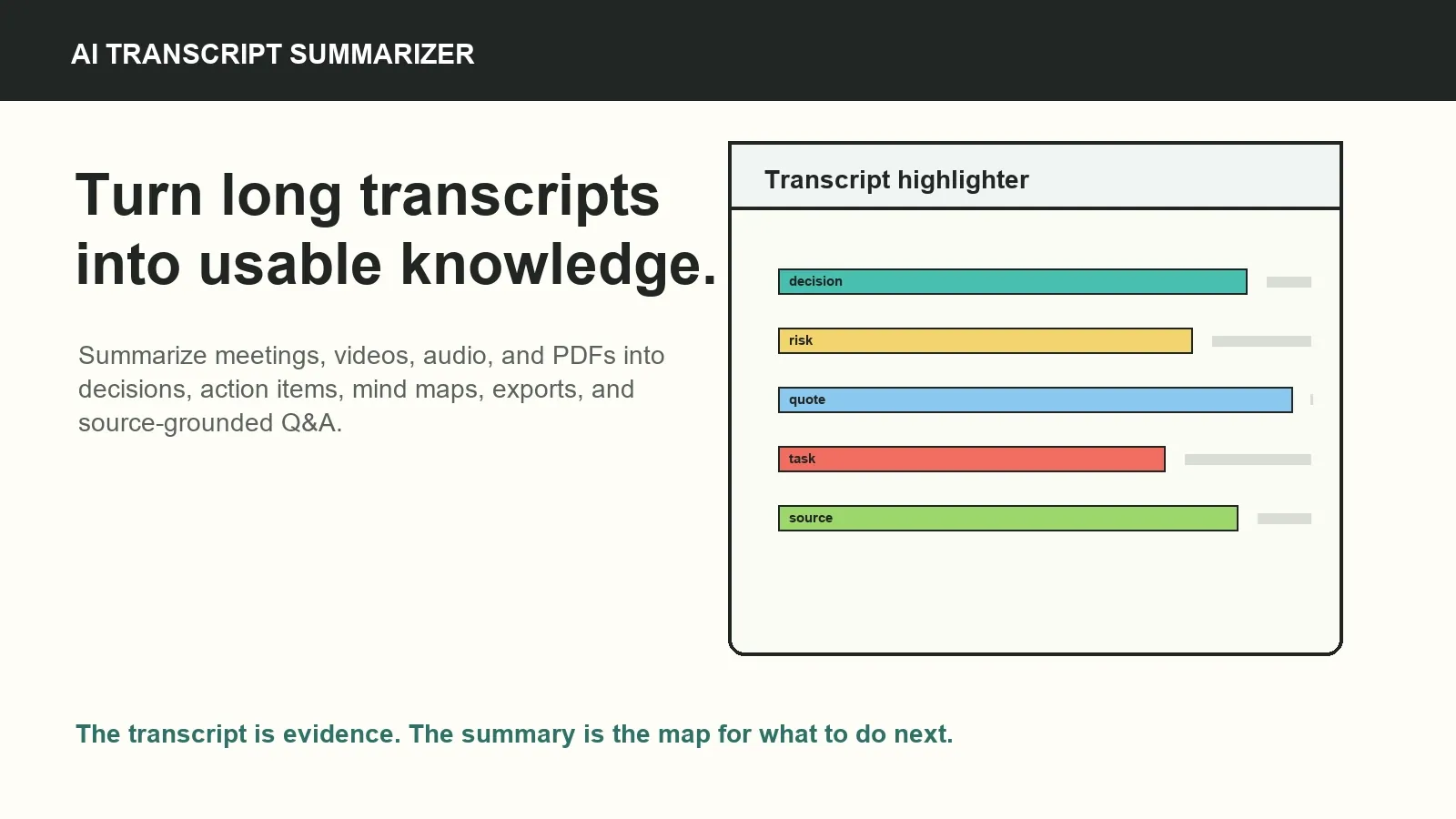
What is an AI transcript summarizer?
An AI transcript summarizer is a tool that reads a transcript and creates a condensed version of the important information. It can summarize a meeting transcript, an audio transcript, a video transcript, a webinar transcript, a lecture transcript, or notes extracted from a PDF when the source is permitted for processing.
Transcription turns speech into text. Speech-to-text is the technology layer that creates the transcript from audio or video. AI-assisted transcription and summarization goes further by using the transcript to create structured outputs such as key points, decisions, risks, action items, mind maps, and source-grounded answers.
A plain transcript is useful for search and quotes, but it can be too long for daily team use. A transcript summarizer with action items helps people understand what changed, what needs follow-up, and where to check the original meeting context.
Why raw transcripts are hard to use
Raw transcripts preserve detail, but they rarely create clarity by themselves. Meeting transcripts often include false starts, unfinished sentences, repeated points, side conversations, speaker-label errors, and long sections that matter only to one person. Important commitments can be buried between unrelated updates.
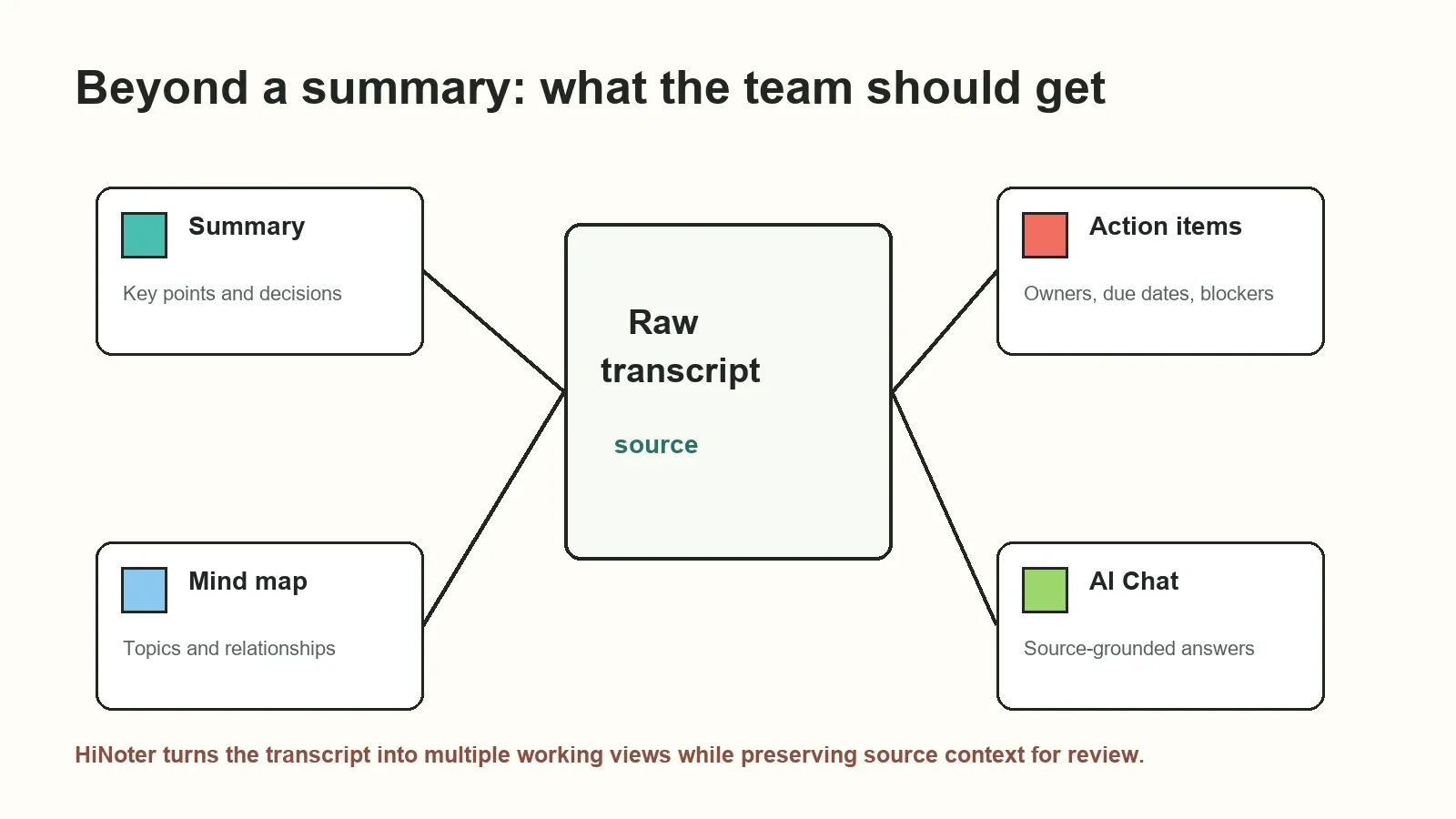
Teams need the transcript plus a knowledge layer. They need a summary, decisions, action items, owners, due dates, risks, topic relationships, exports, and a way to ask questions later. If the summary is disconnected from the source, people still have to rewatch the recording or reread the full transcript before trusting it.
If you need more than text, HiNoter turns audio into a transcript plus summary, action items, mind map, exports, and searchable Q&A. That makes the transcript usable without hiding the evidence that supports it.
How to use an AI transcript summarizer
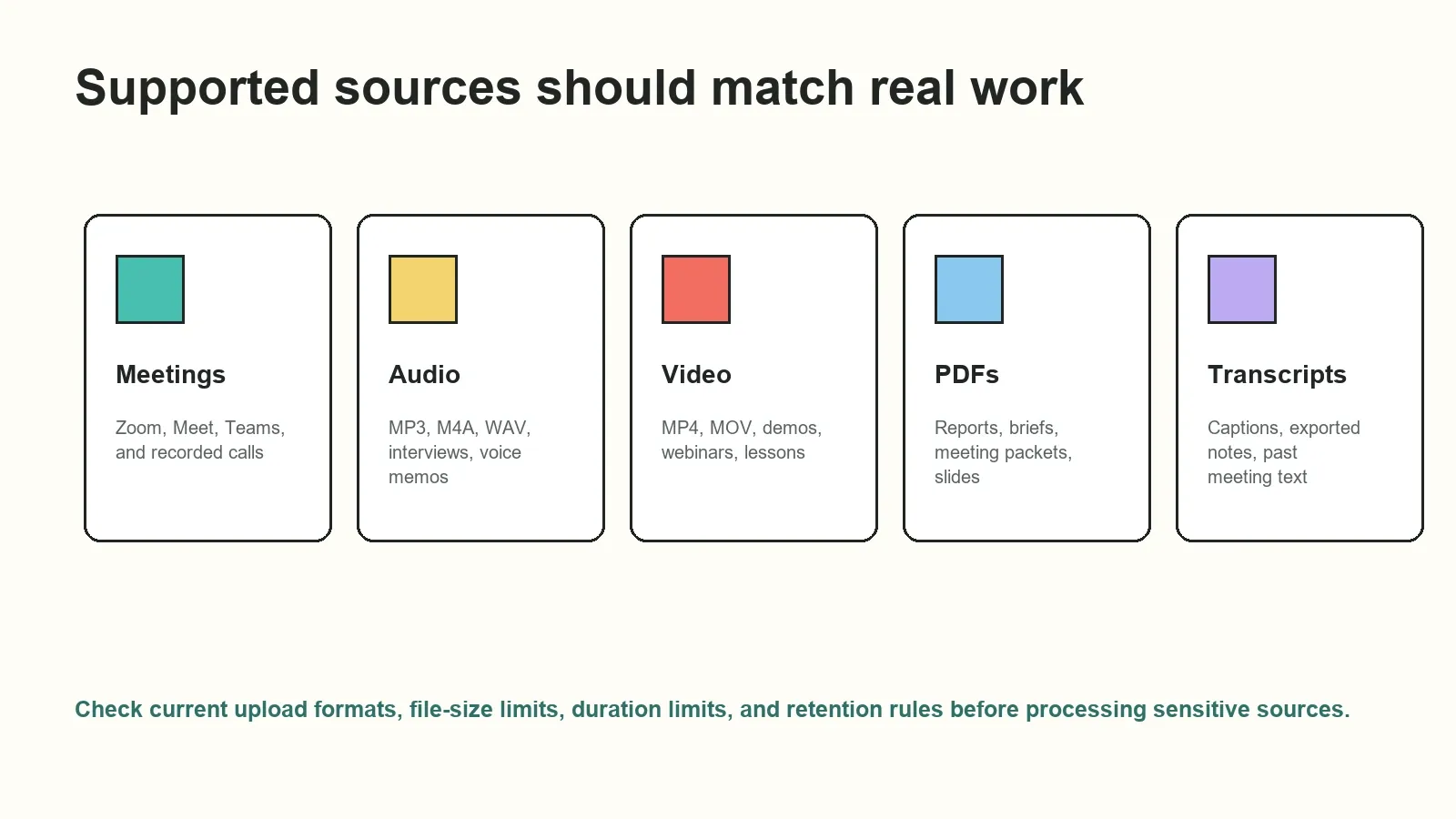
- Upload or record an authorized source. Start with a meeting, audio file, video file, PDF, transcript, or recording that your team is allowed to process.
- Create or import the transcript. Use speech-to-text for audio and video sources, or upload an existing transcript or permitted document.
- Review transcript quality. Check speaker labels, timestamps, names, numbers, technical terms, language detection, and unclear audio before using the summary.
- Generate the structured summary. Extract key points, decisions, risks, objections, action items, owners, due dates, and open questions.
- Use the knowledge layer. Turn the transcript into a mind map, export the recap, or ask AI Chat questions with source references.
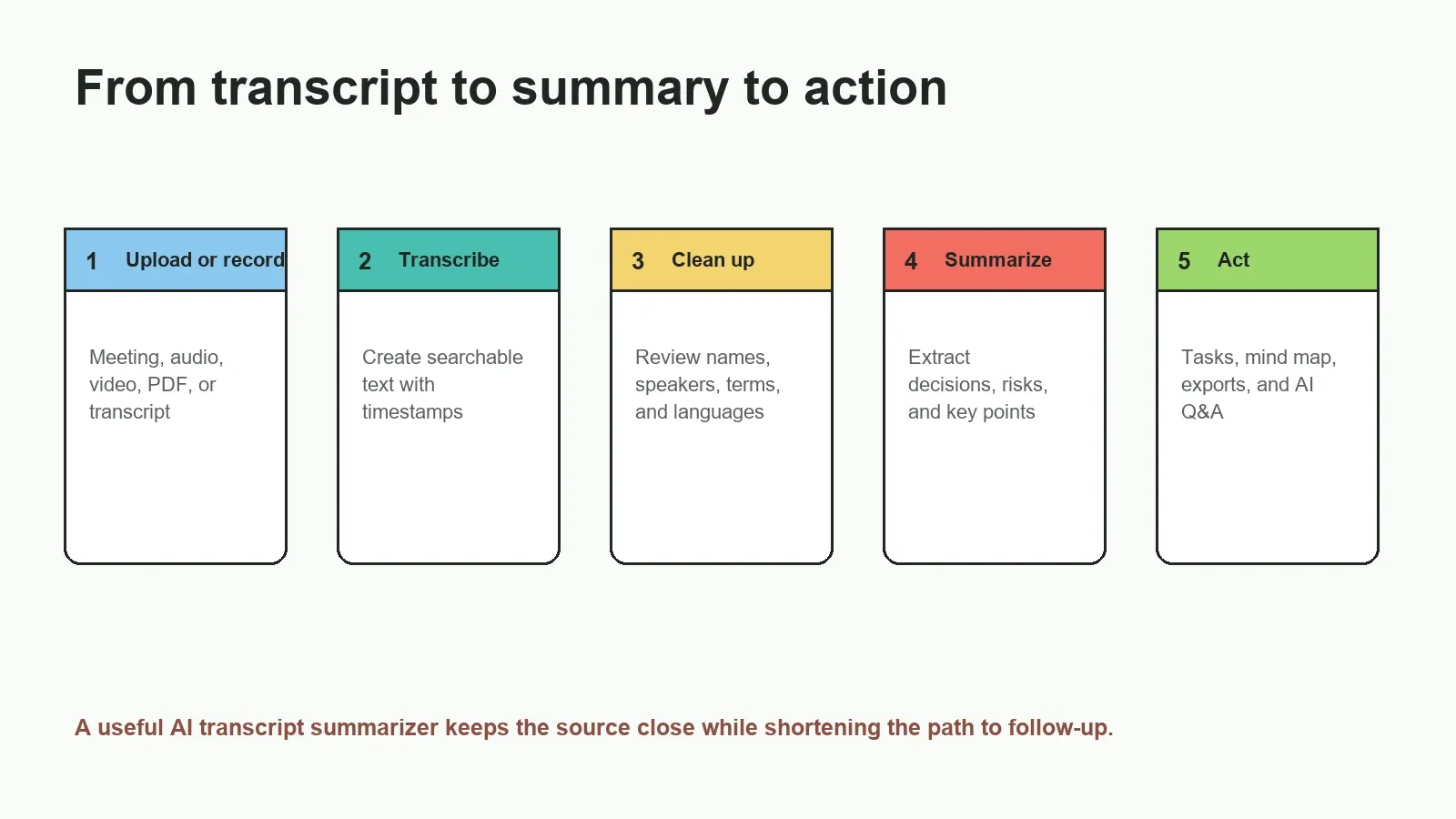
Supported sources for transcript summarization
A useful AI transcript summarizer should work with the sources your team already uses. For some teams that means meetings. For others it means audio interviews, product demos, screen recordings, webinars, YouTube or permitted video transcripts, PDF briefs, or historical transcripts.
| Source | Common examples | Useful output | What to check |
|---|---|---|---|
| Meeting recording | Zoom, Google Meet, Microsoft Teams, customer calls | Summary, decisions, action items, owners | Consent, bot behavior, speaker labels |
| Audio file | MP3, M4A, WAV, interview, voice memo, podcast | Transcript summary, key quotes, follow-up tasks | Format support, noise, accents, duration limits |
| Video file | MP4, MOV, webinar, demo, lesson, screen recording | Chaptered summary, key points, Q&A | Audio track quality and upload limits |
| Meeting packet, report, brief, exported slides | Document summary, questions, source-linked notes | Version, page references, confidential content | |
| Existing transcript | Captions, exported notes, old meeting records | Clean recap, topics, mind map, searchable answers | Source availability and transcript accuracy |
Manual summary vs automatic transcript summary vs AI notes
Different workflows produce different levels of usefulness. A manual summary can be thoughtful, but it depends on the note taker. An automatic transcript summary is faster, but it may miss ownership or context. AI notes connect the transcript to structured outputs that a team can review and share.
| Approach | What it gives you | Common limitation | Best fit |
|---|---|---|---|
| Manual summary | Human judgment and selected context | Slow, inconsistent, private, and easy to forget | Short or sensitive conversations |
| Automatic transcript summary | Fast recap from long text | May miss owners, due dates, source context, or nuance | Quick understanding of a transcript |
| Transcription-only tool | Searchable text from speech | Important points remain buried in the transcript | Quotes, search, and archival records |
| HiNoter AI notes workflow | Transcript, summary, action items, mind map, exports, and source-grounded Q&A | Important outputs still need review before acting | Teams that need reusable meeting and content knowledge |
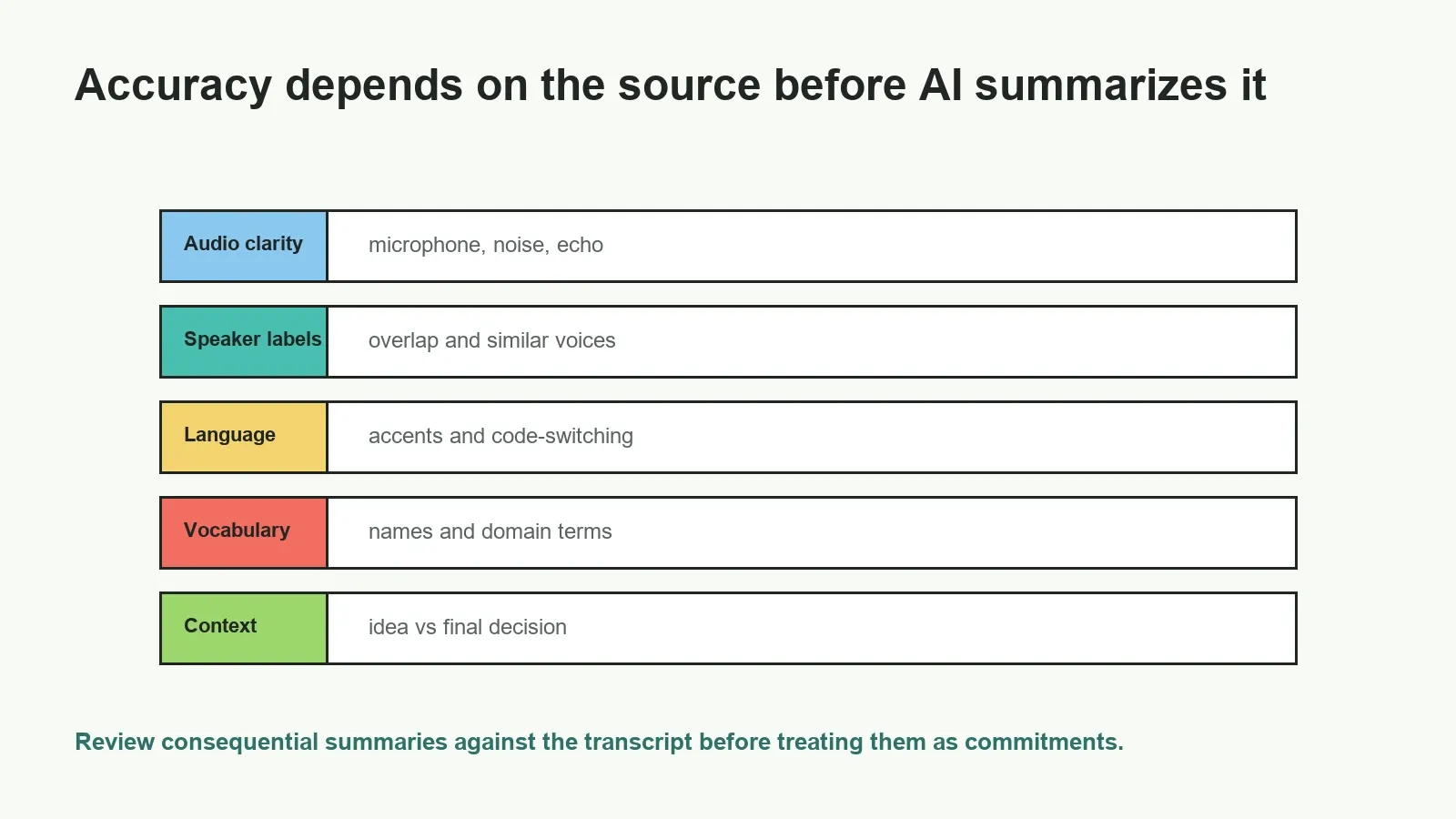
Accuracy factors before you trust a summary
An AI transcript summary is only as reliable as the source and interpretation behind it. A clean transcript with clear speakers produces better results than a noisy recording with overlapping voices. Even when the transcript is good, the summarizer may need review to distinguish a tentative idea from a final decision.
| Accuracy factor | Why it affects the summary | How to improve it |
|---|---|---|
| Audio clarity | Poor audio can create transcript errors that change the summary | Use clear microphones and reduce background noise |
| Speaker labels | Wrong attribution can assign decisions or tasks to the wrong person | Review labels in important sections |
| Timestamps | Missing timing makes source review slower | Keep timestamped transcript segments when possible |
| Language detection | Multilingual meetings can affect wording and interpretation | Check language settings and review key translated terms |
| Technical vocabulary | Names, acronyms, and product terms can be misheard | Correct domain terms before sharing the summary |
| Meeting context | A suggestion can be mistaken for a commitment | Verify decisions and action items against the source |
What HiNoter adds after the transcript summary
HiNoter is useful when a transcript summary is only the beginning. The platform can help turn meeting and content sources into a structured record with a summary, action items, owners, due dates, mind maps, exports, and source-linked AI Chat. That makes it easier for teams to ask what happened, what changed, who owns the next step, and where the answer came from.
Use audio to text when the source starts as a recording, AI meeting notes when the source is a call, and AI meeting assistant workflows when scheduled meetings need automatic capture and follow-up. For global teams, multilingual support helps turn conversations into shared notes across languages.
Edit, export, and share summaries safely
Before exporting an AI transcript summary, review the details that can change follow-up work: names, dates, amounts, decisions, customer statements, owner assignments, due dates, and sensitive sections. A summary can be short and still be wrong if it compresses uncertainty into certainty.
Once reviewed, send the right output to the right channel. A full transcript may belong in a document repository. A short recap may belong in Slack or email. A confirmed action item may belong in a project tracker. A source-linked answer may be enough to resolve a question without another meeting.
Privacy and source-grounded Q&A
Only record, upload, transcribe, summarize, export, or share content when participants, account settings, contracts, and internal policies allow it. Apply the same access controls to summaries, AI Chat, exports, and mind maps as to the original recording, transcript, or PDF.
Source-grounded Q&A helps reduce unsupported answers because the user can inspect the transcript, file, timestamp, or meeting source behind the response. It does not remove the need for review. The NIST Generative AI Profile identifies confabulation as a risk in generative AI systems, so consequential decisions should be checked against the source.
Need more than a transcript summary? Try HiNoter to turn permitted meetings, audio, video, PDFs, and transcripts into summaries, action items, mind maps, exports, and searchable Q&A with source context.
Frequently asked questions
What is an AI transcript summarizer?
An AI transcript summarizer uses a transcript from a meeting, audio file, video, PDF, or imported text to create a shorter summary of key points, decisions, risks, and next steps. A strong workflow also keeps source context available for review.
How does an AI transcript summarizer work?
It starts with a transcript or source file, identifies important sections, groups related topics, and produces a summary. More advanced workflows add action items, owners, due dates, mind maps, exports, and source-grounded Q&A.
Can an AI transcript summarizer create action items?
Yes, if the conversation includes follow-up commitments. The output should identify the task, proposed owner, due date, dependency, and source context. Teams should review action items before treating them as confirmed assignments.
What is the difference between transcription and transcript summarization?
Transcription turns speech into text. Transcript summarization turns that text into a shorter explanation of what matters. AI-assisted note taking goes further by adding decisions, action items, mind maps, exports, and searchable Q&A.
Which sources can I summarize with an AI transcript summarizer?
Common sources include meeting recordings, audio files, video files, screen recordings, YouTube or permitted video transcripts, PDFs, captions, and existing transcripts. Always check the tool's current format and upload limits.
How accurate are AI transcript summaries?
Accuracy depends on transcript quality, audio clarity, speaker labels, timestamps, language detection, names, technical terms, and meeting context. Review critical decisions, numbers, owners, dates, and quotes against the source.
How should teams handle privacy when summarizing transcripts?
Only record, upload, summarize, export, or share transcripts when participants, account settings, contracts, and internal policies allow it. Apply the same access rules to summaries, AI Chat, and exports as to the original source.