Turn Conversations into Google Docs instantly
Automatically export your meeting transcripts, AI summaries, and action items to Google Docs. Draft reports, share minutes, and collaborate with your team in one click.
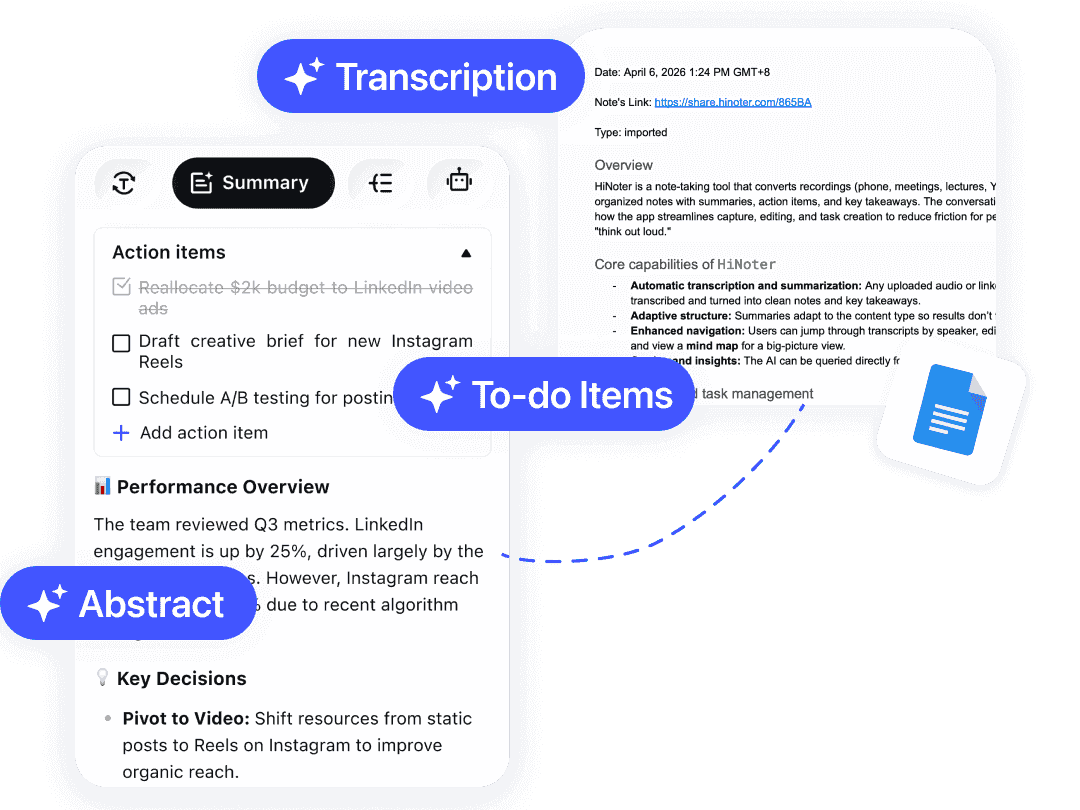
From Recording to Report in Seconds
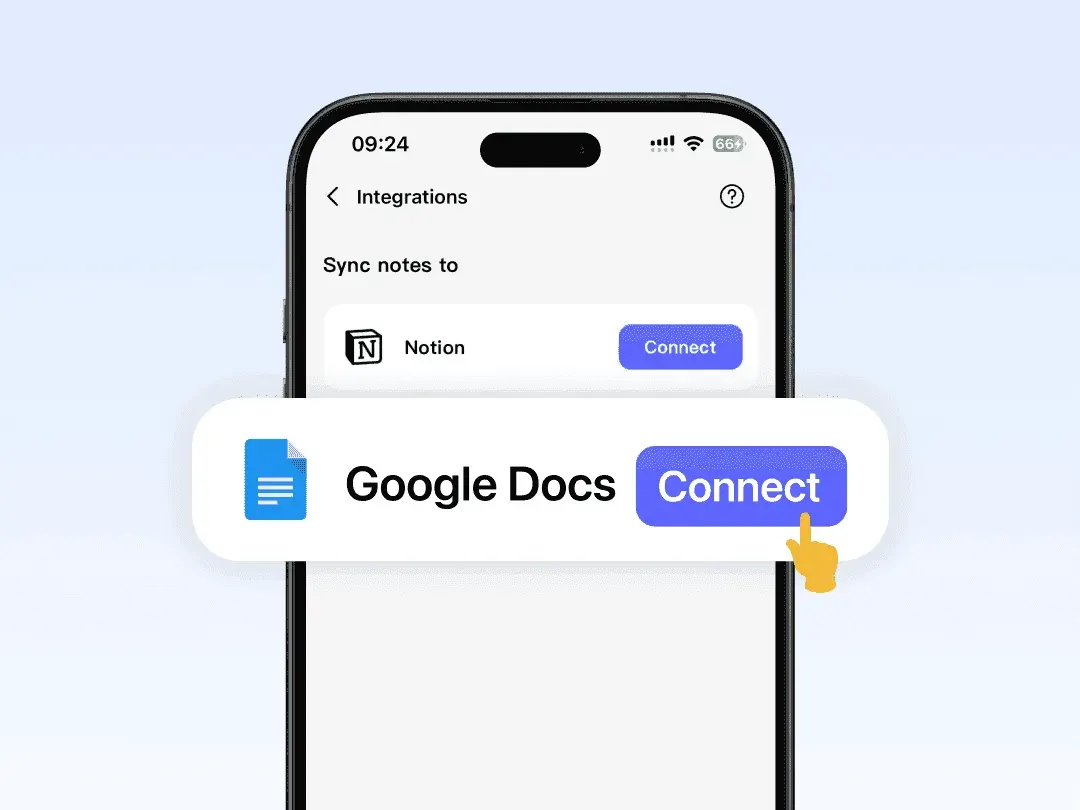
Link Your Drive
Authorize HiNoter to access your Google Drive. Select the specific folder where you want your meeting notes to land.
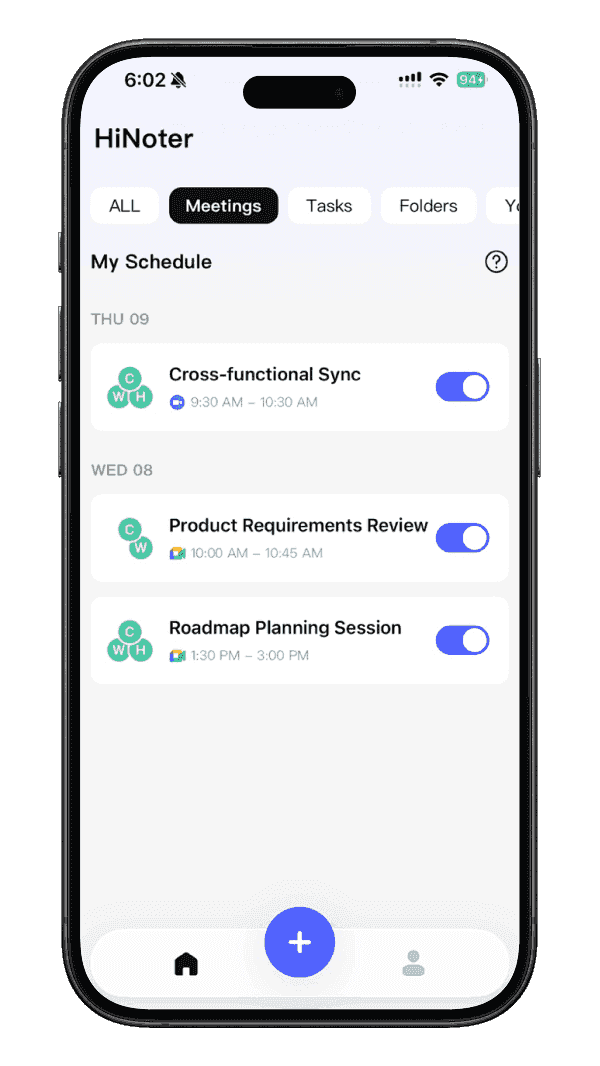
Record in HiNoter
Record a meeting, upload a video, or parse a PDF within the HiNoter app. Let our AI handle the transcription and summarization.

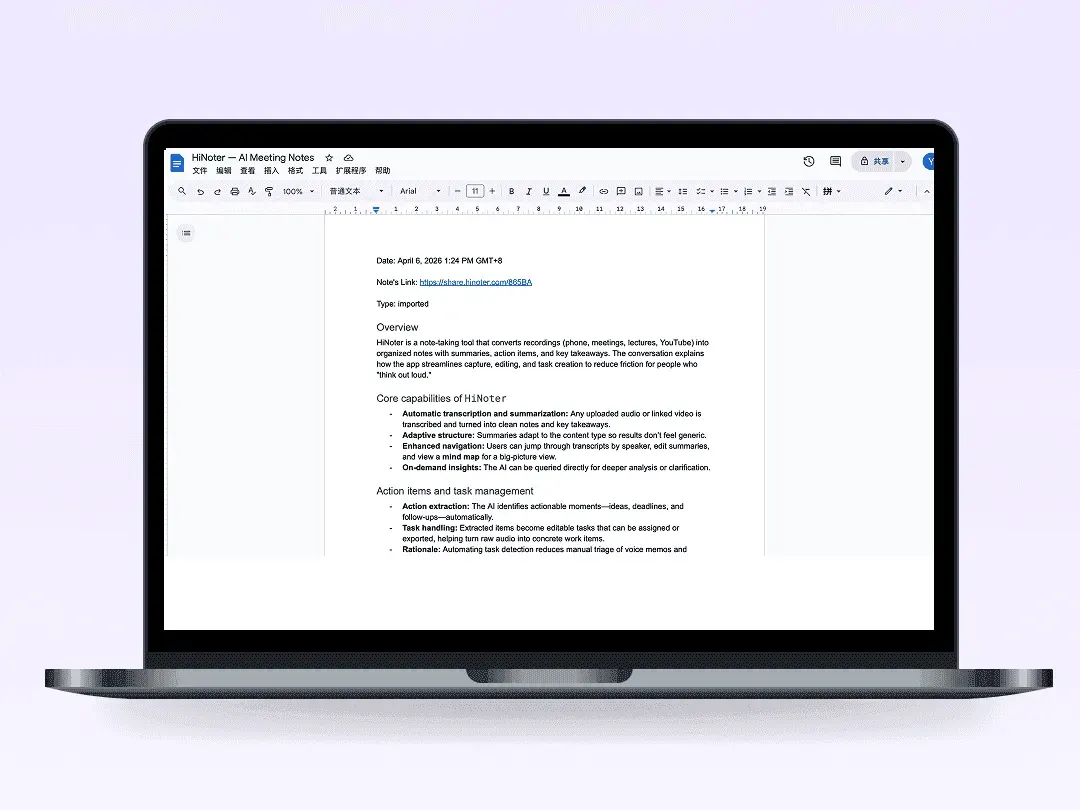
Instant Document
Once the note is ready in HiNoter, it automatically pushes to a new Google Doc. Formatted, structured, and ready to share.
Features and Benefits
Stop Information Silos
Don't let meeting insights get lost in email threads. Export them to Google Docs so they live alongside your projects, reports and proposals.
Smart Tagging
HiNoter doesn't just create a document. It structures content with clear sections, headings, and action item lists, making every doc scannable and organized.
Global Search Ready
Once synced to Google Drive, your entire meeting transcript and notes become searchable. Find exactly what was said, months later, with a simple Drive search.
Instant Sharing with Your Team
Google Docs are natively shareable. Once created, you can instantly share the meeting notes with teammates, stakeholders, or clients with a single click.
Stop Information Silos
Don't let meeting insights get lost in email threads. Export them to Google Docs so they live alongside your projects, reports and proposals.
Smart Tagging
HiNoter doesn't just create a document. It structures content with clear sections, headings, and action item lists, making every doc scannable and organized.
Global Search Ready
Once synced to Google Drive, your entire meeting transcript and notes become searchable. Find exactly what was said, months later, with a simple Drive search.
Instant Sharing with Your Team
Google Docs are natively shareable. Once created, you can instantly share the meeting notes with teammates, stakeholders, or clients with a single click.



Smarter Notes, Better Work with HiNoter
Explore practical hacks on meeting notes, AI summaries, and turning workplace conversations into clear next steps.
Frequently Asked Questions
Can't find what you're looking for? Feel free to reach out to our support team.
Yes. During setup, you select the specific Google Drive folder where new notes should be created. Notes are named by meeting title and date for easy browsing.
Build a Smarter Team Brain.
Bring your meeting intelligence into Google Docs today.