HiNoter for Notion
Automatically sync your meeting notes, summaries, and action items from HiNoter directly into your Notion databases. Build your team's second brain without copy-pasting.
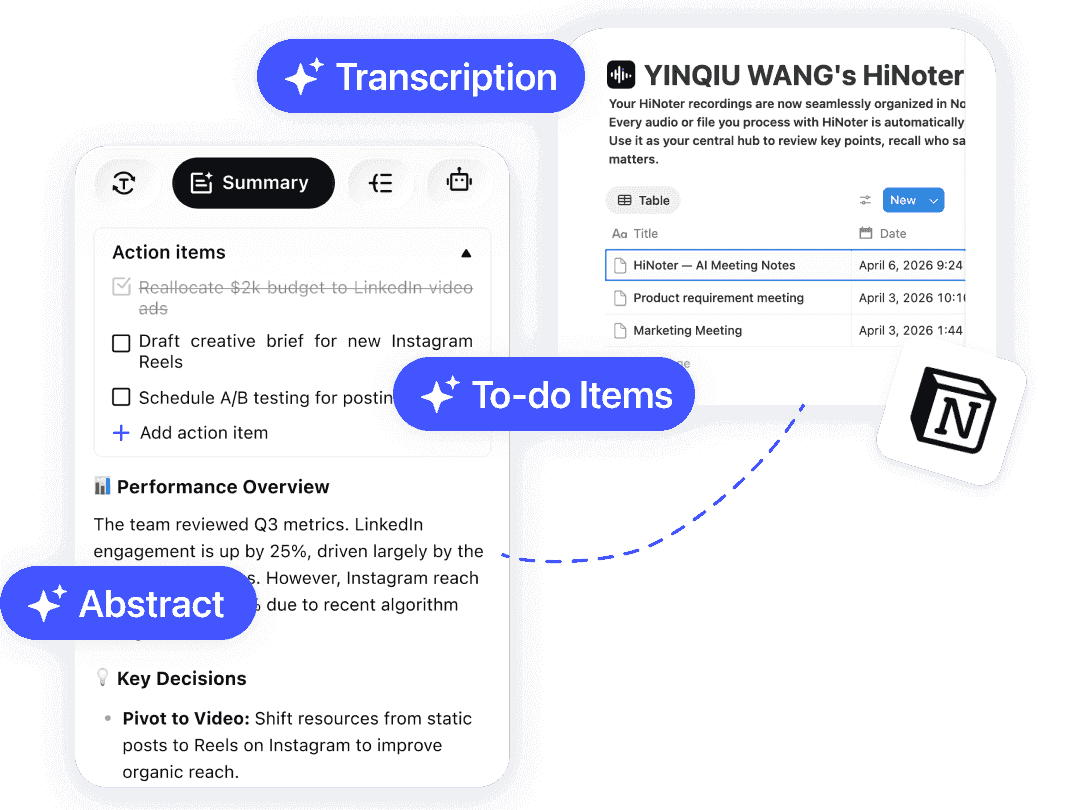
From Conversation to Database in Seconds
Link Your Workspace
Authorize HiNoter to access your Notion. Select the specific database where you want your meeting notes to land.

Record & Process
Use HiNoter to record meetings, transcribe videos, or parse PDFs. Let our AI generate the summaries, highlights, and mind maps.

Watch It Appear
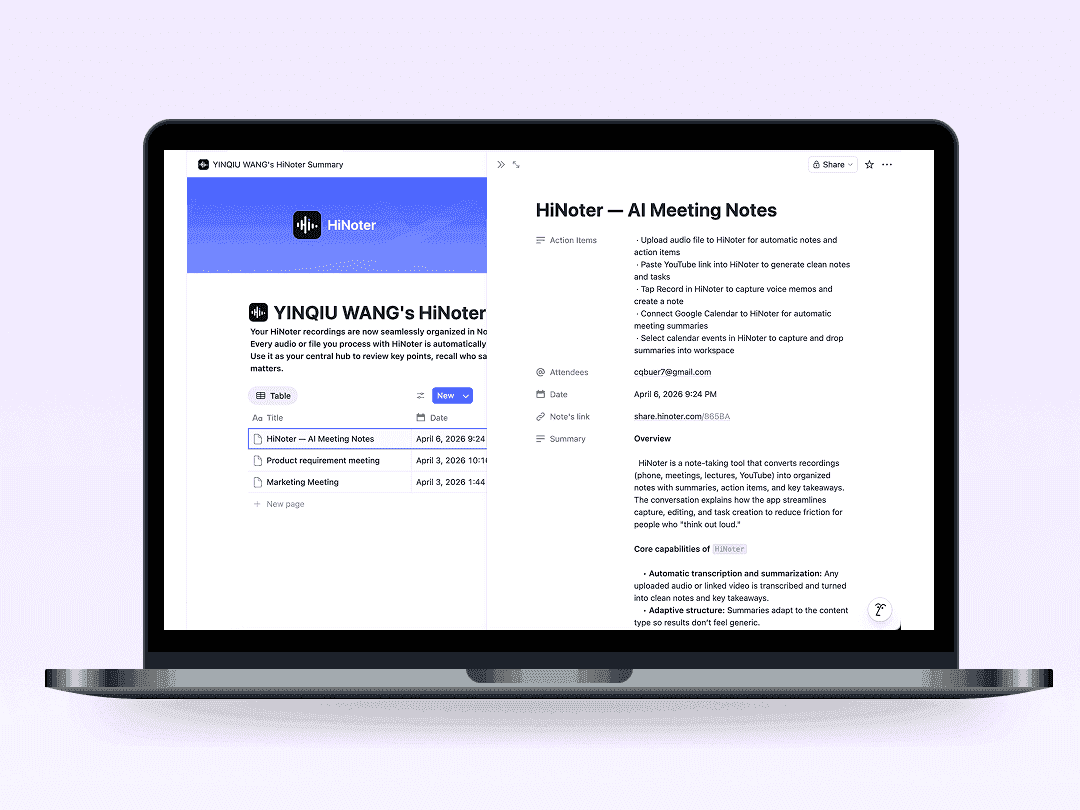
Once the note is ready in HiNoter, it automatically pushes to Notion as a new page, complete with tags, dates, and structured content blocks.
Features and Benefits
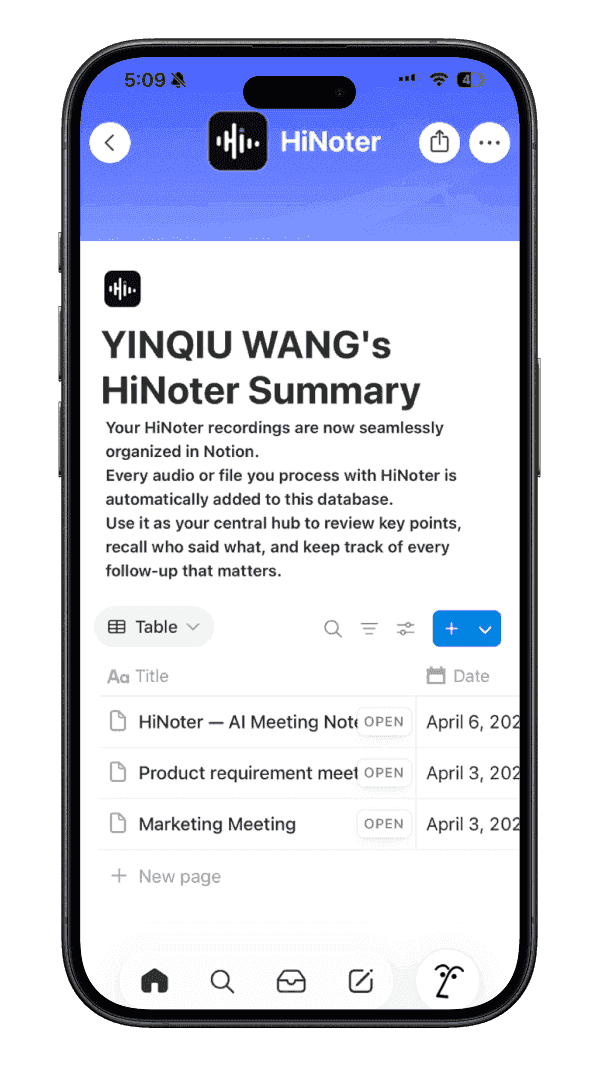
Stop Information Silos
Don't let meeting insights die in a spreadsheet or chat. Sync them to Notion so they live alongside your projects, docs and roadmaps.
Smart Tagging
HiNoter doesn't just dump text. It populates Notion properties like Date, Attendees, Tags, and Status, making your database scalable and filterable.
Global Search Ready
Once synced, your entire transcript and meeting notes become searchable via Notion's powerful CMD+P search. Find exactly what was said, months later.
Instant Sync After Every Call
Notes are pushed to Notion automatically the moment HiNoter finishes processing — no manual exports, no copy-pasting, no delay.
Stop Information Silos
Don't let meeting insights die in a spreadsheet or chat. Sync them to Notion so they live alongside your projects, docs and roadmaps.
Smart Tagging
HiNoter doesn't just dump text. It populates Notion properties like Date, Attendees, Tags, and Status, making your database scalable and filterable.
Global Search Ready
Once synced, your entire transcript and meeting notes become searchable via Notion's powerful CMD+P search. Find exactly what was said, months later.
Instant Sync After Every Call
Notes are pushed to Notion automatically the moment HiNoter finishes processing — no manual exports, no copy-pasting, no delay.



Smarter Notes, Better Work with HiNoter
Explore practical hacks on meeting notes, AI summaries, and turning workplace conversations into clear next steps.
Frequently Asked Questions
Can't find what you're looking for? Feel free to reach out to our support team.
Yes. During setup, you select the specific Notion page or database where new notes should be created. You can also configure different destinations for different meeting types.
Build a Smarter Team Brain.
Bring your meeting intelligence into Notion today.