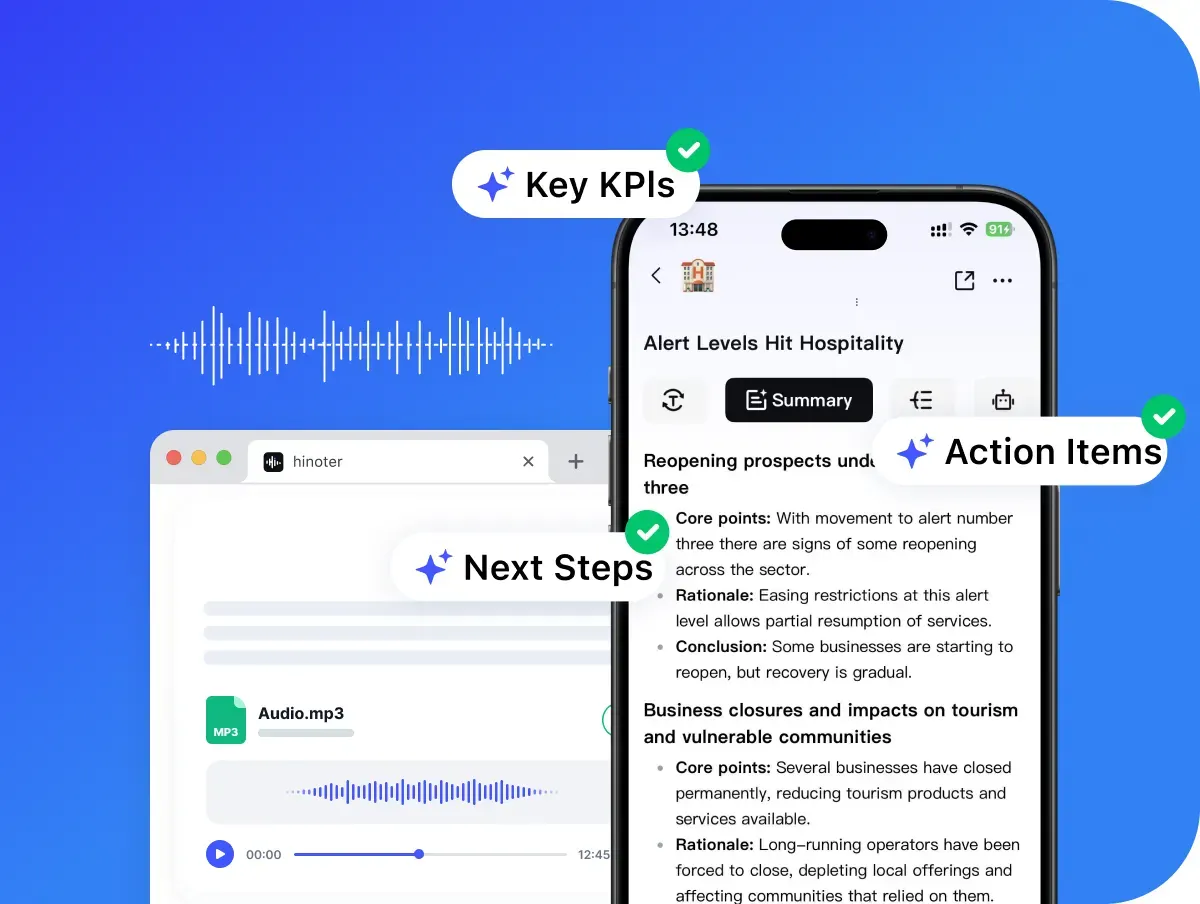
Paste the video Link
Copy an eligible public video URL and paste it into the converter.
Paste your video link herepaste
By clicking "Accept All", you consent to the placement of cookies on your device to improve site navigation, analyse how you use our site, and support our marketing efforts. To learn more see our privacy policy.
Convert videos to MP3 online, download your file, or continue with transcripts, summaries, and AI notes in HiNoter.
Drag a local video file here or choose a file. Max 500MB and up to 30 minutes.
Do more with your transcript
Open HiNoter App for AI transcription, summaries, meeting notes, and AI chat.
Use HiNoter as a free MP3 Converter for eligible public videos. Paste a link, confirm the detected video, choose MP3, and download the audio result when processing is complete.
HiNoter extracts video audio to MP3 online. Paste URLs or upload local videos and convert without desktop programs.
Only legal reusable content is allowed. Videos are capped at 30 minutes, and Free Trials are available.
It supports URL and file inputs for MP3/MP4 exports. Playlist conversion and protected-content bypass are unavailable.
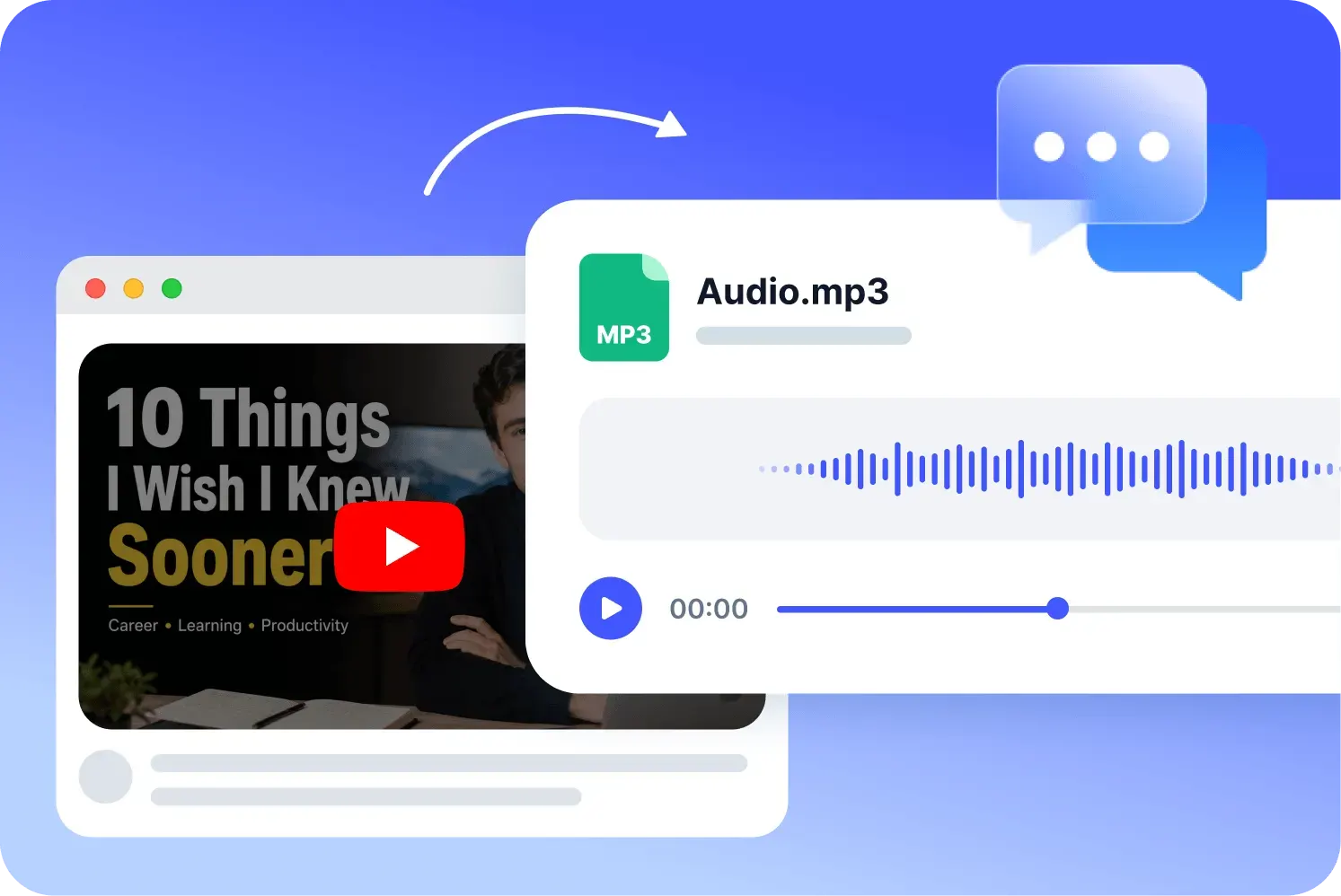
The conversion flow uses three direct steps. Users should always understand what the tool has detected, what it will produce, and what action is available next.
Copy an eligible public video URL and paste it into the converter.
Check the detected video and choose an available MP3 quality setting.
Convert video to MP3 and download the completed audio file for listening, review, transcription, or notes.
A high-quality result begins with the source. The converter can preserve available audio quality, but it cannot add detail that is missing from the original video.
Final audio quality depends on original video files. Clear source brings crisp audio; noisy/compressed sources cannot get better sound.
The free video to MP3 flow keeps audio output simple with MP3, while MP4 is available when users need to keep the video file. It does not create WAV, AAC, or multiple files in one task.
Choose 128kbps for smaller files, 192kbps for balanced audio, or 320kbps for higher-quality MP3 output. The setting describes the export target rather than a promise to improve the source.
No matter what you search for, final audio quality is determined by the original video audio. This rule is displayed before conversion and next to outputs.
The page is designed for a small, clear task: convert one supported public video or uploaded file into an MP3 or MP4 result without installing an app. Limits and permissions stay visible throughout the experience.
Use the MP3 Converter with Free Trials before deciding whether you need a larger HiNoter workflow.
Paste a link and process it online. There is no converter package, browser extension, or desktop utility to install.
Paste a supported public link, or upload a local video file when the source is already on your device.
The MP3 Downloader Converter returns one recognizable file with its name, duration, size, format, and download action.
The page shows Free Trial availability and the 30-minute maximum before conversion, rather than waiting until the final step.
The tool rejects private, members-only, removed, blocked, age-restricted, region-restricted, and other unsupported videos.
The converted file is available on the current page until refresh or navigation. It is not attached to a user ID or saved in HiNoter.
After a permitted video to MP3 converter task, users can open HiNoter Web to transcribe audio, summarize content, and create notes.
Responsible use: downloading or converting a video does not transfer copyright or usage rights. Users are responsible for confirming that they own the content, have permission from the rights holder, or are using material under a license or legal exception that permits the action.
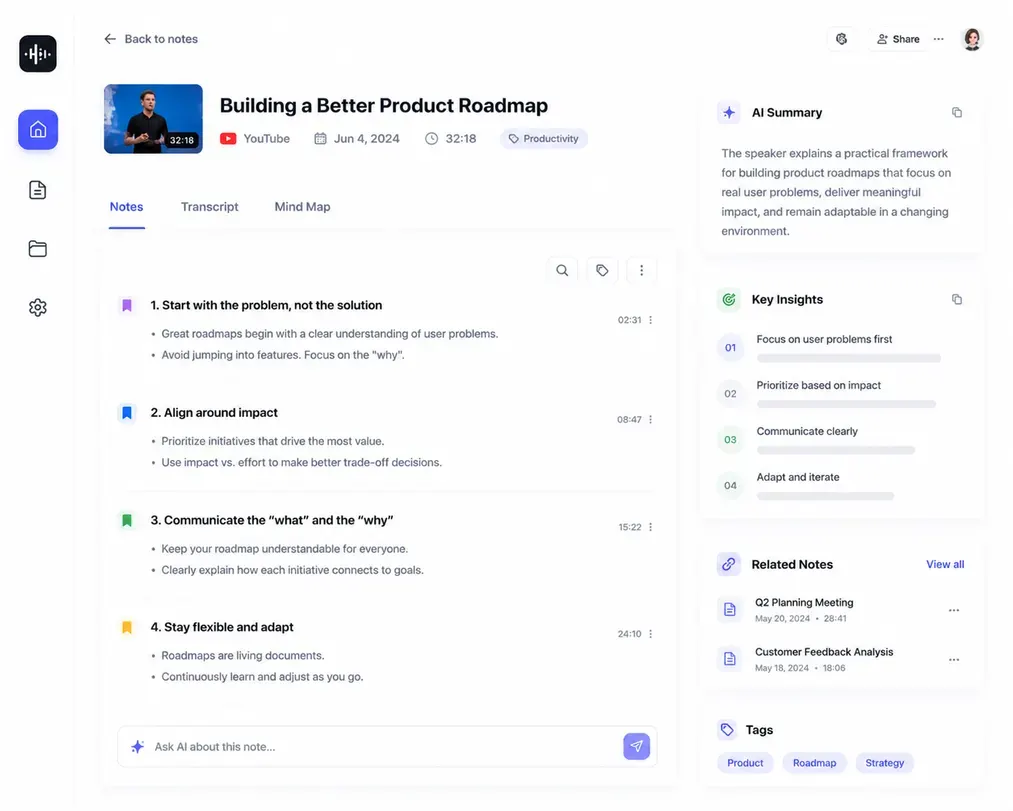
The free converter helps with a quick file task. When the content needs to become searchable, editable, and useful for real work, continue in HiNoter Web for AI transcription, video notes, summaries, and follow-up questions.
Continue in HiNoter FreeA video to MP3 conversion can support legitimate listening and production workflows when the user has the necessary rights. These examples focus on owned, authorized, licensed, or public-domain content.
Loved by teams, creators, and students who turn authorized video content into portable audio and useful notes.
I convert training videos from our own channel into MP3 files before reviewing them with the enablement team. A clean audio file makes it faster to check talking points, prepare a transcript, and turn the session into sales notes.
For creator research, I only use content we have permission to process. The MP3 converter gives me a quick audio copy, and then I move into HiNoter when I need summaries, key quotes, and searchable notes for planning.
When a public-domain lecture is easier to study as audio, I save the MP3 and use it as a reference file. It helps me compare sections, create a transcript, and organize research notes without keeping the video open.
Explore more HiNoter tools for speech, audio transcription, video summaries, and AI voice workflows.

Convert written text into natural-sounding audio for listening, drafts, and voiceover workflows.

Create concise summaries and key takeaways from long videos before moving into full HiNoter notes.

Upload common audio files and turn recordings into readable transcript text online.

Need the opposite workflow? Use Speech to Text to turn spoken audio into editable transcript text.

Turn voice recordings into accurate text for meetings, lectures, interviews, and daily notes.

Extract audio from MP4 files and prepare video recordings for audio review or transcription.

Download supported videos for viewing, research, and AI-assisted note workflows.

Convert videos into MP4 files for playback, review, and content organization.
Use the converter directly in a supported browser without installing an application or extension. Prepare a public video link or local video first, then sign in only when you submit the MP3 or MP4 conversion task.
Free website tool
The free online flow is designed for one-time MP3 Converter tasks. Paste a public link, upload a video file, select an available setting, and download the MP3 or MP4 result. Results are temporary and remain only while the current page is open.
Audio.mp3
Continue in HiNoter
When an MP3 needs to become searchable information, open HiNoter Web for AI transcription, summaries, notes, and follow-up work. The temporary converter file is not transferred automatically, so users upload the authorized audio again in the HiNoter workspace.
Continue in HiNoter Free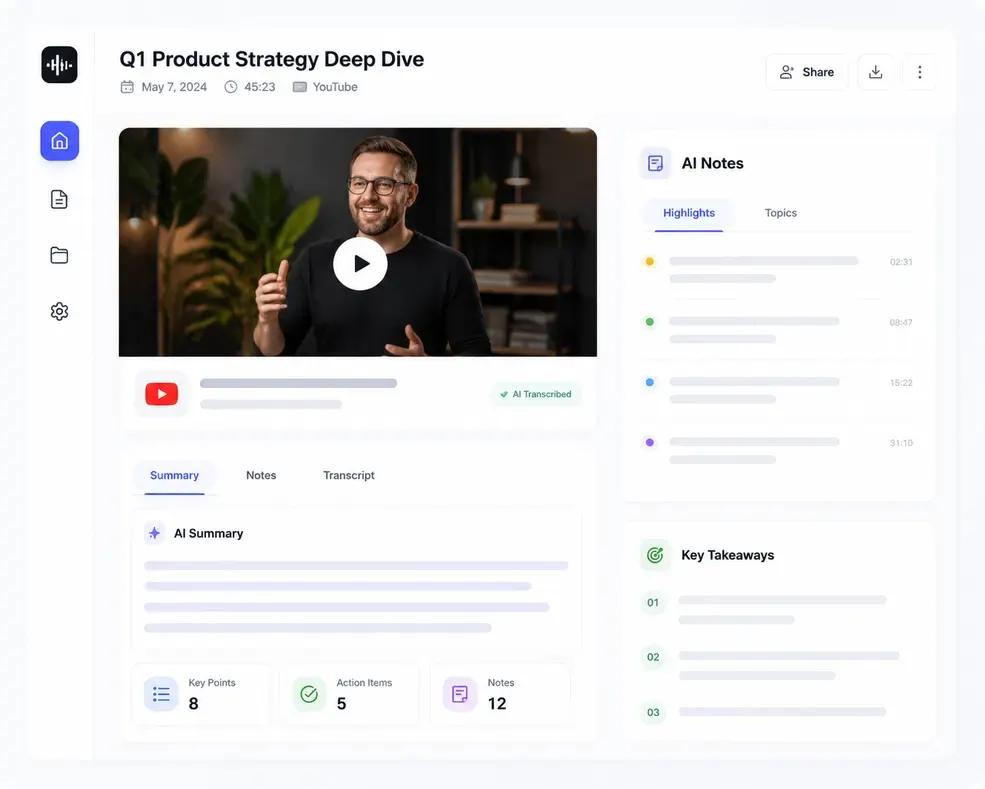
Can't find what you're looking for? Feel free to reach out to our support team.
An MP3 converter extracts eligible video audio into an MP3 file for listening, review, transcription, or notes. HiNoter lets you paste a supported public video link, choose MP3 output, and download the audio when conversion is complete.
Open HiNoter Web to upload authorized audio for AI transcription and structured notes, or download the HiNoter App for a complete workspace across your devices.
Try HiNoter Free