Add Your Voice File or Start Recording
Record in your browser, or upload an audio file from a meeting, lecture, interview, conversation, podcast, or voice memo.
By clicking "Accept All", you consent to the placement of cookies on your device to improve site navigation, analyse how you use our site, and support our marketing efforts. To learn more see our privacy policy.
Record your voice, upload audio or video, or paste a supported link to turn spoken words into editable text. Use free voice to text online for meetings, voice memos, lectures, Google Docs workflows, and daily notes.
Click Start Recording, allow microphone access, then end recording to transcribe
Do more with your transcript
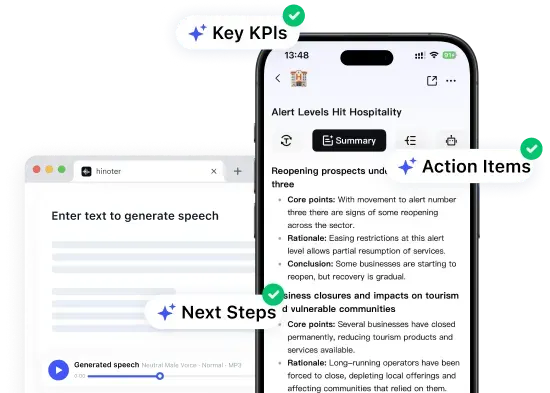
Open HiNoter App for AI transcription, summaries, meeting notes, and AI chat.
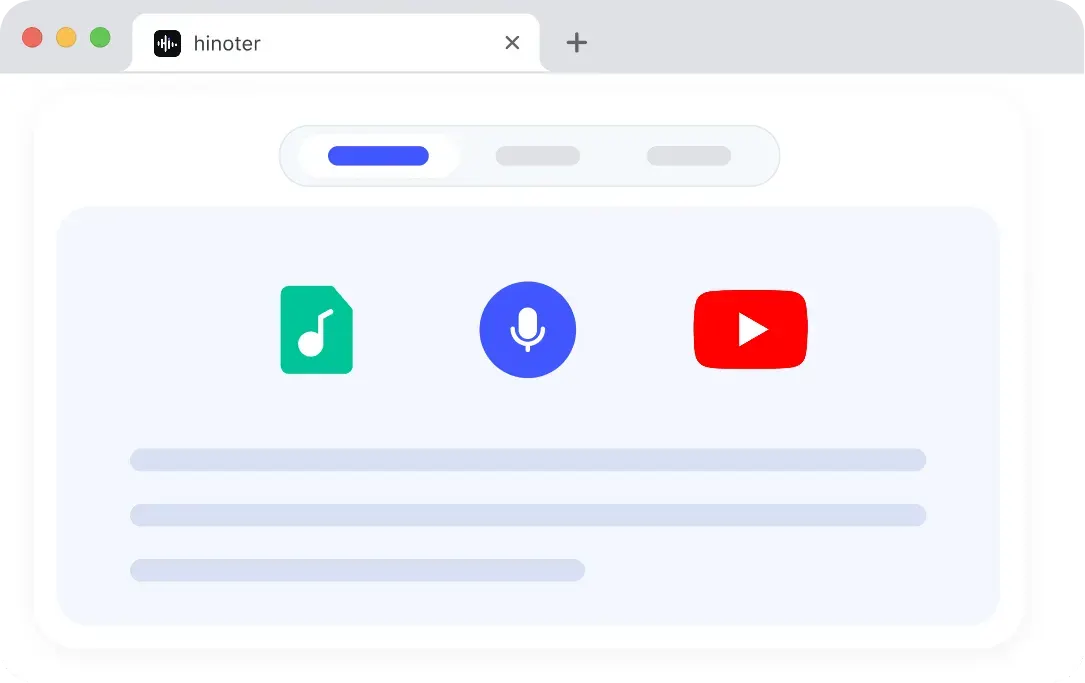
HiNoter turns voice recordings into editable text in three clear steps, so you can move from spoken words to a transcript without manual typing.
Record in your browser, or upload an audio file from a meeting, lecture, interview, conversation, podcast, or voice memo.
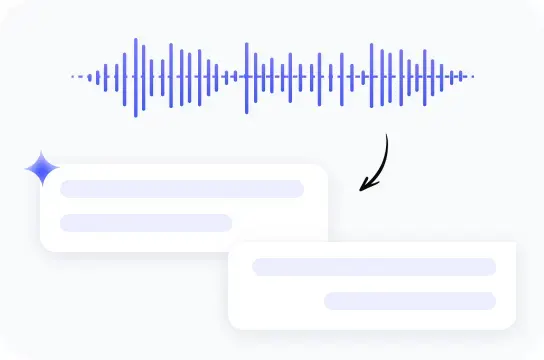
HiNoter uses AI voice to text transcription to detect spoken language and turn audio into readable written text.
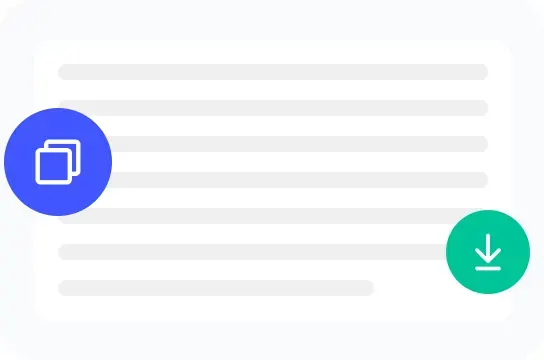
Review the editable transcript, correct details, copy the result, or download a TXT file for your workflow.
Free AI voice transcription tool that converts speech and audio into accurate text for meetings, interviews, videos, and conversations.
Record your voice or upload a saved voice memo, then turn spoken words into editable transcript text for notes, meetings, lectures, and quick reviews.
Generate text from voice recordings in your browser without manual typing. Copy the result, download TXT, or continue editing in HiNoter.
Use the free web tool for quick voice to text tasks, then move into HiNoter for AI summaries, meeting notes, searchable transcripts, and follow-up workflows.
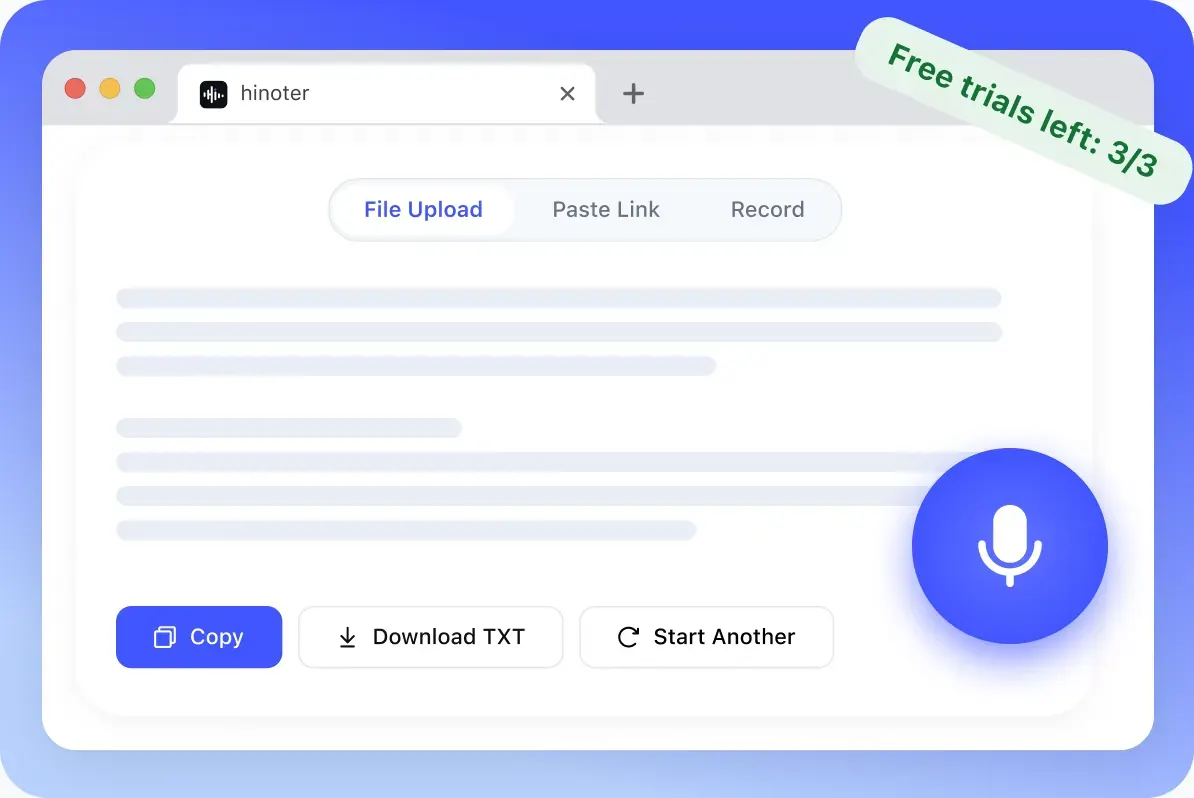
Start with common audio formats, choose language auto-detect, and export your transcription as a simple TXT file for notes, documents, and content workflows.
MP3, WAV, M4A, AAC, FLAC, OGG, WMA, AMR, and other common voice recording formats for browser-based transcription.
Copy transcript text directly from the result area, or download the transcription as a TXT file.
Use auto language detection, editable transcript preview, copy transcript, TXT download, and record again actions.
The free web tool gives users a quick way to turn voice into editable text. When the transcript becomes part of real work, HiNoter App gives users a more complete place to organize, summarize, and continue working with that content.
Record voice or upload audio, preview the editable transcript, copy the result, or download a TXT file. The web tool is for lightweight trials and one-time tasks.
When the transcript becomes part of real work, continue in HiNoter for AI transcription, summaries, meeting notes, follow-ups, AI chat, and searchable project context.
Continue in HiNoter Free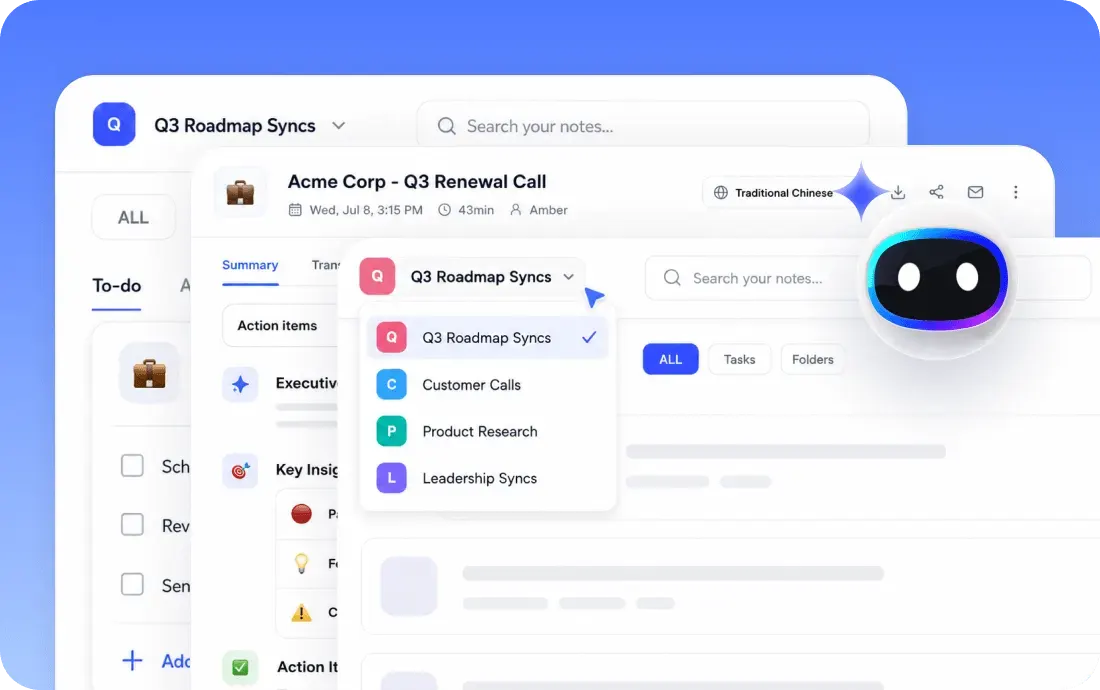
Use transcription with the meeting and writing tools HiNoter is designed to support: Google Meet, Microsoft Teams, Google Docs, and Notion. It also gives users a clearer path when they compare translate voice to text and voice to text translator workflows.
Use transcription when spoken information needs to become something you can read, search, edit, and share. The free web tool is best for quick transcript capture from meetings, voice memos, lectures, interviews, and content recordings.
When the transcript needs to become meeting notes, a content outline, a research summary, or a follow-up document, continue in HiNoter App for a deeper AI workflow.

Meeting audio becomes decisions, next steps, and product notes.

Lecture recordings become study notes and searchable review material.

Voice memos become scripts, captions, outlines, and drafts.
Loved by professionals who turn meetings, lectures, and voice notes into useful written content.
After a customer call, I use transcription to get the raw conversation into writing before turning it into follow-up notes.
For lectures, I need a transcript first. Then I can highlight terms, rewrite sections, and build study notes.
I record content ideas as voice memos. A transcript makes it easier to turn those ideas into scripts and posts.
This supports Android voice to text and voice to text iPhone workflows from saved mobile recordings.
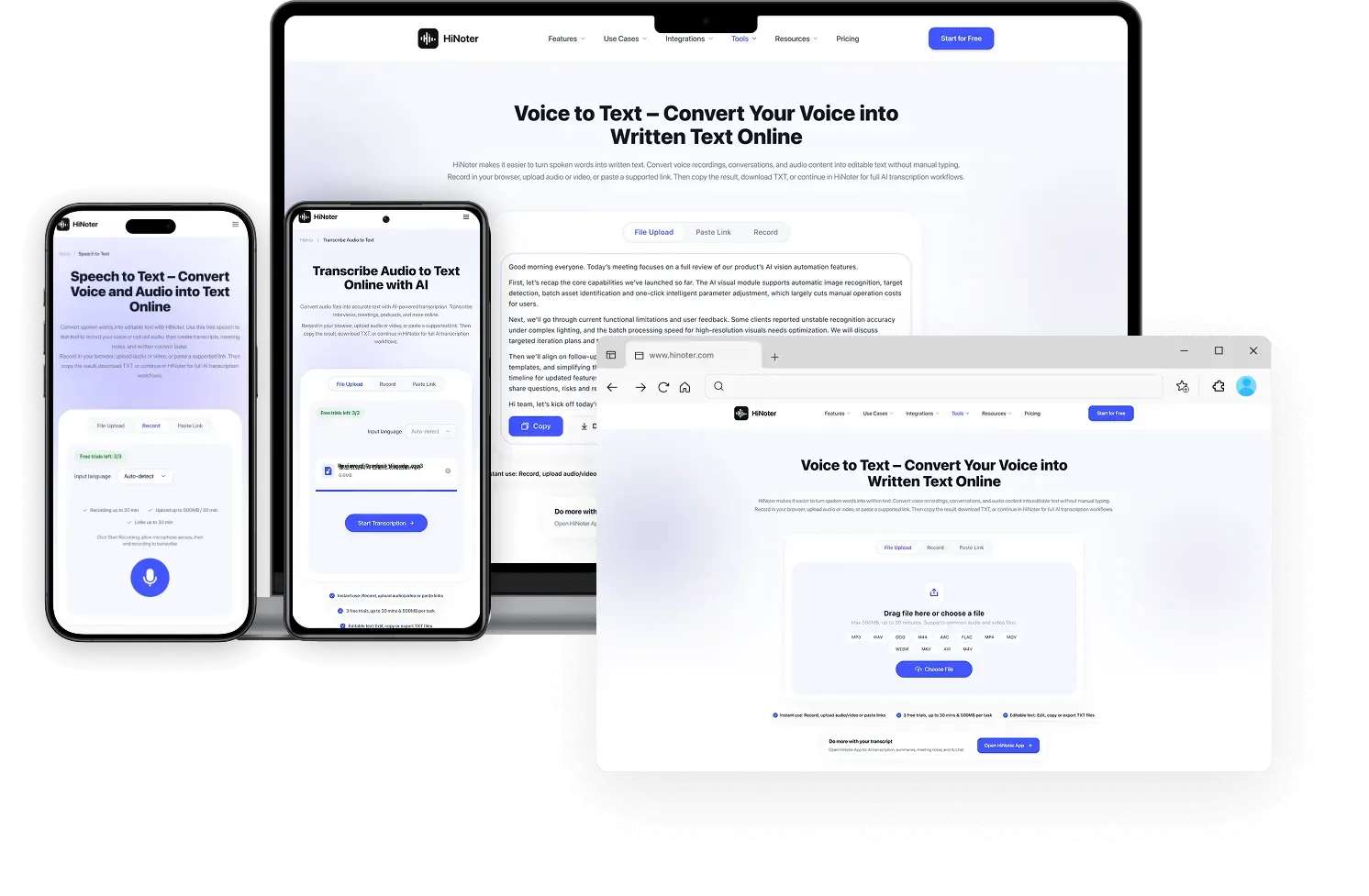 Mobile recording: Bring saved audio from mobile apps into the toolVoice memo to transcript textBrowser recording or audio uploadTXT output: Turn phone voice memos into editable text
Use browser transcription on Windows to record voice directly, or upload audio saved from meetings, calls, or recording apps.
Use voice to text on Mac by uploading voice memos, meeting recordings, or other supported audio files, then turn the spoken content into editable text.
On Android and iPhone, record on mobile, then create a transcript for notes, messages, or docs.
A complete transcription software experience should make the transcription workflow accurate, searchable, editable, and secure. The free web tool gives users a quick TXT trial, while the HiNoter voice to text app and logged-in workspace guide users into deeper AI transcription workflows.
Convert spoken words into readable transcript text for meetings, lectures, interviews, and voice notes.
Convert Audio to TextSupport direct browser recording so users can start transcription without installing extra software.
Open HiNoter AppHelp users work with multilingual voice recordings and prepare transcript text for translation or review.
Use Multilingual SupportTurn raw speech into easier-to-read sentences so transcripts are ready for editing, sharing, or summaries.
Convert Video to TextGuide users toward the full HiNoter workspace when they need transcript structure for conversations and meetings.
Create AI Meeting NotesReview generated text, make edits, search important moments, and continue working with transcript content.
Search Notes with AIUse TXT download in the free web tool, then continue in HiNoter for richer export and app-based workflows.
Convert PDF to TextProcess audio through a cloud workflow designed for reliable transcription, notes, and follow-up work.
Review PrivacyThe free voice to text trial is designed for quick trials and one-time processing. Sign in to the HiNoter App for more complete, stable, and advanced AI transcription, summarization, note-taking, and content management features.
Continue in HiNoter FreeExplore more HiNoter tools for speech, audio transcription, video summaries, and AI voice workflows.

Convert written text into natural-sounding audio for listening, drafts, and voiceover workflows.

Create concise summaries and key takeaways from long videos before moving into full HiNoter notes.

Upload common audio files and turn recordings into readable transcript text online.

Need the opposite workflow? Use Speech to Text to turn spoken audio into editable transcript text.

Convert videos to MP3 audio for listening, review, and later transcription.

Extract audio from MP4 files and prepare video recordings for audio review or transcription.

Download supported videos for viewing, research, and AI-assisted note workflows.

Convert videos into MP4 files for playback, review, and content organization.
Can't find what you're looking for? Feel free to reach out to our support team.
Voice to text is a technology that converts spoken words, voice recordings, and voice memos into written text automatically. It is often used for meetings, interviews, lectures, notes, and quick voice to text transcription workflows.
Try quick browser transcription first, then open the full HiNoter workspace for AI transcription, summaries, meeting notes, searchable transcripts, and follow-up work across web and mobile.
Try HiNoter Free