Convert PDF to Text
with AI
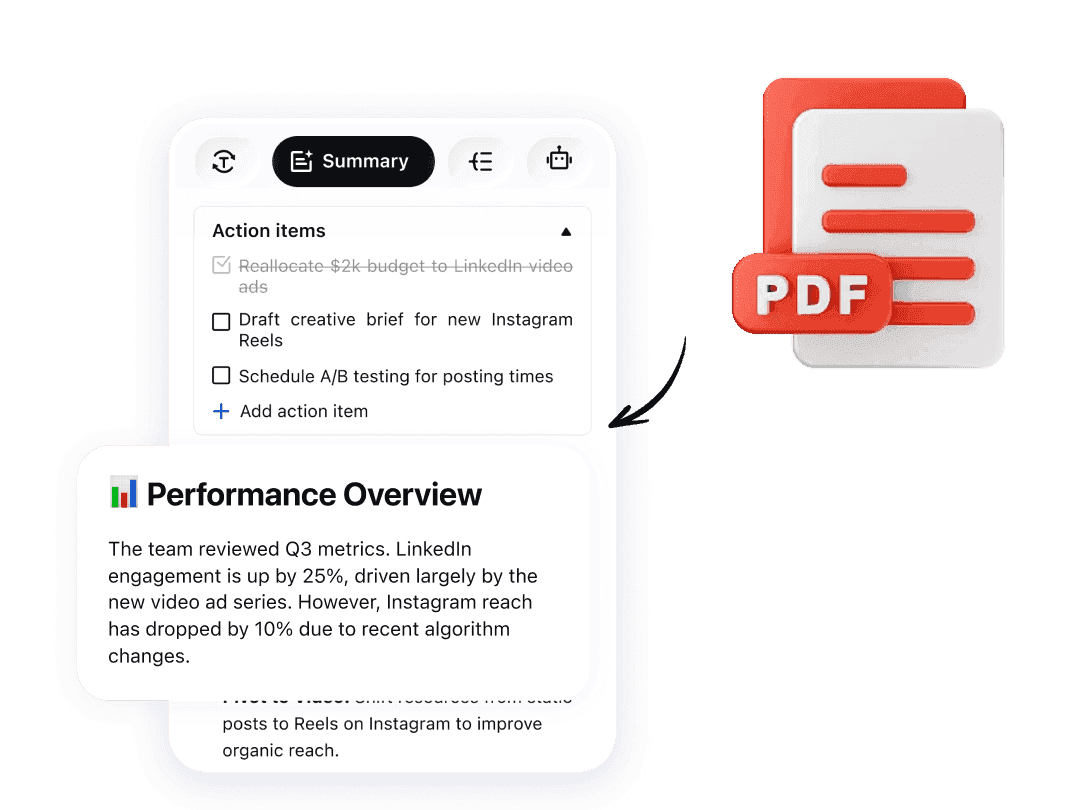
Upload your PDF instantly to extract text from any page with just a few clicks—no complex software required. Fast, accurate, and reliable for a smart way to text converter that asks documents into editable, searchable text. Simplify your workflow and access your content effortlessly.



How to Extract Text From PDFs
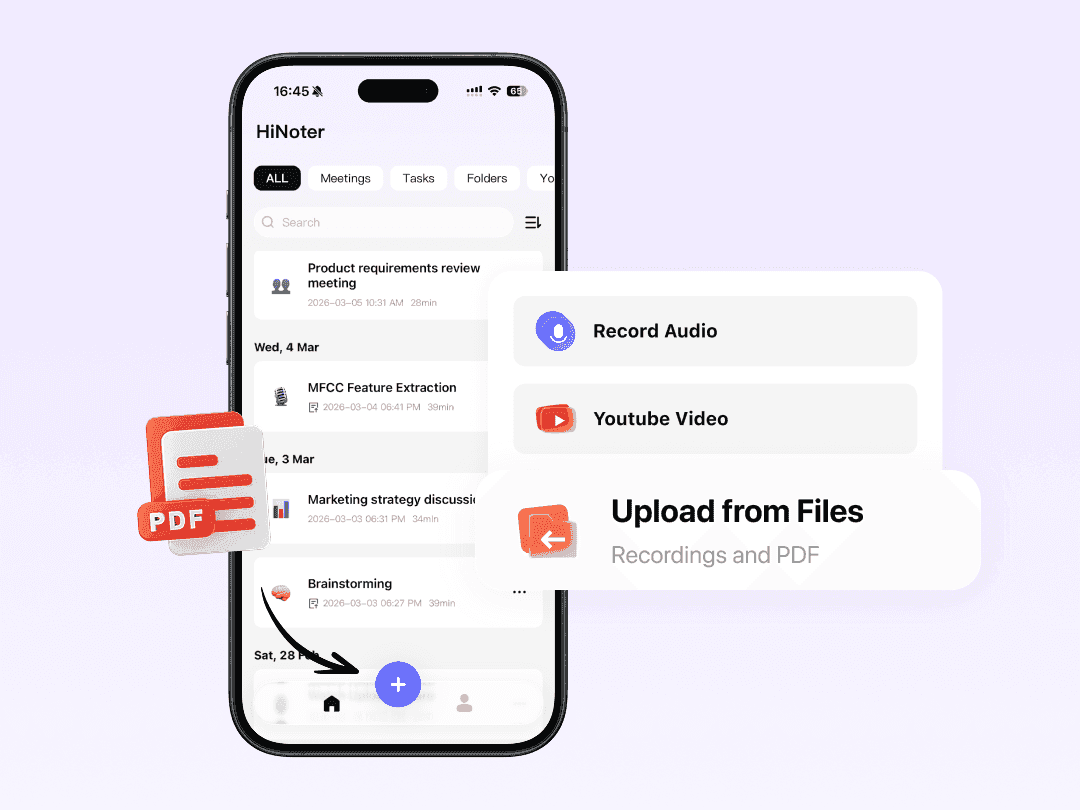
Upload Your PDF File
Drag and drop your file into HiNoter, directly from your local device. It's fast, private, and seamless—no complex tools to open or upload an text without extra setup.
Smart Extraction & OCR
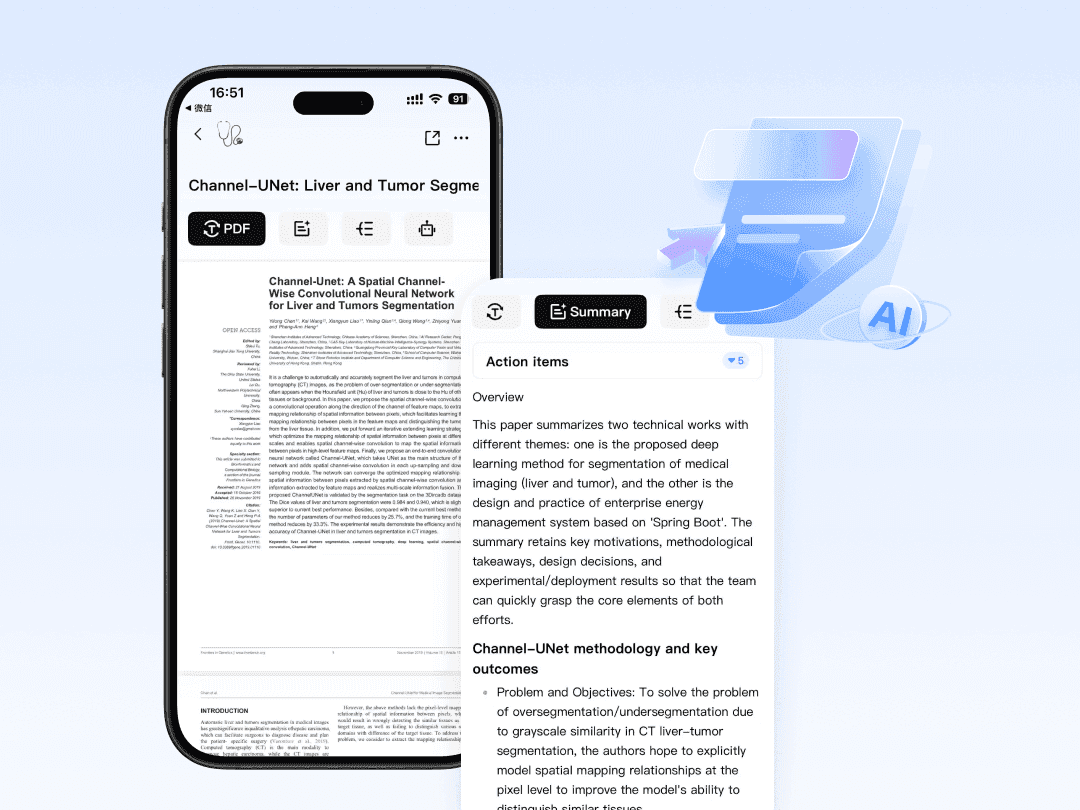
Use advanced OCR (Optical Character Recognition) system starts extracting text from your PDF automatically, handling scanned images, and built-in detecting text in multiple languages with precision.
Review, Edit, and Export
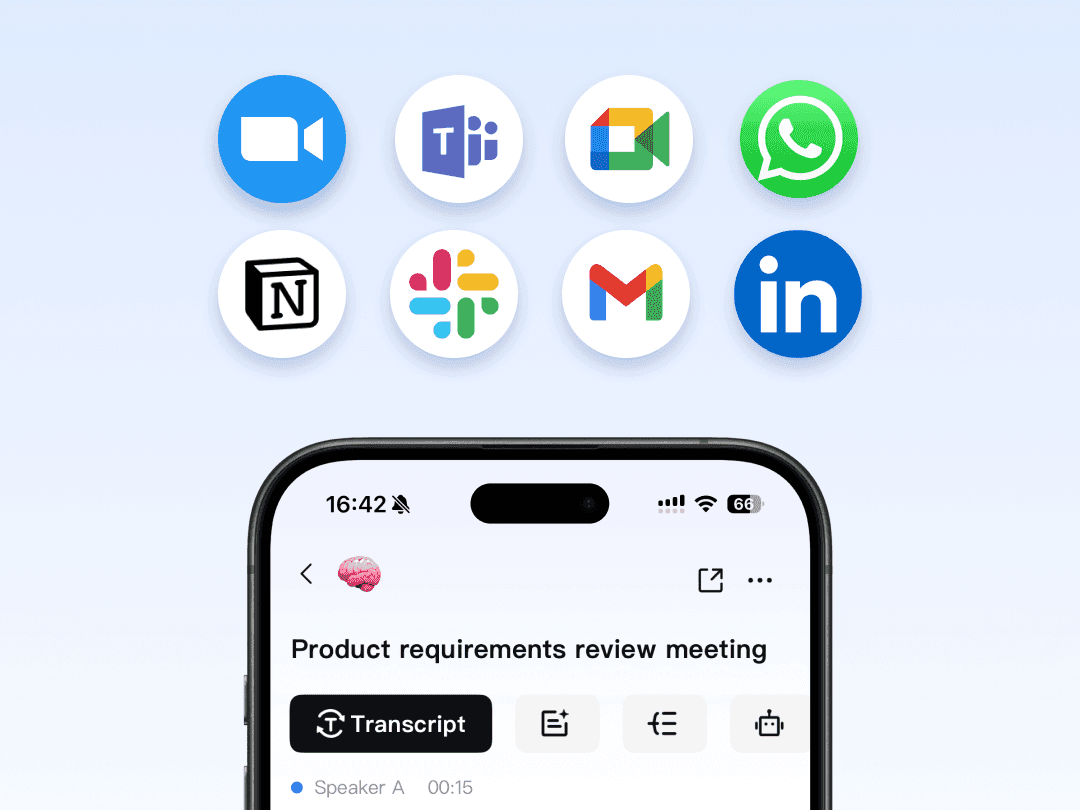
Once complete, review the extracted content, make adjustments, and export it to multiple platforms in seconds.
More Powerful Features
Everything you need to make every conversation count
PDF to Text FAQs
Can't find what you're looking for? Feel free to reach out to our support team.
Upload your PDF to HiNoter, and the AI will extract the text into an editable format. You can then review, copy, summarize, or export the extracted content.
Unlock the potential of your documents.
Stop re-typing. Start creating.