Recording up to 30 min
 Upload up to 500MB / 30 min








Interviews
Research and customer interview audio becomes editable text.
By clicking "Accept All", you consent to the placement of cookies on your device to improve site navigation, analyse how you use our site, and support our marketing efforts. To learn more see our privacy policy.
Convert audio files into accurate text with AI-powered transcription. Transcribe interviews, meetings, podcasts, and more online.
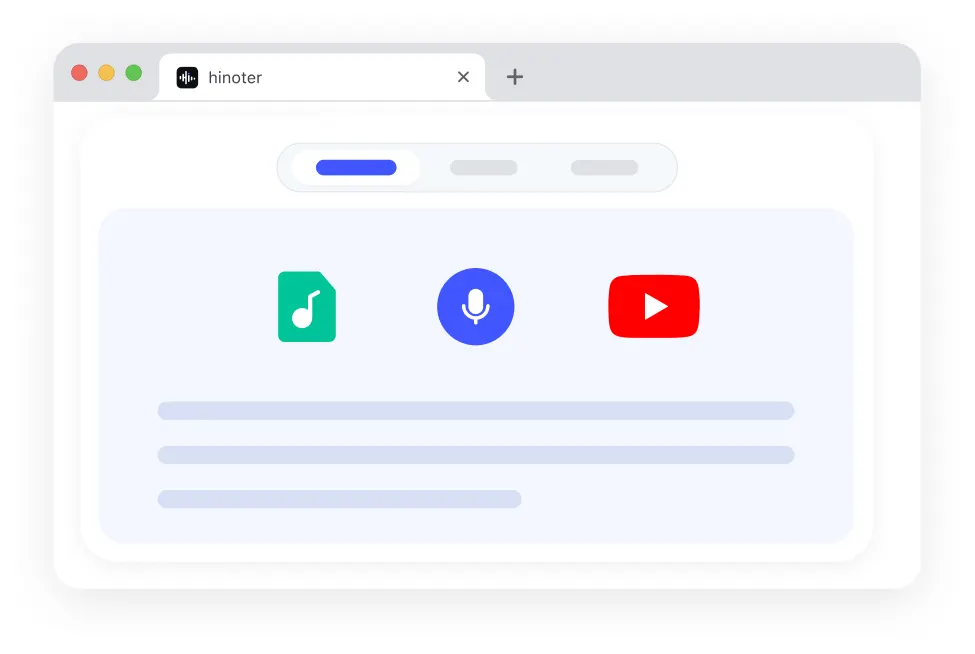
Record in your browser, upload audio or video, or paste a supported link. Then copy the result, download TXT, or continue in HiNoter for full AI transcription workflows.
Click Start Recording, allow microphone access, then end recording to transcribe
Open HiNoter App for AI transcription, summaries, meeting notes, and AI chat.
HiNoter helps you transcribe audio to text in three clear steps: upload a supported audio or video recording, let AI generate the transcript, then copy, download, or continue in the full HiNoter workspace. The workflow stays simple enough for first-time visitors to understand immediately.
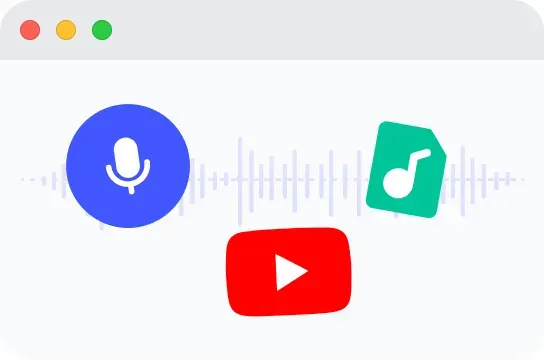
Add your recording file to start the transcription process.
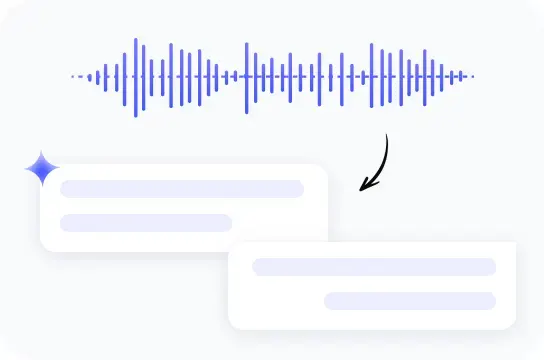
HiNoter analyzes your content and creates a readable text version.
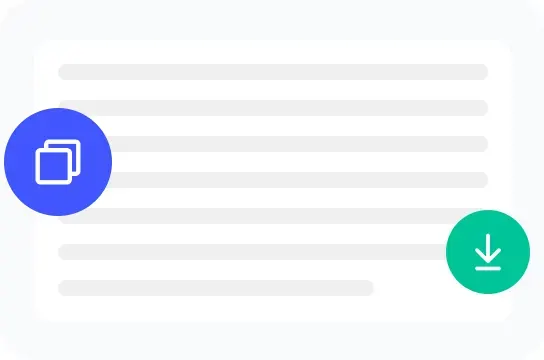
Review your transcript and use it for notes, documents, or publishing.
Upload a meeting, interview, lecture, podcast, or voice recording and transcribe audio to text in your browser.
Try free audio transcription for short files before moving longer recordings into the full HiNoter workspace.
Copy the transcript, download TXT, or continue in HiNoter for summaries, notes, speaker labels, timestamps, and follow-up workflows.
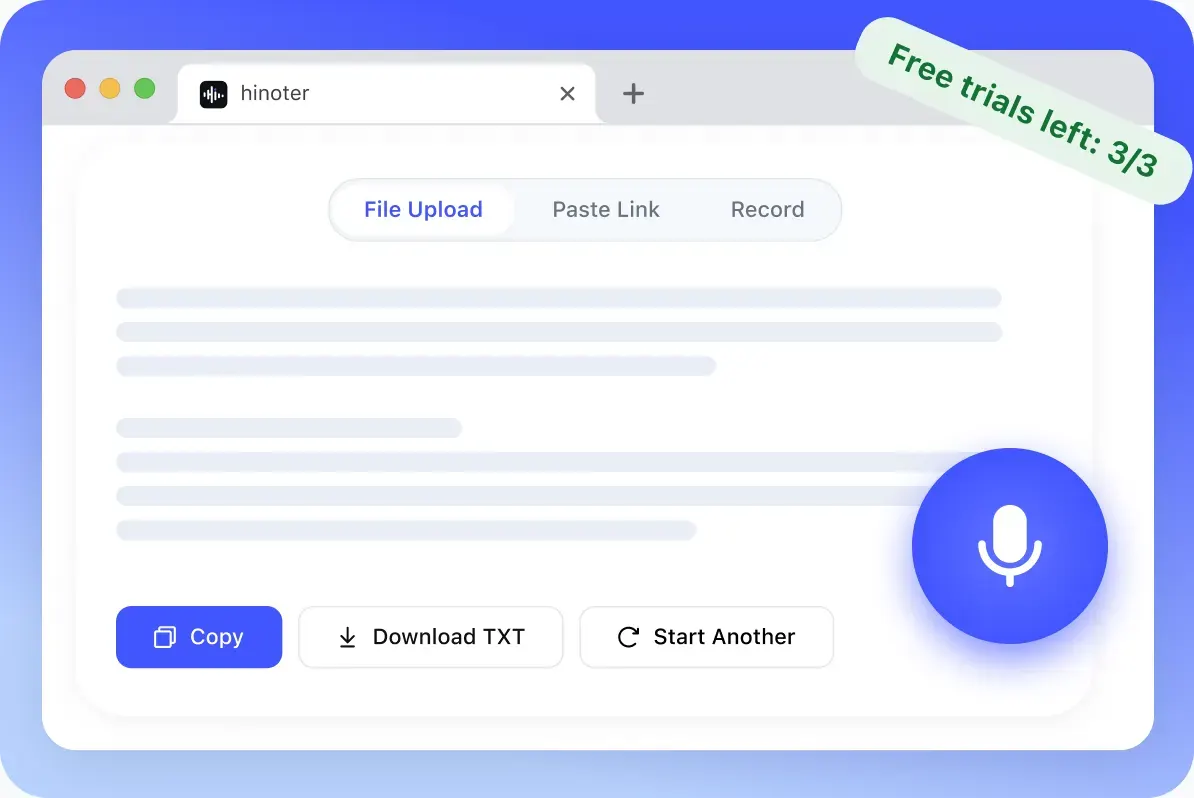
Start with common audio and video formats, keep limits visible before processing, and use the free web result for basic transcript review before moving into the full HiNoter transcription workflow.
People comparing an online audio to text converter can confirm the input limits before they upload. A free transcription audio to text trial should also make the supported formats and TXT output clear from the start.
Transcription quality depends on audio clarity, background noise, speaker overlap, accents, file quality, and technical terms.
MP3, WAV, M4A, AAC, FLAC, OGG, WMA, AMR, and other common voice recording formats for browser-based transcription.
Preview an editable transcript, copy the text, download TXT, and start another file conversion from the page.
Use HiNoter App or logged-in web for timestamps, speaker labels, SRT, VTT, longer files, summaries, and meeting notes.
HiNoter gives visitors a lightweight way to try file transcription online. The page can convert sound to text for a quick transcript preview, while the signed-in HiNoter experience handles more complete transcript work. Users who search transcribe audio to text can start with a basic result, then move into the app when the transcript needs more structure.
A free online transcription audio to text workflow is useful when you need a readable draft before deeper review. Visitors searching “free transcribe audio” can start here, then continue in HiNoter for summaries and organized notes.
Upload audio, preview the editable transcript, copy the result, or download a TXT file. The web tool is for lightweight trials and one-time tasks.
When the transcript becomes part of real work, continue in HiNoter for summaries, meeting notes, follow-ups, AI chat, and searchable project context.
Continue in HiNoter Free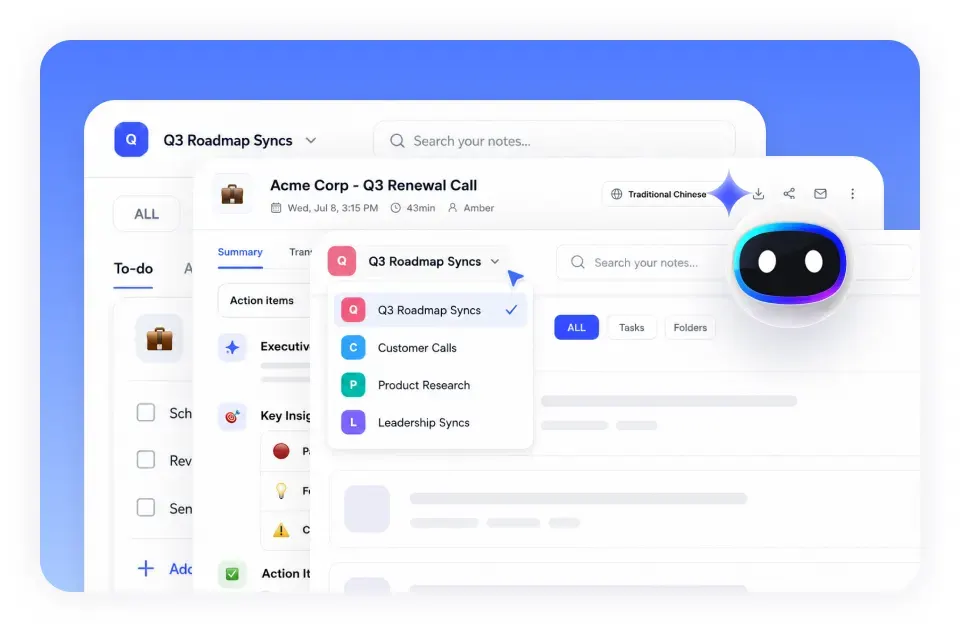
HiNoter connects audio transcripts with the four supported workflow tools users already rely on: Google Meet, Microsoft Teams, Google Docs, and Notion. After visitors use Transcribe Audio to Text, they can move the transcript into the workspace where notes, docs, and projects already live.
Use exported or saved Google Meet audio as a source for transcripts, follow-up notes, and meeting summaries.
Google Meet IntegrationTurn Teams meeting recordings or discussion audio into written text for review, handoff, and action items.
Microsoft Teams IntegrationCopy cleaned transcript text into Google Docs when you need to edit, share, collaborate, or draft from a recording.
Google Docs IntegrationMove transcript text into Notion pages for research notes, content planning, project documentation, and team records.
Notion IntegrationFile-based transcripts help teams and individuals turn spoken information into written work. Transcribe Audio to Text workflows support interview notes, customer calls, podcast research, lecture review, sales calls, user research, content drafts, and meeting follow-ups.
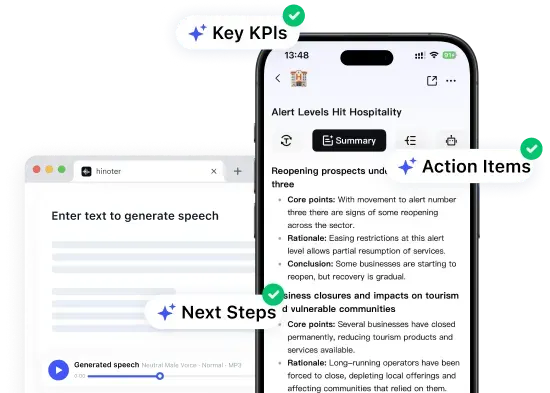
A clear before-and-after helps users understand the value: an uploaded recording becomes a generated transcript, then turns into summaries, notes, and AI workflows inside HiNoter.
People comparing a Canva audio to text converter can use HiNoter when the goal is transcription rather than media editing. Auto-detect helps users begin with the recording before the transcript moves into multilingual review.
Research and customer interview audio becomes editable text.

Podcast recordings become searchable transcript material.

Class audio becomes review notes and study material.
Loved by professionals who turn interviews, podcasts, and lectures into searchable transcripts and notes.
“I upload customer interview audio first, then use the transcript to pull themes and follow-up notes.”
“For podcast planning, a transcript makes it easier to find quotes, topics, and repurposable sections.”
“Lecture recordings are easier to review once the audio becomes text I can search and rewrite.”
Some people start with a video file, a multilingual recording, or a translation-style query before they realize they need a transcript. This web tool accepts supported audio and video files, while related HiNoter workflows help with broader content needs.
Interview Recording.mp3

00:03Thank you for joining us today.
00:07Could you start by telling us about your role?

Upload a supported audio or video file and get an editable transcript preview directly in your browser.
Use a related video transcription or summary workflow when the source is a video file or YouTube link.
Create the transcript first, then use HiNoter workflows when you need multilingual understanding or translated notes.
HiNoter presents Transcribe Audio to Text as a real software workflow instead of a thin upload page. These eight feature points show what users expect from transcription software, with richer workflows continuing in HiNoter Web and App.
Turn interviews, meetings, podcasts, and lectures into readable text with AI-powered audio transcription.
Convert Audio to TextUpload common audio formats and start a transcript workflow without installing extra software.
Try HiNoter FreeUse auto-detect language for recording workflows that may include different speakers or languages.
Use Multilingual SupportMake transcript text easier to scan by formatting spoken words into cleaner sentences and paragraphs.
Convert Video to TextUse HiNoter Web or App when the transcript needs clearer speaker context for calls, interviews, and meetings.
Create AI Meeting NotesReview transcript text, correct details, search important phrases, and continue shaping notes in HiNoter.
Search Notes with AIKeep the free page simple with TXT, then use logged-in workflows for richer export needs when supported.
Convert PDF to TextKeep serious transcript work in a stable workspace instead of relying only on a temporary browser result.
Review PrivacyThe free website tool is designed for quick trials and one-time transcript creation. Sign in to the HiNoter App for more complete, stable, and advanced AI transcription, summarization, meeting notes, and content management features.
Try Free Audio to Text ConverterExplore more HiNoter tools for speech, audio transcription, video summaries, and AI voice workflows.

Convert written text into natural-sounding audio for listening, drafts, and voiceover workflows.

Create concise summaries and key takeaways from long videos before moving into full HiNoter notes.

Need the opposite workflow? Use Speech to Text to turn spoken audio into editable transcript text.

Turn voice recordings into accurate text for meetings, lectures, interviews, and daily notes.

Convert videos to MP3 audio for listening, review, and later transcription.

Extract audio from MP4 files and prepare video recordings for audio review or transcription.

Download supported videos for viewing, research, and AI-assisted note workflows.

Convert videos into MP4 files for playback, review, and content organization.
Can't find what you're looking for? Feel free to reach out to our support team.
Transcribe Audio to Text means converting spoken audio from recordings, meetings, interviews, lectures, or video files into editable text. HiNoter helps create transcripts online so you can copy, download, summarize, or reuse the content.
Use Transcribe Audio to Text for a quick transcript preview. When the transcript becomes real work, open HiNoter Web or download the app for AI transcription, summaries, meeting notes, and searchable projects.
Try HiNoter Free→