After customer calls, I use speech to text to capture the exact wording before I write the recap. It keeps the follow-up much closer to what the customer actually said.
Speech to Text – Convert Voice and Audio into Text Online
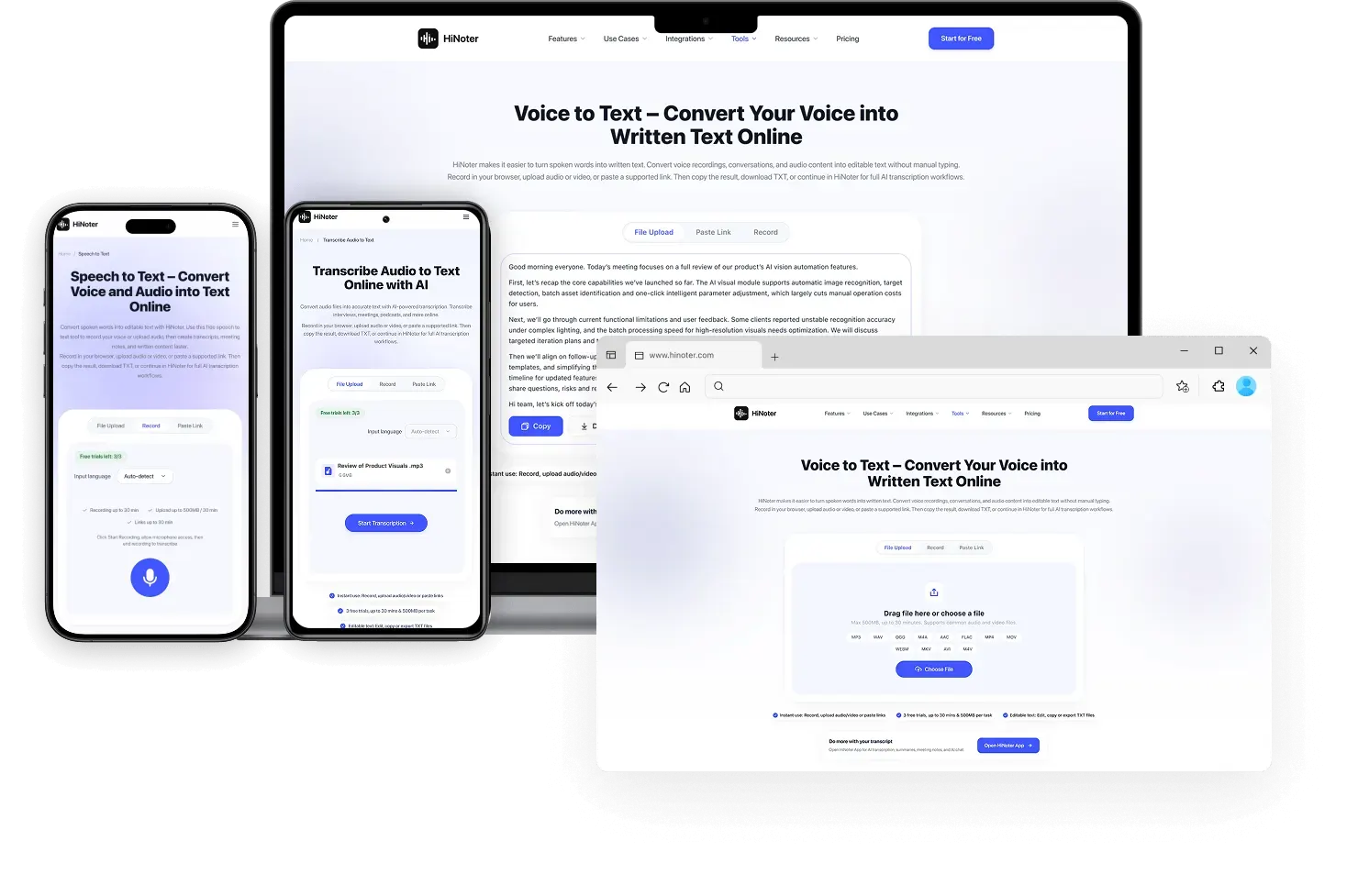
Record your voice, upload audio or video, or paste a supported link to turn spoken words into editable text. Use free voice to text online for meetings, voice memos, lectures, Google Docs workflows, and daily notes.
Click Start Recording, allow microphone access, then end recording to transcribe
Convert Speech to Text with AI Transcription
Free AI Audio Transcription for All Team Chats
Fast AI Speech Transcription
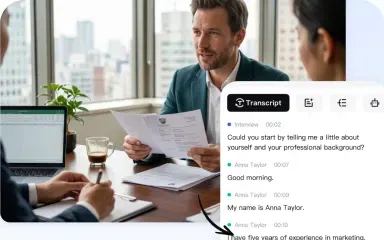
Turn spoken audio into readable text for meetings, interviews, lectures, and notes.
Free Lightweight Daily Tool
Use speech to text online free for short recordings and quick transcript checks.
Flexible Cross-Tool Workflow
Copy the transcript into Google Docs, notes, summaries, or follow-up workflows.

Free Online Speech to Text Tool for Everyday Use
Speech recognition is useful in many everyday situations: capturing a quick idea, recording a meeting comment, saving a customer quote, or converting lecture notes into written content without a full editing workflow.
The browser-based experience makes quick transcription tasks simple, while the HiNoter App supports longer recordings and more organized workflows. Whether you need to capture short notes or process extended audio, you can create accurate transcripts with flexible tools.

Capture quick dictation
Turn meeting decisions into tracked tasks. Keep roadmap owners accountable and never lose track of follow-ups.
Save useful meeting comments
Convert important discussion points into text before they disappear into memory.
Reuse spoken content
Move transcript text into Google Docs, Notion, HiNoter, or another writing workflow.
Start lightweight, continue deeper
Use the free page for fast STT, then continue in HiNoter for summaries, notes, and AI workflows.
How Does Speech to Text Work?
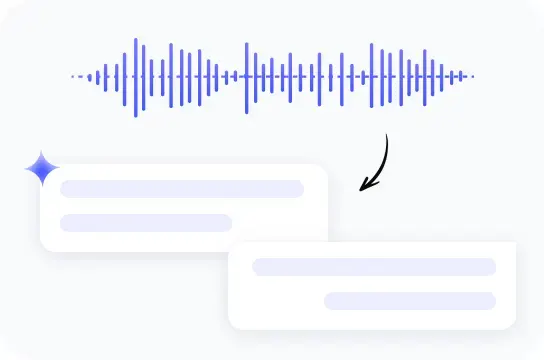
Speech-to-text, also called STT, converts spoken language from audio or video into written text.
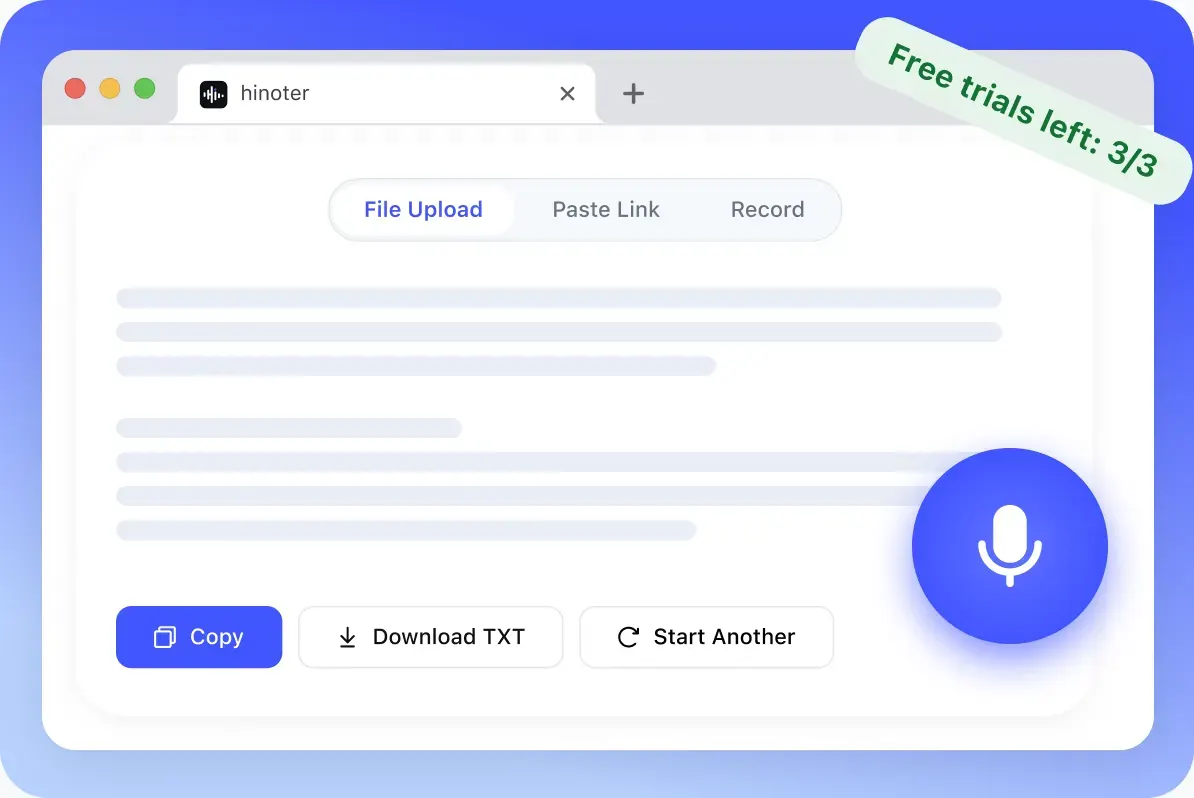
Automatic speech recognition analyzes spoken audio and converts it into editable text. The process is simple: upload a recording, review the generated transcript, then copy, download, or continue editing in HiNoter.
Modern AI transcription technology can recognize spoken words, identify language patterns, and create accurate transcripts without requiring traditional desktop dictation software. This makes it easier to capture meetings, interviews, notes, and other audio content.
Speak or upload audio
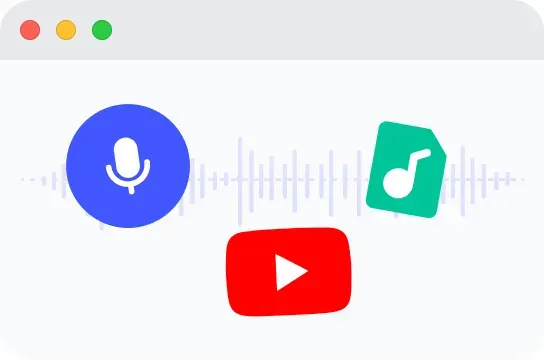
Use the browser microphone for live speech, or upload an existing audio file from a meeting, lecture, interview, podcast, or voice memo.

Watch text appear
Spoken words become an editable transcript preview. You can review the text, fix small mistakes, and keep the useful parts.

Copy, download, or continue
Copy the transcript, download a TXT file, or open HiNoter for AI transcription, summaries, meeting notes, and follow-up workflows.

Works with Google Meet, Microsoft Teams, Google Docs, and Notion
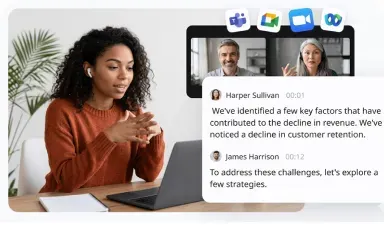
HiNoter keeps the speech to text workflow connected to the meeting and writing tools users already know: Google Meet, Microsoft Teams, Google Docs, and Notion.
Speech to Text for Meetings, Interviews, and Content Creation
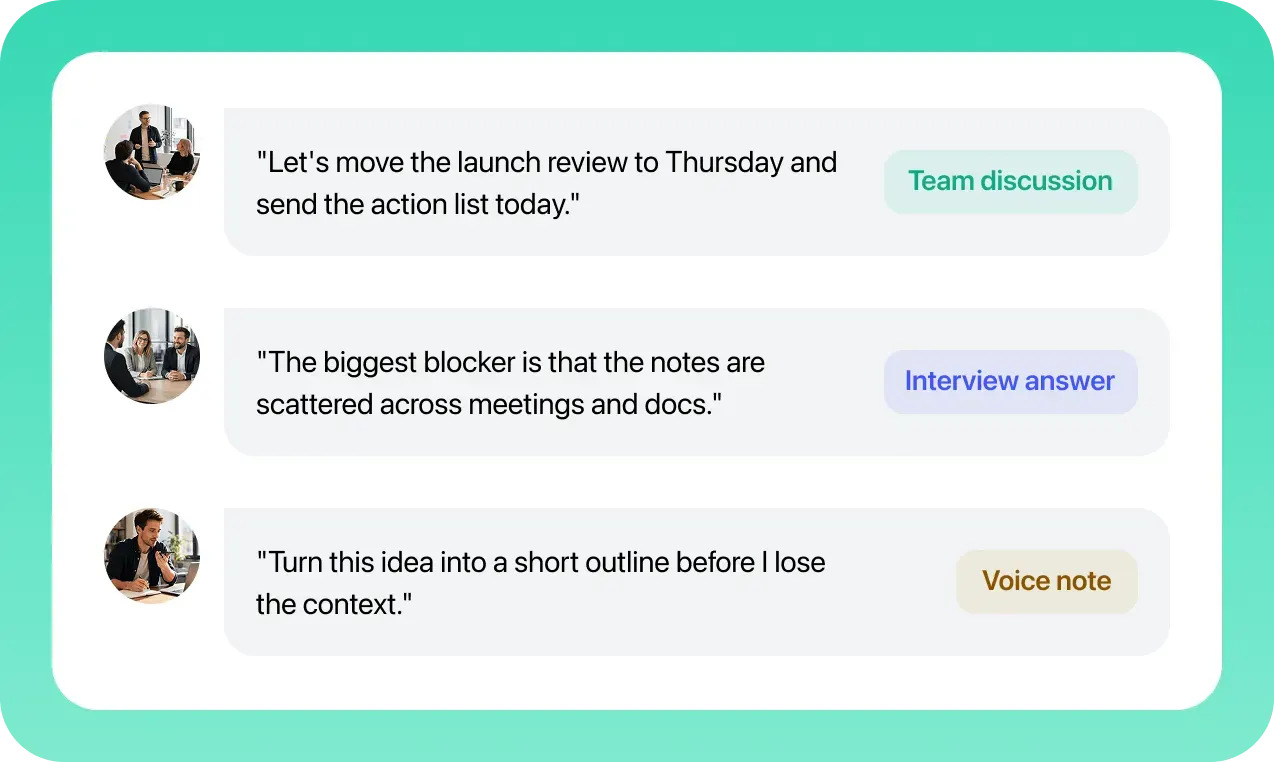
Transcription tools are useful when conversations contain important details you do not want to lose, including decisions, quotes, action items, customer feedback, or creative ideas that need to become written drafts.
For mobile teams, saved recordings can be processed into organized notes and summaries. The browser workflow makes it easy to review results, extract key information, and share follow-up content with others.


What Users Say About Speech to Text
Loved by professionals who turn conversations into recaps, research notes, and content drafts.
For interviews, the transcript gives me a clean place to highlight quotes, tag themes, and turn the conversation into research notes without replaying the audio again and again.
I speak rough content ideas into my phone, then turn the transcript into outlines and scripts. It is much easier than staring at a blank document.
Use Speech to Text in Real Workflows
After speech becomes text, the transcript should help you take the next step: send a recap, organize research, brief a team, or turn a spoken idea into written content.

Meeting to follow-up
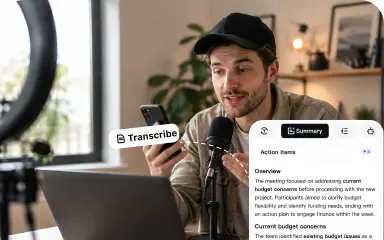
Capture meeting speech, clean the transcript, then turn decisions into follow-up notes, owners, and next steps.

Interview to research notes
Convert interview answers into text, highlight useful quotes, and organize insights for product, academic, or customer research.

Voice idea to content draft
Dictate raw thoughts, convert them into text, and reshape them into scripts, captions, outlines, or article drafts.
Use Speech to Text on Any Device
Use HiNoter wherever your audio starts. Record speech in a browser, upload a saved file from your computer, or bring in a mobile voice memo from Android or iPhone when you need clean text for notes, messages, documents, or follow-up work.
iPhone recordingsUse saved recordings for follow-up notes or document drafts.Saved recordingsUpload audio from your Mac and review the transcript.Browser recordingRecord in the browser or upload a saved file.Android voice memosBring saved audio from Android apps into the web tool.Windows Speech to Text
Use browser-based speech to text on Windows for meetings, calls, interviews, and saved recordings.
Mac Speech to Text
Use speech to text on Mac by uploading saved audio, lectures, interviews, or meeting recordings.
Speech to Text on Android and iPhone
Use Android speech to text or iPhone speech to text workflows by recording on mobile, then uploading the saved file.
Speech to Text Software Features
The web tool is a quick way to get text from audio. The logged-in speech to text app is where the transcript becomes easier to use: cleaner paragraphs, speaker-aware notes, search, edits, exports, summaries, and a secure workspace for ongoing transcription work.
Accurate AI Transcription
Convert meeting audio, interviews, lectures, and voice notes into structured transcript text for review and reuse.
Convert Audio to TextReal-Time Speech Recognition
Support STT workflows where spoken words become text quickly, so teams can capture ideas while the conversation is still fresh.
Try HiNoter FreeMulti-Language Support
Handle multilingual meetings, classes, and content workflows in a HiNoter app experience.
Use Multilingual SupportAutomatic Punctuation
Make transcripts easier to read by turning raw spoken phrases into cleaner sentences and paragraphs.
Convert Video to TextSpeaker Identification
For meetings and interviews, identify who said what when the logged-in workflow supports speaker-aware transcripts.
Create AI Meeting NotesSearch & Edit Transcripts
Find key phrases, edit transcript text, and turn speech to text transcription into usable notes and written content.
Search Notes with AIExport in Multiple Formats
Continue beyond TXT with richer export and reuse options in the logged-in HiNoter product experience.
Convert PDF to TextSecure Cloud Processing
Move from a temporary free web task into a more stable, secure cloud workspace for ongoing transcription work.
Review PrivacyWhy Choose HiNoter for Speech to Text?
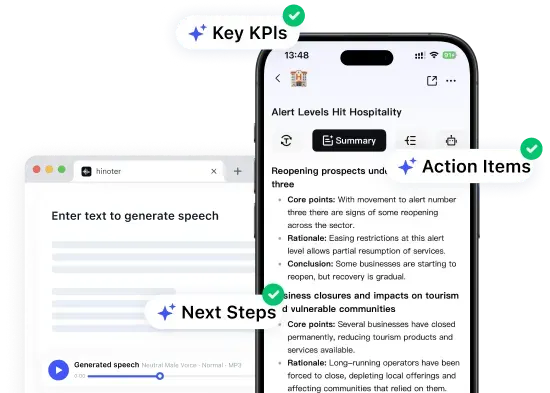
A basic STT tool can convert spoken words into text, but HiNoter helps you turn those transcripts into useful content, including notes, summaries, action items, and searchable knowledge for everyday work.
For teams looking for an efficient transcription workflow, the key difference is what happens after conversion. HiNoter helps transform raw audio results into organized insights, meeting recaps, searchable notes, and reusable content drafts.
Continue in HiNoter FreeRelated Voice, Audio, and Text Tools
Explore more HiNoter tools for speech, audio transcription, video summaries, and AI voice workflows.
Text to Speech
Convert written text into natural-sounding audio for listening, drafts, and voiceover workflows.
Video Summarizer
Create concise summaries and key takeaways from long videos before moving into full HiNoter notes.
Transcribe Audio to Text
Upload common audio files and turn recordings into readable transcript text online.
Voice to Text
Turn voice recordings into accurate text for meetings, lectures, interviews, and daily notes.
YouTube to MP3 Converter
Convert public YouTube videos into MP3 audio for listening, review, and later transcription.
MP4 to MP3
Extract audio from MP4 files and prepare video recordings for audio review or transcription.
YouTube Video Download
Download public YouTube videos for viewing, research, and AI-assisted note workflows.
YouTube to MP4
Convert public YouTube videos into MP4 files for playback, review, and content organization.
Speech to Text FAQs
Can't find what you're looking for? Feel free to reach out to our support team.
Speech to text, also called STT or speech-to-text, converts spoken words from live speech, audio, or video into written text. It is useful for dictation, meetings, interviews, lectures, notes, and speech to text transcription workflows.
Start with Speech to Text, then continue in HiNoter on web or app.
Convert your audio into written content online, then move to HiNoter when you need a complete transcription workspace. Create summaries, meeting notes, action items, and manage your content workflow across desktop and mobile.
Try HiNoter Free