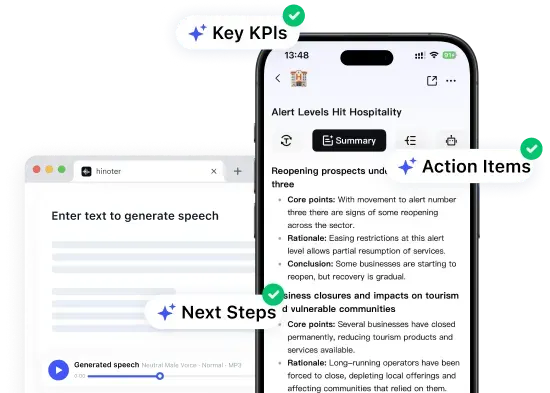
Add a YouTube Link or Upload a Video
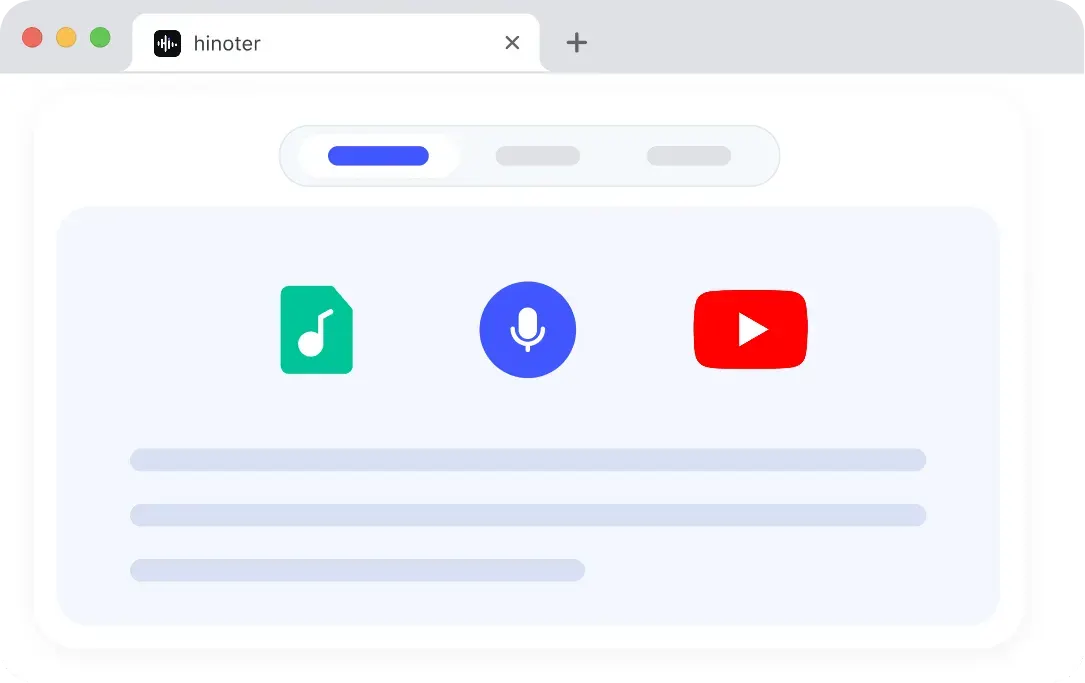
Copy and paste any supported public YouTube video URL, or upload an audio or video file directly. The first-phase free tool supports common audio/video formats, up to 30 minutes and 500MB.
By clicking "Accept All", you consent to the placement of cookies on your device to improve site navigation, analyse how you use our site, and support our marketing efforts. To learn more see our privacy policy.
Paste a YouTube link, upload a video file, or add supported media to summarize videos into clear notes, key takeaways, and AI-generated summaries.
Paste a public audio or video link. Supported sources depend on availability and file access, and each linked file must be accessible and up to 30 minutes.
Do more with your transcript
Open HiNoter App for AI transcription, summaries, meeting notes, and AI chat.
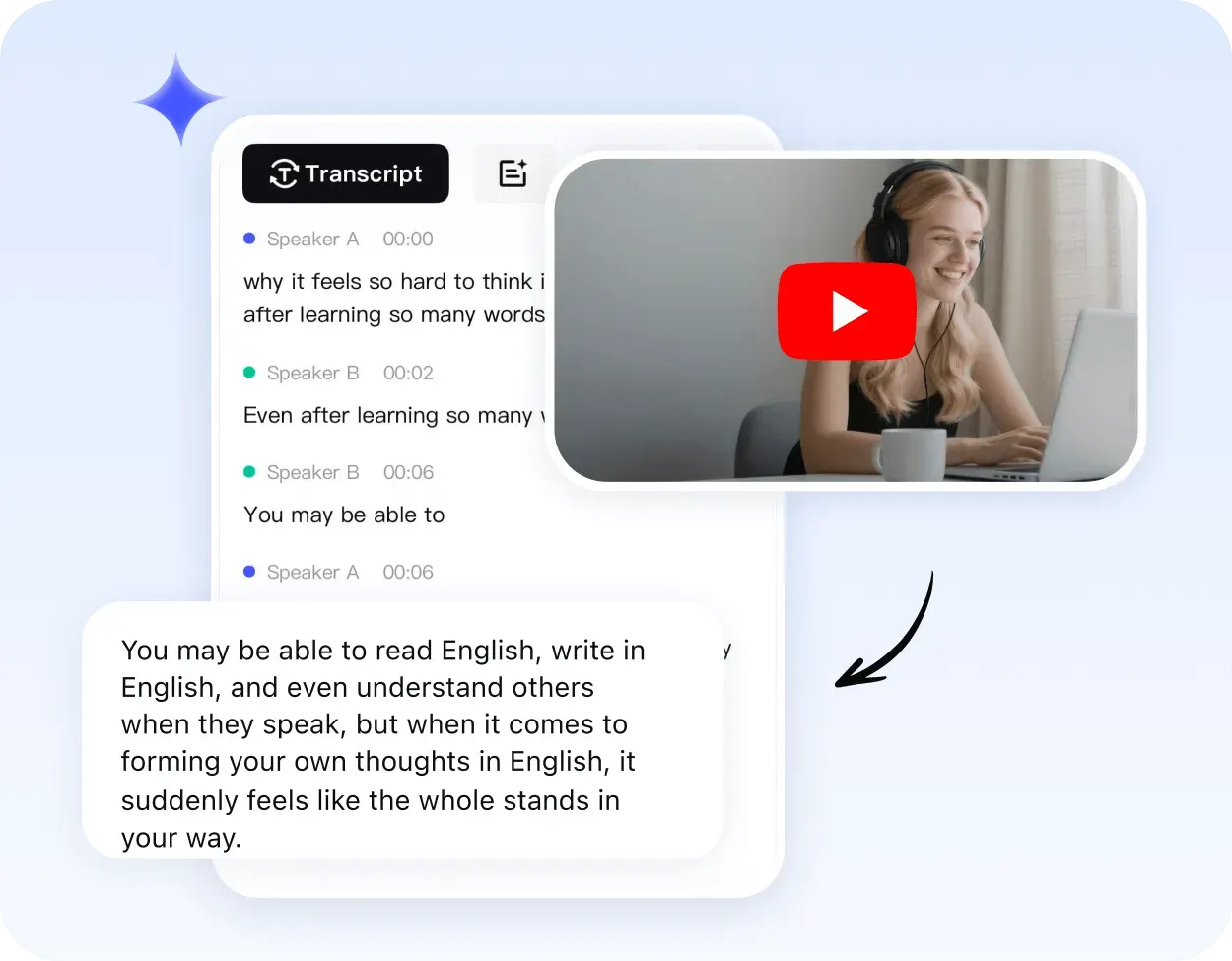
HiNoter AI summarizes YouTube links and uploaded videos into concise Markdown notes. You can grasp key content of lectures, meetings and podcasts without watching full videos.
It keeps complete context while boosting efficiency, turning long recordings into clear highlights and drafting rough notes for later editing in HiNoter workspace.
The tool shows sources, limits and formats upfront. Use the free browser page for quick results; HiNoter Web supports full transcripts, detailed notes, saved summaries and AI chat.
The AI video summarizer flow is simple: add a source, let HiNoter transcribe and summarize it, then review the Markdown result before continuing to the full product.
The search phrase “AI summarize YouTube video” describes the same three-step flow: provide the source, generate the summary, and review the useful points.
Copy and paste any supported public YouTube video URL, or upload an audio or video file directly. The first-phase free tool supports common audio/video formats, up to 30 minutes and 500MB.
HiNoter reads the audio, creates a transcript behind the scenes, and generates a structured Markdown summary with important points. This is where video summarizer AI turns long content into a shorter overview.
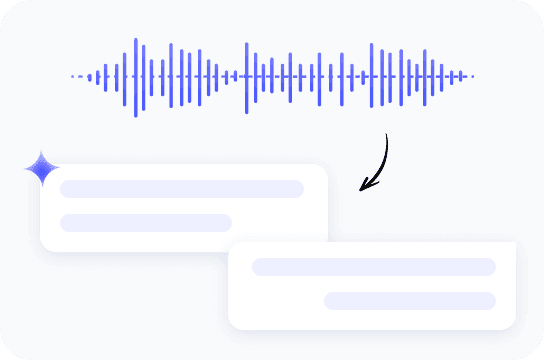
Read the summary preview on the page. For export, editing, searchable transcript, or long-term notes, continue in HiNoter Web and run the source through the full workspace.
A useful ai youtube video summarizer should give a quick answer first, then make it easy to continue into a richer note workflow when the video matters.
For a “summarize YouTube video AI” task, the most useful features are clear source handling, structured output, language support, and a direct path to deeper notes.
Get clear overviews from clean audio and understand the video without replaying every section.
Summarize videos in 100+ languages for learning, research, and global content review.
Multi-Language SupportUse an ai summary generator to pull important takeaways, themes, and useful next steps from long videos.
Meeting SummaryThe website result is readable Markdown text preview, designed for quick scanning before moving to HiNoter.
Use common audio and video formats when the source is a meeting, podcast, webinar, or local recording.
Video to TextWorks in a browser on Windows, Mac, Android, and iPhone, then guides deeper workflows into HiNoter Web or app.
Prepare the video first, then sign in when you submit it to start a Free Trial.
A youtube video ai summarizer is most useful when the result can become notes, transcript review, and AI chat.
YouTube Video to NotesHiNoter helps turn long videos, meeting recordings, webinars, and uploaded files into summaries that can continue into the tools your team already uses.
Use a youtube summarizer when the source is too long to watch in full, but still important enough to understand, organize, and revisit later.

Students can shorten long lectures into key ideas, then keep important sources in HiNoter for transcript search, notes, and follow-up questions.

Marketing teams can capture the main message from webinars and campaign videos before organizing the useful material for team review.

Product teams can understand long demos and research recordings faster, then continue with transcripts and follow-up notes in HiNoter.
Loved by students, marketers, product teams, and creators who need the key ideas without rewatching every minute.
I use a YouTube AI summarizer for long lectures first, then open the important ones in HiNoter so I can keep the transcript and ask follow-up questions.
For webinars, a video note taker helps me capture the message quickly. If the topic matters, I continue in HiNoter to organize the notes for the team.
When a demo recording runs long, a concise summary helps me understand the flow before I create follow-up notes for the product team.
Use HiNoter as a video note taker when a quick summary needs to become saved notes, transcripts, AI chat, or follow-up work.
Free website tool
Use the page for a quick YouTube link or uploaded file summary. The result is temporary, simple, and useful for deciding whether the video deserves deeper work.
HiNoter Web and App
A YouTube summary with ChatGPT can be a useful starting point, but the next step is turning that first result into a reusable workspace for notes, follow-up, and content planning.
Continue in HiNoter Free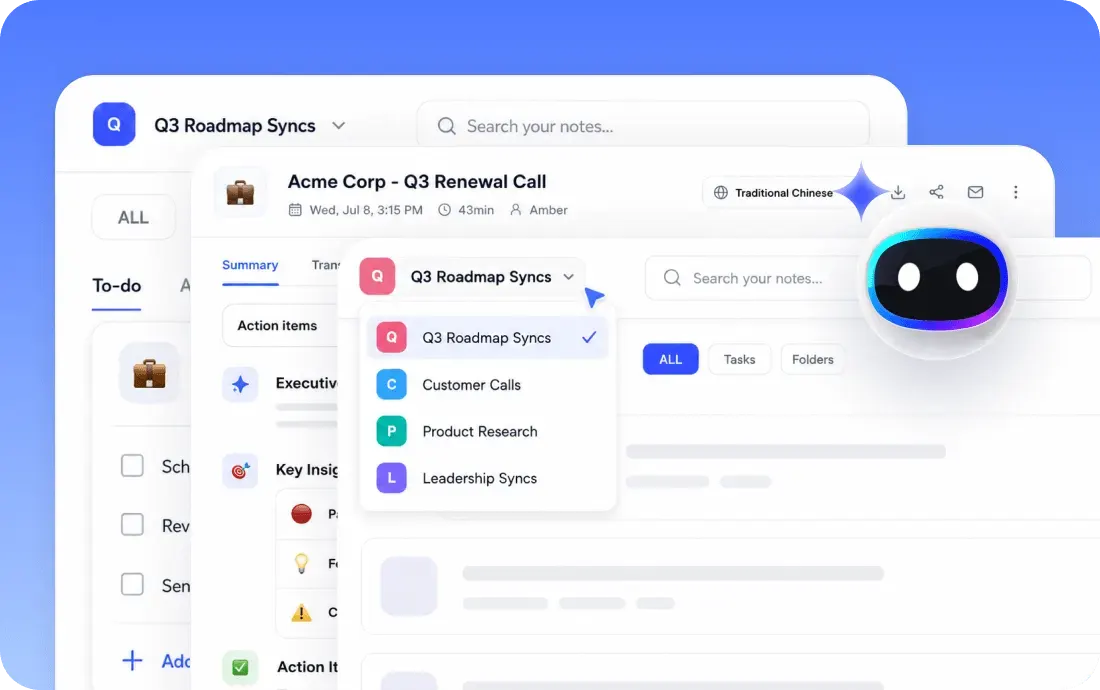
Explore more HiNoter tools for speech, audio transcription, video summaries, and AI voice workflows.

Convert written text into natural-sounding audio for listening, drafts, and voiceover workflows.

Upload common audio files and turn recordings into readable transcript text online.

Need the opposite workflow? Use Speech to Text to turn spoken audio into editable transcript text.

Turn voice recordings into accurate text for meetings, lectures, interviews, and daily notes.

Convert videos to MP3 audio for listening, review, and later transcription.

Extract audio from MP4 files and prepare video recordings for audio review or transcription.

Download supported videos for viewing, research, and AI-assisted note workflows.

Convert videos into MP4 files for playback, review, and content organization.
Find quick answers about summarizing YouTube videos and uploaded files with HiNoter.
A YouTube video summarizer is an AI tool that turns a video's spoken content into a short summary, key notes, and takeaways. HiNoter works as an AI video summarizer for YouTube videos, uploaded videos, lectures, meetings, webinars, and other long-form content.
Start with a quick Markdown summary on this page. Continue in HiNoter Web when you want saved transcripts, deeper notes, AI chat, and a complete workspace.
Try HiNoter Free