A free AI note taker helps turn authorized meetings, recordings, videos, PDFs, and transcripts into structured notes without an upfront charge. The best workflow goes beyond raw transcription: it produces summaries, action items, owners, due dates, mind maps, exports, and source-linked AI answers your team can review.
Try HiNoter to turn permitted meetings and files into searchable notes, summaries, tasks, and team knowledge.
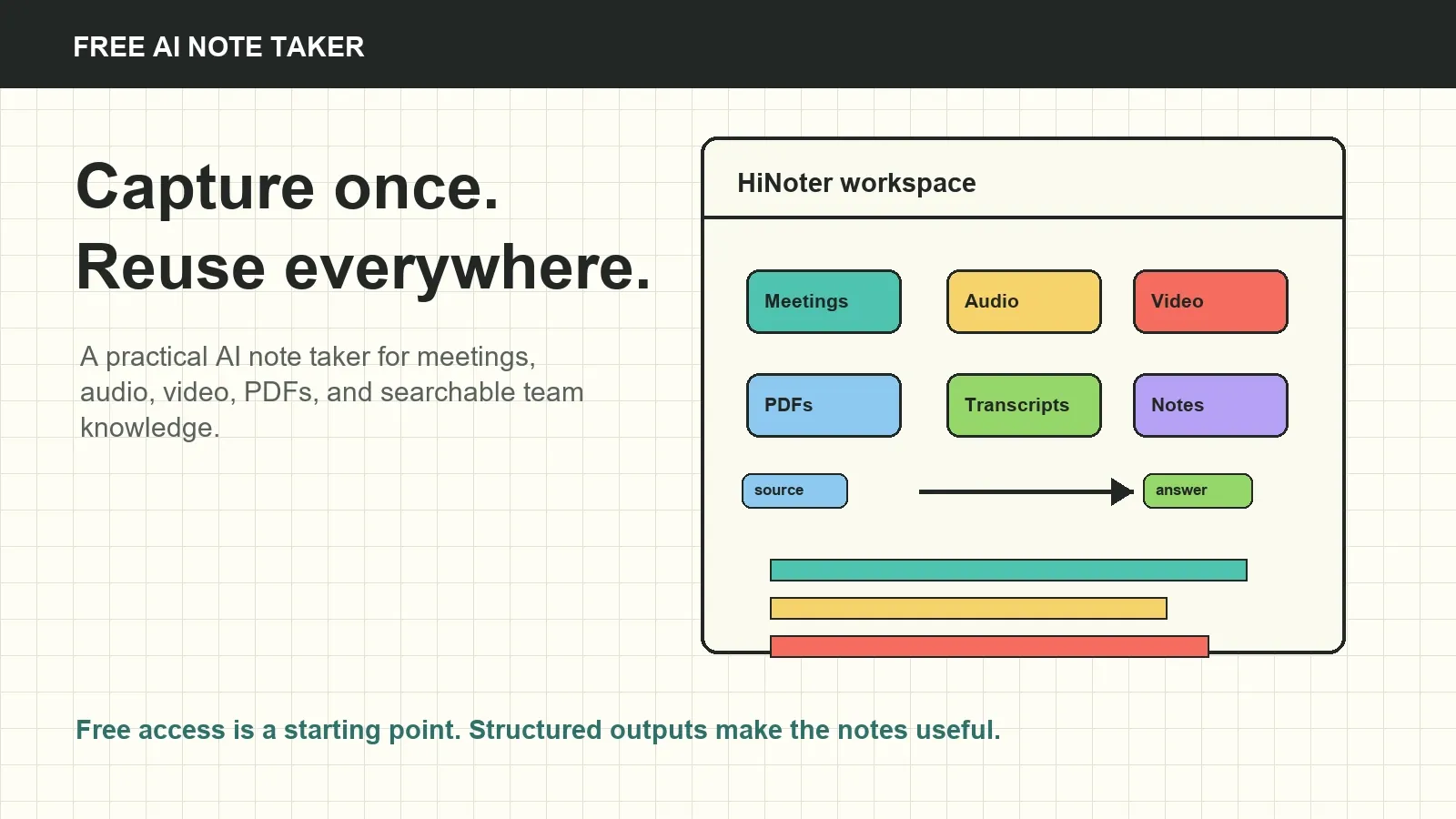
What is a free AI note taker?
A free AI note taker is a tool or plan that uses AI to create notes from permitted meetings, audio recordings, video files, PDFs, transcripts, or other source material without an upfront charge. It can help users stop typing notes manually and still leave with a written record of what was discussed.
The word "free" needs context. Many AI note-taking tools offer a free plan, trial, or limited entry workflow. Limits may apply to meeting minutes, uploads, file size, number of notes, exports, languages, integrations, retention, team sharing, or AI Chat. Check the current plan details before using any free AI meeting notes workflow for recurring business meetings.
HiNoter is an AI meeting notes and transcription platform, not just a recorder. It is designed to convert meetings and permitted sources into transcripts, summaries, decisions, action items, mind maps, exports, and source-linked AI Chat so the team can find the useful part later.
Why people search for a free AI note taker
Most teams do not have a note-taking problem in isolation. They have a memory problem. Meetings produce decisions, risks, customer quotes, project dependencies, and follow-up tasks, but those details get scattered across recordings, chat threads, private documents, and half-written recaps.
High-intent searchers want a practical result: automatic meeting notes, free meeting transcription, an AI meeting assistant for Zoom, Google Meet, or Teams, and a way to turn the output into next steps. A note that lives in one person's private file does not solve the team problem. A long transcript without structure does not solve it either.
A strong AI note taker workflow gives everyone the same source of truth: what was said, what was decided, what needs follow-up, who owns it, when it is due, and where the supporting source can be checked.
How HiNoter works as a free AI note taker
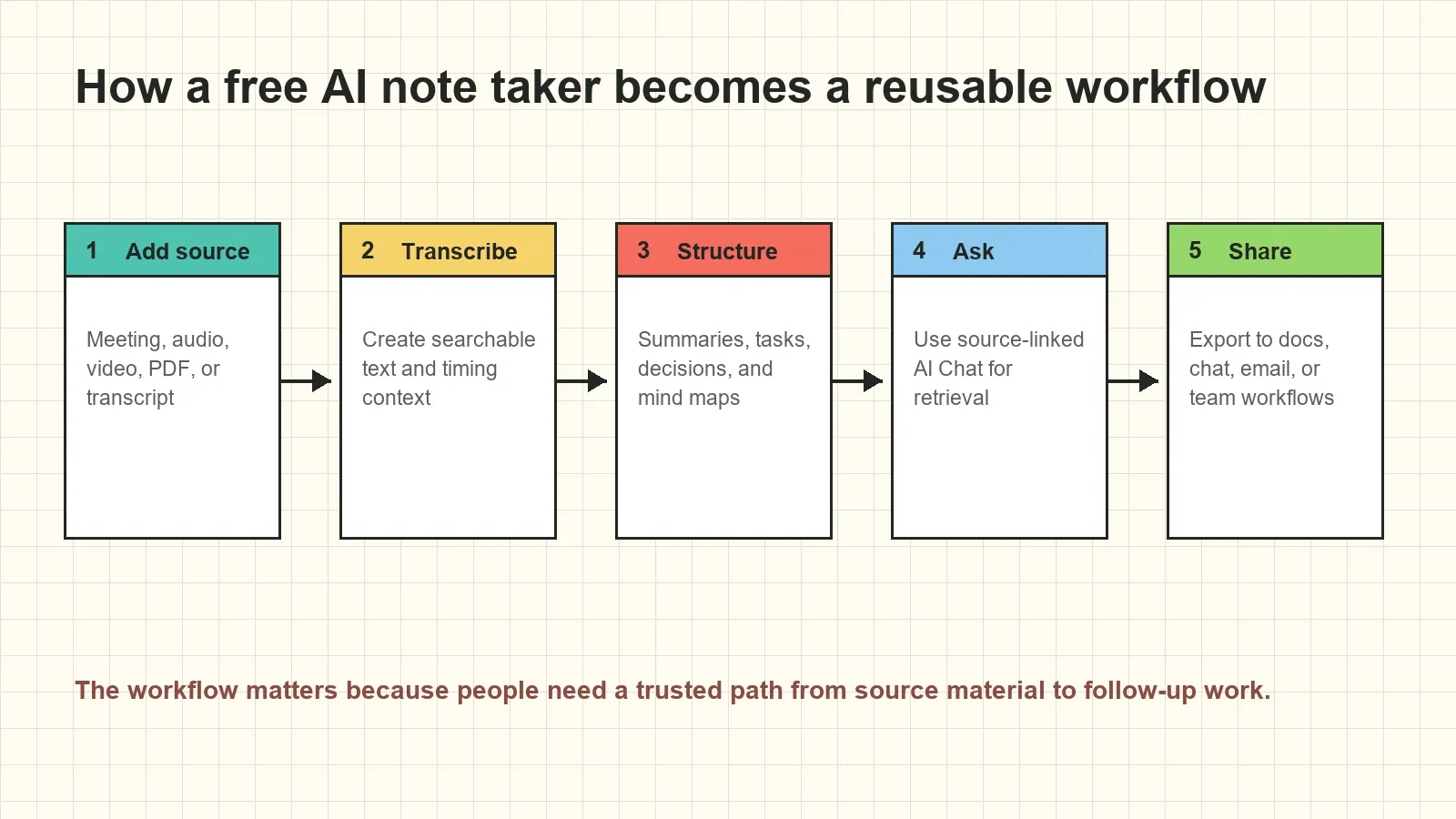
- Add an authorized source. Start with a scheduled meeting, audio file, video file, PDF, transcript, or other permitted source your team is allowed to process.
- Generate a transcript or source record. HiNoter turns spoken content into searchable text where applicable and keeps the source available for review.
- Create structured AI notes. The platform organizes the content into summaries, decisions, action items, owners, due dates, risks, and mind maps.
- Ask source-linked questions. Use AI Chat to ask about the meeting or file and review the source references behind important answers.
- Export or share the result. Send approved recaps, action lists, and notes into team workflows such as Notion, Slack, Google Docs, calendar, and email.
Free AI note taker for meetings, audio, video, and PDFs
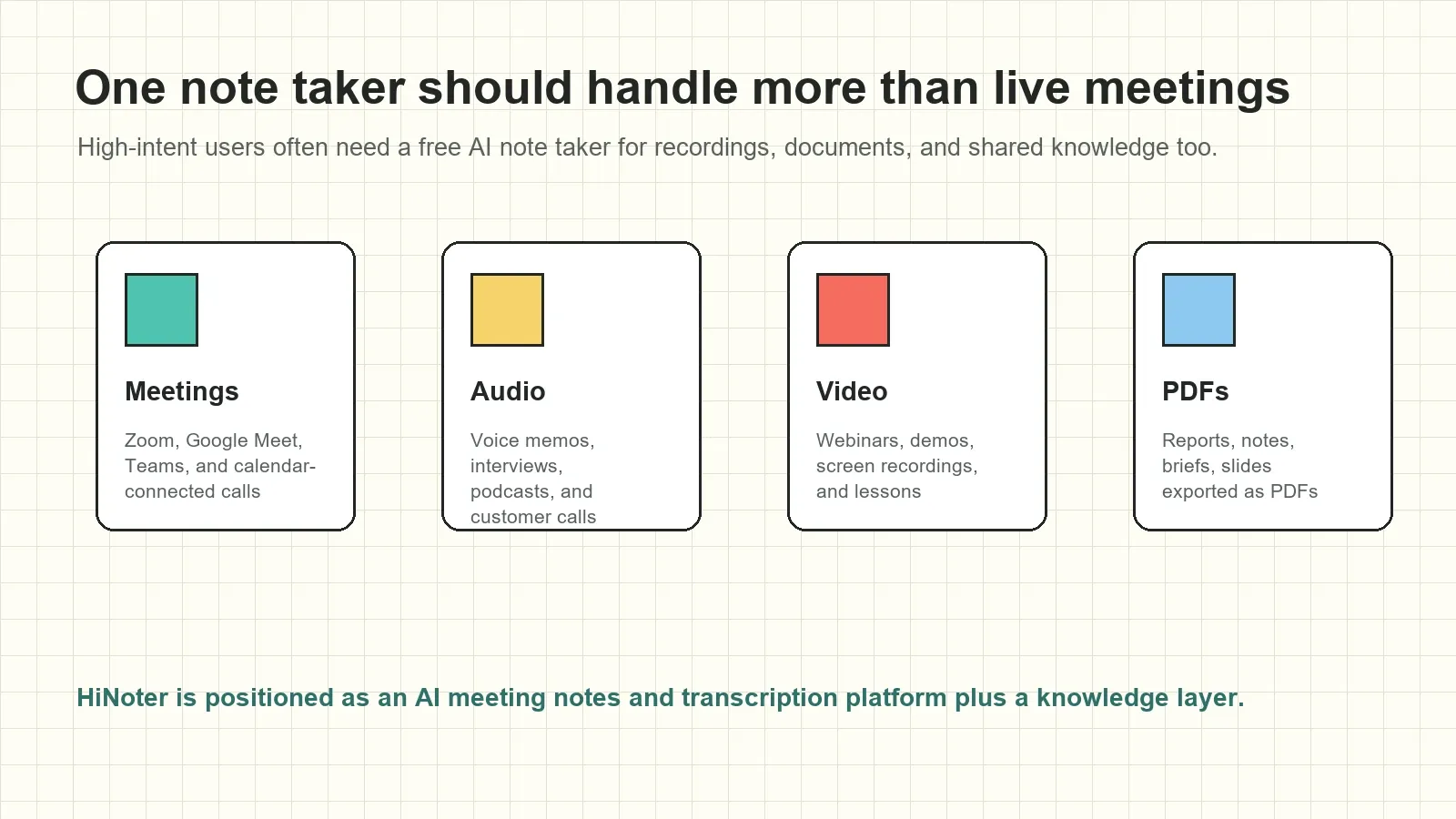
Many AI note taker pages focus only on live meetings. That is useful, but it misses a large part of the daily knowledge workflow. Teams also need notes from sales-call recordings, product demos, interviews, webinars, lessons, customer videos, research documents, and PDFs that contain project context.
HiNoter supports the broader workflow: meetings, audio, video, PDFs, and transcripts can all become part of searchable team knowledge. That makes it useful for people who need an AI note taker for online meetings, an audio to text converter with summaries, a video note taker, or a PDF summarizer that connects back to team discussions.
| Source | Common use case | AI note output | What to review |
|---|---|---|---|
| Live meeting | Team sync, sales call, customer success call, interview | Transcript, summary, decisions, and action items | Consent, platform permission, owners, due dates |
| Audio recording | Voice memo, podcast, interview, phone-call recording | Speech-to-text, recap, key points, follow-up list | Speaker labels, names, technical terms |
| Video file | Webinar, demo, screen recording, training class | Video transcript, chaptered notes, key takeaways | Audio quality, timing, quoted instructions |
| Report, brief, exported slides, meeting packet | Document summary, Q&A, linked context | Source page, version, sensitive sections | |
| Existing transcript | Imported captions, past notes, meeting archive | Summary, topics, mind map, searchable answers | Original source availability and accuracy |
What should a free AI note taker produce?
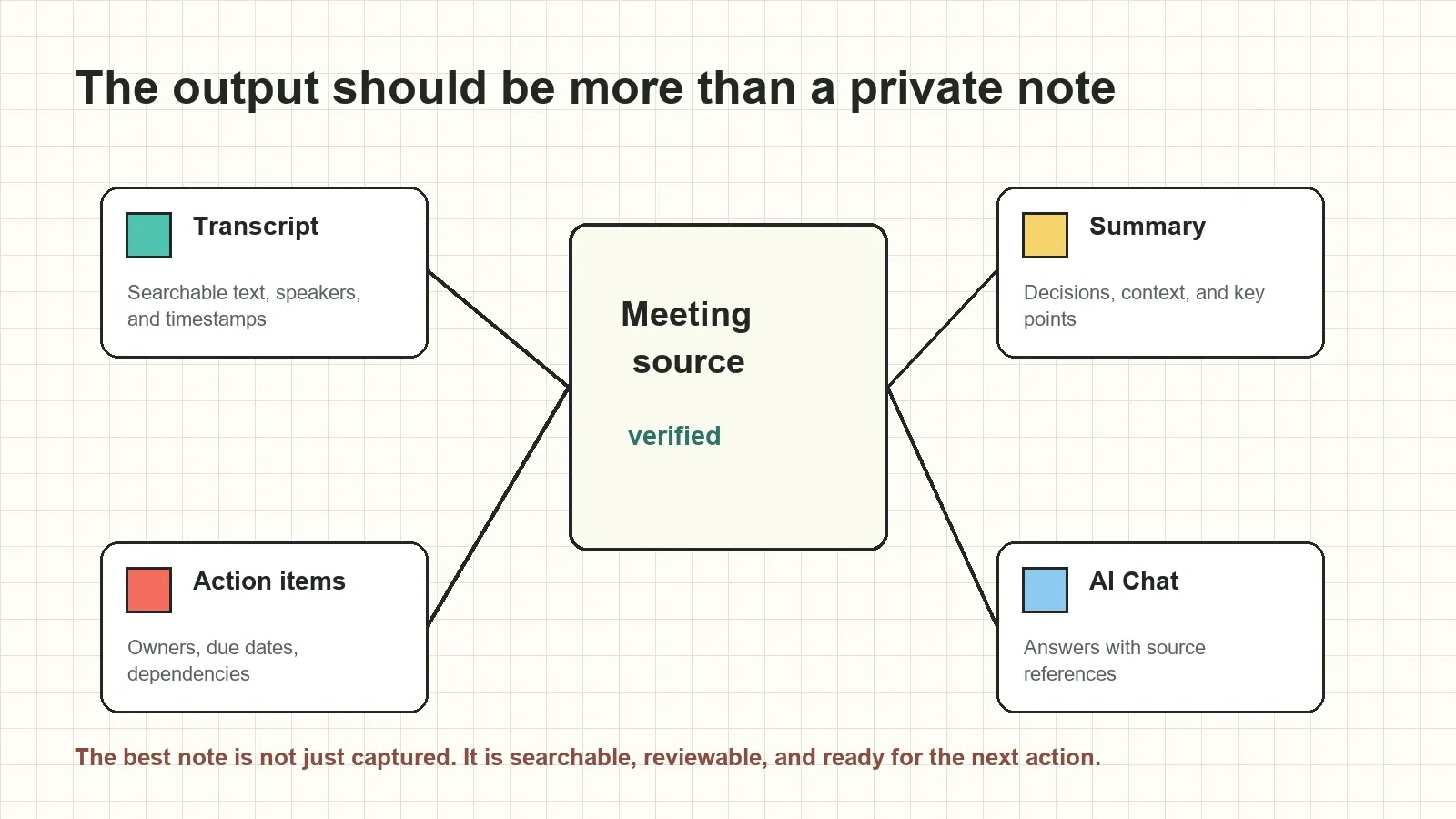
At minimum, a free AI note taker should give you a readable note. For team work, that is not enough. The output should be structured enough to support follow-up and traceable enough that people can verify important details.
| Output | What it contains | Why it matters | HiNoter angle |
|---|---|---|---|
| Transcript | Searchable speech, speakers, and timestamps where available | Lets users quote, search, and verify context | Turns meetings and audio into source material for notes |
| Summary | Key points, decisions, risks, and open questions | Helps participants and absentees catch up quickly | Creates concise recaps after meetings and uploads |
| Action items | Task, owner, due date, dependency, and status | Turns conversation into accountable follow-up | Extracts action items from the source and keeps context nearby |
| Mind map | Topics, relationships, blockers, and decisions | Makes complex discussions easier to understand | Visualizes meeting and content structure for review |
| AI Chat | Answers to questions with source references | Lets teams retrieve knowledge without rereading everything | Connects answers back to meeting or file evidence |
Free AI note taker vs manual notes, recorders, and transcription tools
Manual notes, recorders, and transcription tools each solve a different part of the problem. Manual notes can capture judgment but are inconsistent. A recorder preserves the conversation but makes people replay the file. Transcription makes speech searchable but can bury tasks inside a long text. An AI note taker should connect capture, structure, review, and sharing.
| Approach | Primary benefit | Common limitation | Best use |
|---|---|---|---|
| Manual notes | Human judgment and selected context | Incomplete, private, inconsistent, and hard to scale | Very small or highly sensitive meetings |
| Plain recorder | Full audio or video record | Long files are hard to search and act on | Archiving source material |
| Transcription software | Speech becomes searchable text | Decisions and action items still require manual review | Quotes, research, and transcript lookup |
| HiNoter AI note taker | Transcript plus summary, tasks, mind map, exports, and AI Chat | Important outputs still need source review before use | Teams that need shared meeting knowledge and follow-up |
What free-plan limits should you check?
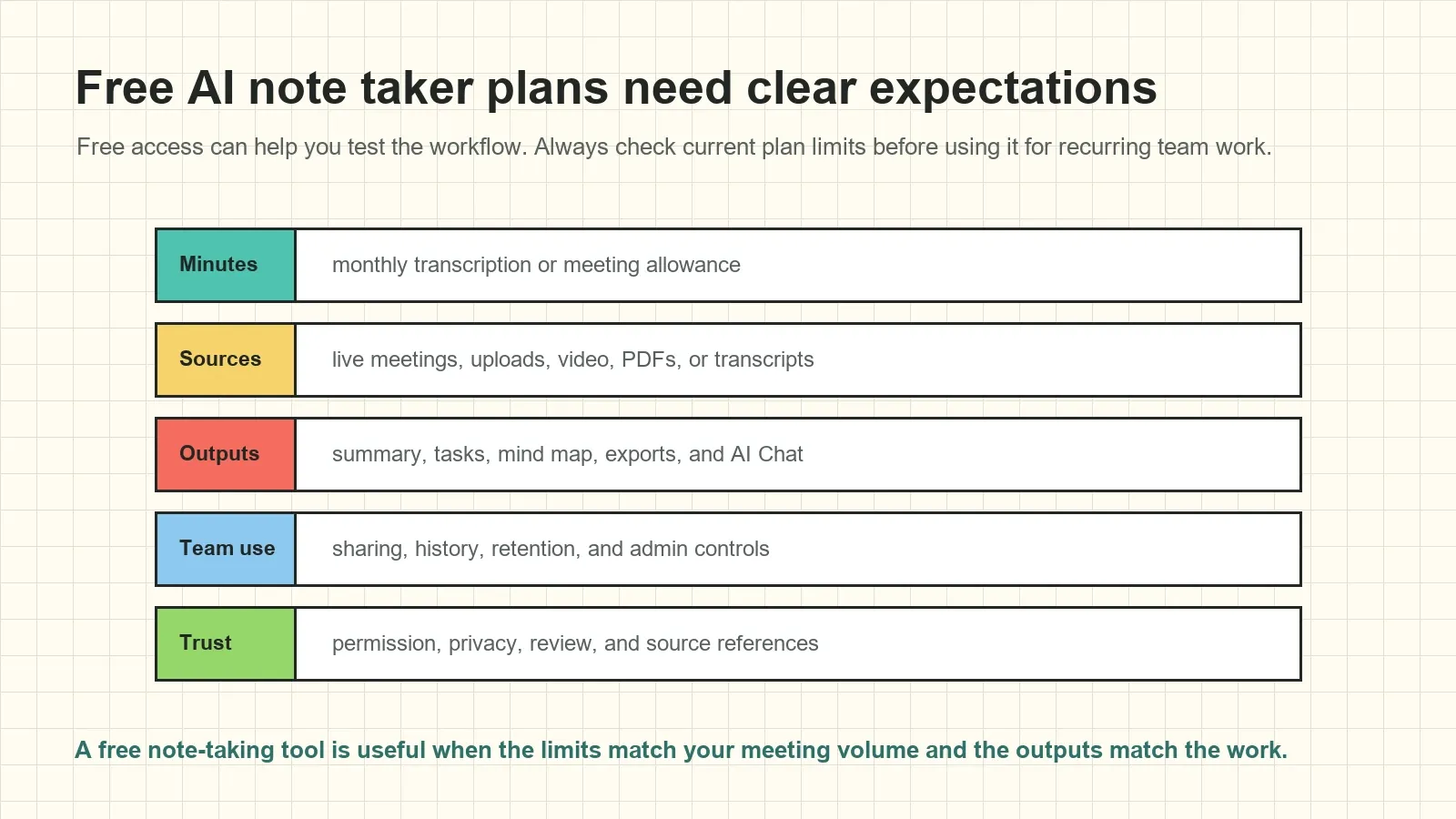
Free AI note taker tools are useful for testing fit, but limits matter. A workflow that works for one short meeting may not support weekly team operations, sales calls, customer interviews, or long training videos. Before you make it part of a team process, check the current product plan and practical constraints.
| Limit area | Questions to ask | Why it matters |
|---|---|---|
| Minutes | How many transcription or meeting minutes are included? | Determines whether recurring meetings fit the plan |
| Sources | Can it handle meetings, audio, video, PDFs, and transcripts? | Prevents knowledge from being split across separate tools |
| Outputs | Are summaries, action items, mind maps, exports, and AI Chat included? | Shows whether the tool is more than a note dump |
| Languages | Does it support automatic language detection and multilingual notes? | Important for global teams and multilingual calls |
| Sharing | Can notes be exported or synced to team tools? | Controls whether the result reaches the workflow |
| Retention | How long are sources, transcripts, and notes stored? | Affects compliance, retrieval, and team memory |
Use cases for a free AI note taker
Sales teams can capture objections, next steps, pricing questions, and follow-up tasks. Customer success teams can track risks, renewal concerns, and promised actions. Product teams can preserve roadmap decisions, user feedback, and blockers. Recruiters can organize candidate evidence and interview follow-ups. Students and researchers can turn lectures, interviews, videos, and PDFs into searchable notes.
The common pattern is the same: a conversation or source contains useful knowledge, but that knowledge is not usable until it becomes structured, shared, and easy to retrieve. HiNoter is built to help users move from captured content to organized team memory.
Internal workflows and integrations
AI notes become more valuable when they land where work already happens. A meeting recap should be easy to share in chat. A decision should be easy to save in a document. An action item should be easy to pass into a task workflow. A source-linked answer should be easy to send to the person who needs context.
Use AI meeting notes when you need structured recaps, AI meeting assistant workflows for scheduled calls, audio to text for recordings, and multilingual support for global teams. HiNoter can support workflows that distribute reviewed notes to Notion, Slack, Google Docs, calendar, and email.
Source-linked AI Chat reduces the risk of unsupported notes
AI summaries and notes are most useful when people can inspect the source behind them. If a user asks, "What did we promise the customer?" or "Which action items have no owner?" the answer should be connected to a meeting, transcript excerpt, timestamp, PDF section, or note record that supports it.
Source links do not make AI perfect. They give the team a review path. The NIST Generative AI Profile identifies confabulation as a risk in generative systems. For business notes, source-grounded answers help teams check important claims before turning them into customer promises, deadlines, or formal decisions.
Privacy and permission checklist
Only record, upload, transcribe, summarize, or share meetings and files when participants, account settings, contracts, and organizational policy allow it. Notify participants when a meeting assistant or recorder is used. Treat transcripts, AI notes, exports, and source-linked answers with the same care as the original recording or document.
- Confirm meeting recording and AI note-taking permission before the call.
- Limit access to transcripts, summaries, PDFs, and AI Chat history.
- Review sensitive customer, employee, legal, and financial content before sharing.
- Check current retention and deletion controls for free and paid plans.
- Use source references to verify important decisions, names, dates, and commitments.
Ready to try a free AI note taker workflow? Use HiNoter to turn permitted meetings, audio, video, PDFs, and transcripts into summaries, action items, mind maps, exports, and searchable source-linked AI Chat.
Frequently asked questions
What is a free AI note taker?
A free AI note taker is a tool or plan that helps create notes from meetings, recordings, documents, or other permitted sources without an upfront charge. Free access usually has limits, so review current minutes, uploads, exports, languages, retention, and collaboration features before using it for team work.
Can a free AI note taker join meetings automatically?
Some AI note takers can join authorized scheduled meetings after a calendar or meeting connection is configured. The exact workflow depends on the product, meeting platform, host settings, account permissions, and participant consent rules.
What should a free AI note taker include?
A useful free AI note taker should create a transcript or source record, summarize key points, identify decisions, extract action items, support owners and due dates, and let users review the source before sharing important outputs.
Is an AI note taker different from transcription software?
Yes. Transcription software turns speech into text. An AI note taker uses the transcript or permitted source material to generate structured notes, summaries, decisions, action items, mind maps, exports, and source-linked answers.
Can HiNoter take notes from audio, video, and PDFs?
HiNoter is positioned as an AI meeting notes and transcription platform for meetings, audio, video, PDFs, and other permitted sources. It can turn those sources into transcripts, summaries, action items, mind maps, exports, and searchable AI Chat.
How accurate are AI meeting notes?
AI meeting notes depend on source quality, transcript accuracy, speaker overlap, accents, language switching, names, technical terms, and meeting context. Treat automatic notes as a strong draft and review critical decisions, dates, owners, and quotes against the source.
How should teams handle privacy with an AI note taker?
Teams should only record, upload, process, and share content when participants, account settings, contracts, and internal policy allow it. Apply access controls to transcripts, summaries, AI Chat, exports, and source references just as you would to the original meeting or document.