A practical template library for 1:1s, product meetings, client calls, interviews, standups, and executive reviews.
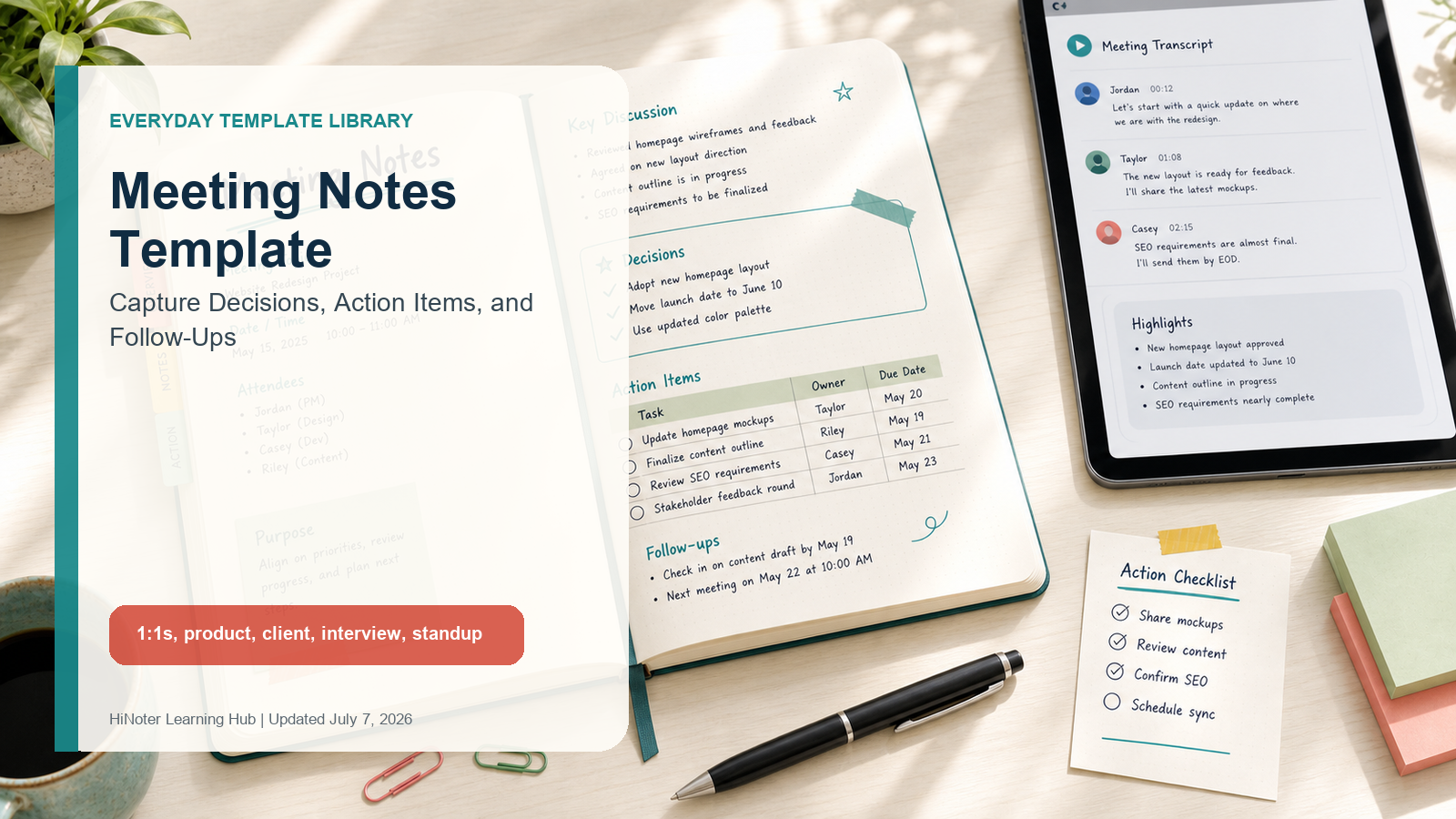
Meeting Notes Template: Capture Decisions, Action Items, and Follow-Ups
Quick answer A Meeting notes template should include the meeting topic, date, attendees, purpose, key discussion points, decisions, action items, owners, due dates, open questions, and follow-ups. Unlike formal meeting minutes, meeting notes are built for everyday execution: they help people leave with the same memory of what was decided and what happens next. |
Most meeting notes fail quietly. Someone captures a few bullets in a private doc, someone else remembers a different decision, and the action item that sounded obvious during the call never gets an owner or date. A clean template fixes the first half of the problem by giving every meeting the same backbone. AI notes fix the second half by filling that structure consistently across teams.
This guide gives you practical meeting notes templates for common work conversations: 1:1s, product meetings, client calls, interviews, standups, and executive reviews. Each version includes fields, an example, a best use case, and a note on how HiNoter can automate the format from Zoom, Google Meet, Microsoft Teams, video, audio, or PDF sources.
What Should Meeting Notes Include?
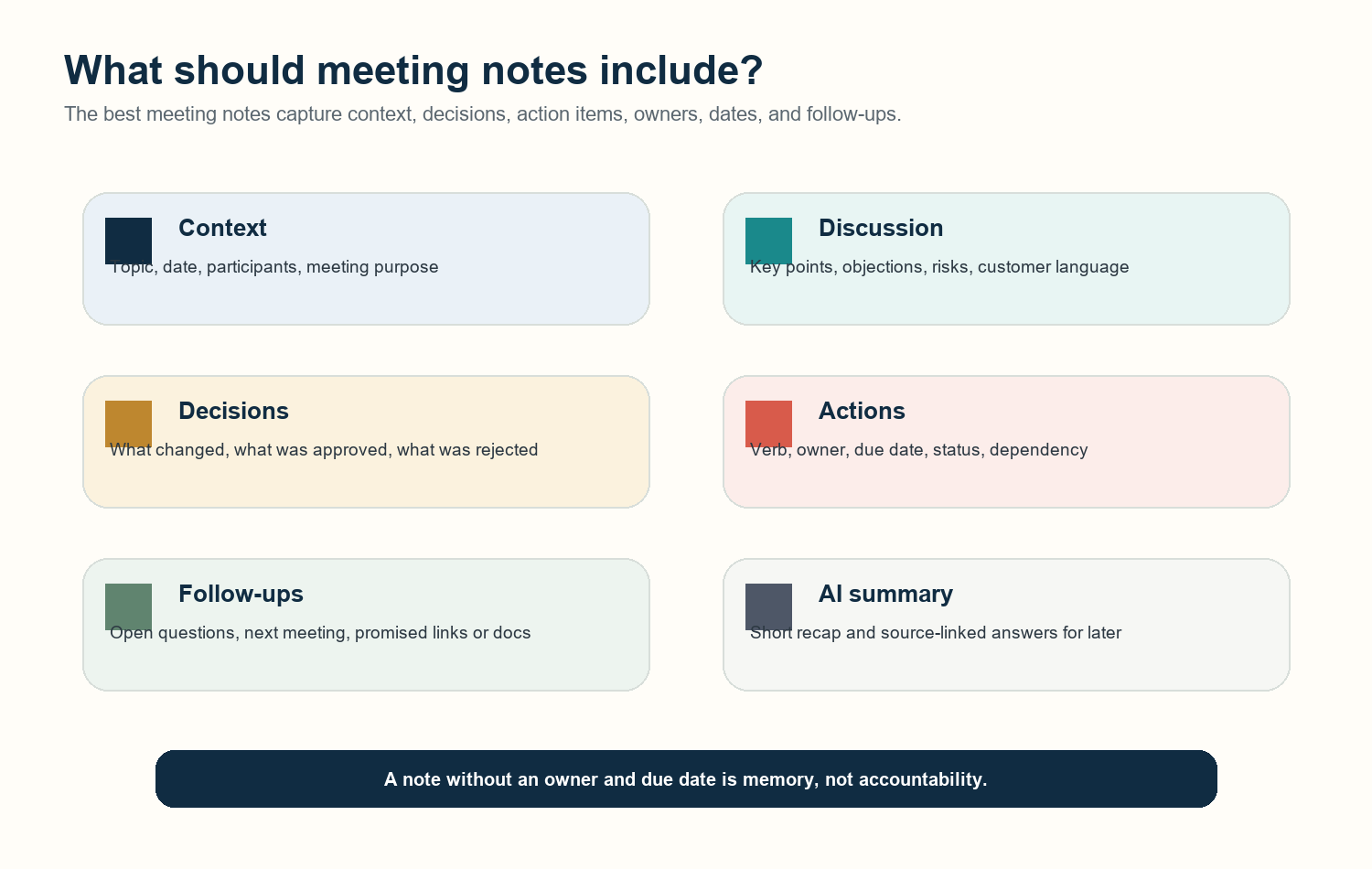
Context: meeting name, purpose, date, participants, and source link if the meeting was recorded.
Key discussion points: the handful of themes that explain why a decision or action exists.
Decisions: what the team agreed to do, defer, stop, test, or escalate.
Action items: one task per line, with a verb, owner, due date, and status.
Follow-ups: open questions, documents to send, next meetings, and unresolved dependencies.
Summary: a short recap that helps someone who missed the call get oriented in under a minute.
Choose a Template by Meeting Type
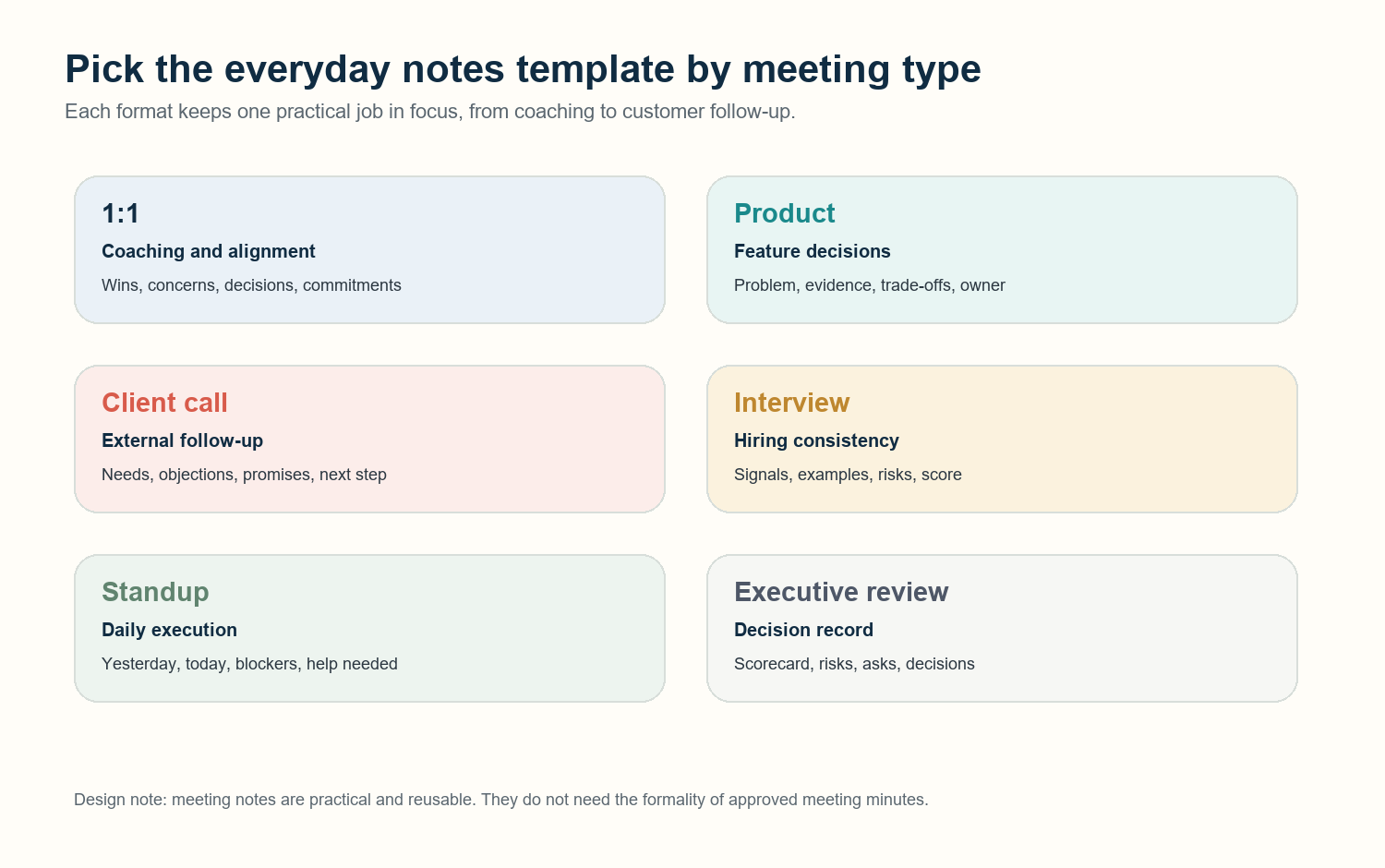
Meeting type | Best template | Primary outcome |
1:1 | Coaching and alignment notes | Clear commitments, blockers, career themes, and follow-up. |
Product meeting | Decision and evidence notes | A record of what was decided, why, and what gets built next. |
Client call | Customer follow-up notes | Shared next steps, promised materials, risks, and buying signals. |
Interview | Structured evaluation notes | Comparable evidence across candidates and interviewers. |
Standup | Daily execution notes | Blockers, ownership, and urgent dependencies. |
Executive review | Outcome and risk notes | Decisions, asks, risks, metrics, and owners. |
Template 1: 1:1 Meeting Notes
1:1 meeting notes template |
Fields: Date, participants, wins, concerns, decisions, employee commitments, manager commitments, follow-up date. |
Example: Decision: move Priya's design review to Fridays. Action: Manager to share promotion rubric by July 12. |
Best use case: Use for recurring manager reports, mentoring, performance check-ins, and career conversations. |
HiNoter automation note: HiNoter can turn the call transcript into recurring sections and surface commitments from both people. |
1:1 notes should feel lightweight and human, but they still need accountability. The best format keeps sensitive context separate from action items. If a topic affects performance, promotion, or workload, write it clearly enough that both people can recognize the same agreement later.
Template 2: Product Meeting Notes
Product meeting notes template |
Fields: Problem, users affected, evidence, options considered, decision, owner, launch risk, follow-up artifact. |
Example: Decision: ship onboarding checklist before dashboard redesign. Owner: Casey. Due: prototype by July 18. |
Best use case: Use for roadmap reviews, sprint planning, design critiques, research readouts, and launch decisions. |
HiNoter automation note: HiNoter can identify decisions, summarize trade-offs, and link answers back to the transcript source. |
Product notes should not read like a brainstorming dump. Capture the problem, the evidence, and the decision. If the team considered multiple options, write down the trade-off that mattered most. That single sentence often saves a future meeting.
Template 3: Client Call Notes
Client call notes template |
Fields: Account, attendees, customer goals, pain points, objections, promises made, next step, owner, due date. |
Example: Customer asked for SOC 2 summary. Owner: Jordan to send by EOD. Next step: procurement call on July 16. |
Best use case: Use for sales calls, onboarding calls, renewal meetings, QBRs, and customer success check-ins. |
HiNoter automation note: HiNoter can extract customer language, promised follow-ups, and action items for CRM or Slack updates. |
Client calls are where incomplete notes become expensive. A promise made in a call should not depend on memory. The template should capture who asked, what was promised, and when the customer expects the next touch.
Template 4: Interview Notes
Interview notes template |
Fields: Role, candidate, interviewer, competency, evidence, quote/example, concern, rating, recommendation. |
Example: Signal: strong debugging process. Evidence: narrowed incident cause from logs before proposing fix. |
Best use case: Use for hiring interviews, panel debriefs, research interviews, and structured evaluation meetings. |
HiNoter automation note: HiNoter can create a transcript-backed summary while interviewers keep evaluation notes consistent. |
Interview notes need structure because multiple people are comparing different conversations. Avoid vague judgments like 'strong communicator.' Record the evidence: what the person said, what example they gave, and what signal it supports.
Template 5: Standup Notes
Standup meeting notes template |
Fields: Yesterday, today, blockers, owner needed, decision needed, urgent follow-up, carry-forward item. |
Example: Blocker: API token not approved. Owner needed: IT. Due: before staging test at 3 PM. |
Best use case: Use for daily standups, incident huddles, launch rooms, support triage, and operations check-ins. |
HiNoter automation note: HiNoter can produce a short digest that separates updates from blockers and urgent owners. |
Standup notes should be brutally short. They exist to expose blockers and dependencies. If a standup creates a long debate, move the debate to a separate meeting and keep the note focused on the execution path.
Template 6: Executive Review Notes
Executive review notes template |
Fields: Objective, metric snapshot, risks, decisions requested, decisions made, owners, due dates, escalation path. |
Example: Decision: approve delayed launch to fix onboarding gap. Owner: Product to publish revised plan by July 10. |
Best use case: Use for business reviews, leadership syncs, budget reviews, roadmap approvals, and risk escalations. |
HiNoter automation note: HiNoter can summarize long reviews into decisions, risks, action owners, and source-linked questions. |
Executive review notes should make the decision visible fast. Start with the objective and metric snapshot, then separate risks from asks. The reader should be able to answer: what changed, who owns it, and what happens if the owner misses the date.
Meeting Notes vs Meeting Minutes
Concise answer Meeting notes are an everyday working record for context, decisions, and follow-ups. Meeting minutes are a more formal official record, often used for boards, committees, governance, or compliance. Notes help teams execute; minutes help organizations document what was officially done. |
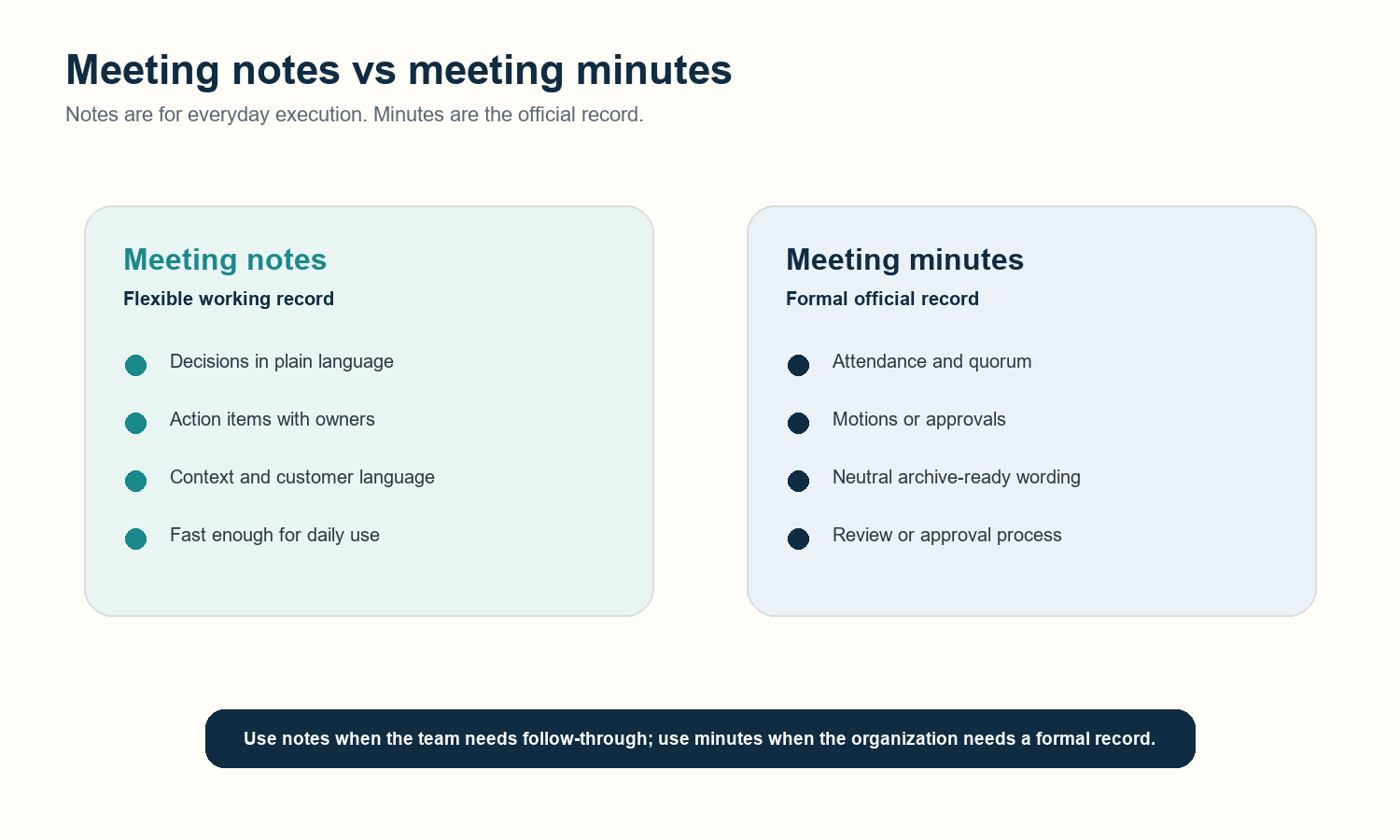
Factor | Meeting notes | Meeting minutes |
Purpose | Help people remember, align, and follow through. | Create an official written record. |
Tone | Practical, flexible, sometimes informal. | Neutral, concise, archive-ready. |
Best for | 1:1s, client calls, interviews, standups, product meetings. | Board meetings, committees, approvals, governance. |
Required fields | Decisions, action items, owners, due dates, follow-ups. | Attendees, motions, votes, approvals, official actions. |
AI fit | Excellent for automatic summaries and action extraction. | Useful for drafting, but final review matters more. |
How AI Notes Solve the Consistency Problem
A template helps only if people actually use it. That is the hard part. Microsoft Work Trend Index research found that employees spend 57% of their time communicating in meetings, email, and chat, and 68% say they lack enough uninterrupted focus time. When teams are already overloaded with communication, asking every person to manually format notes after every call is fragile.
HiNoter solves the consistency problem by creating the same structure after the meeting: summary, decisions, action items, owners, due dates, mind map, and searchable AI Chat with source citations. Instead of hiding notes in private documents, the output can move into the team's tools, including Notion, Slack, Google Docs, email, and calendar workflows.
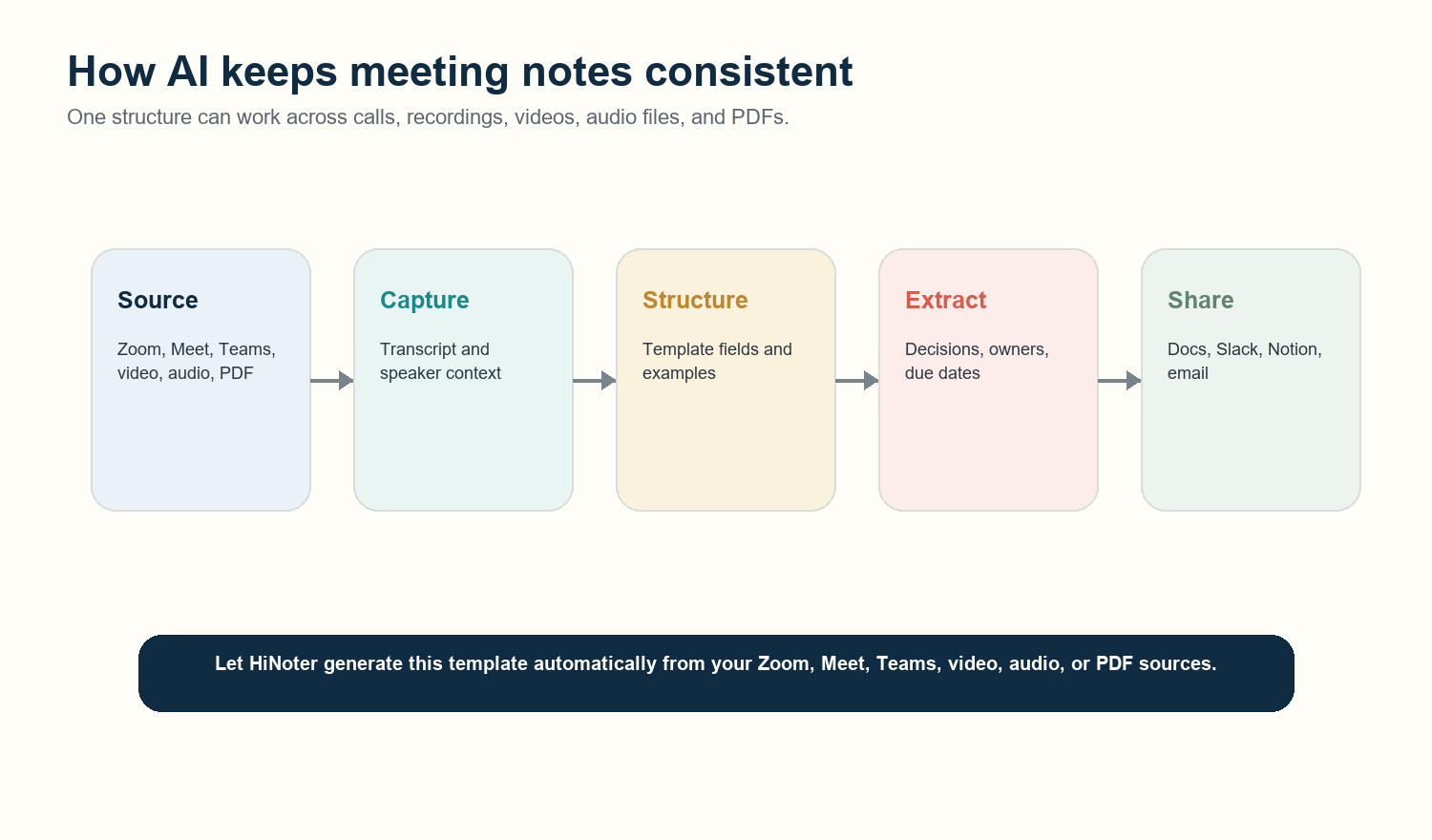
CTA Let HiNoter generate this template automatically from your Zoom, Meet, Teams, video, audio, or PDF sources. |
Common Mistakes to Avoid
Writing notes that only make sense to the note-taker. Use shared labels and complete action items.
Capturing tasks without owners. Every action item needs one accountable person.
Using vague dates. Replace 'next week' with an actual due date.
Mixing decisions and discussion. Keep the final decision separate from the debate that led to it.
Hiding notes in private docs. Team decisions should live where the team can find them.
Treating AI notes as final when the meeting is sensitive. Review summaries before sharing externally.
FAQ
What is a good meeting notes template?
A good meeting notes template captures the meeting purpose, attendees, key discussion points, decisions, action items, owners, due dates, open questions, and follow-ups. The best version is short enough to use every week but structured enough to prevent missed decisions.
What should meeting notes include?
Meeting notes should include context, decisions, action items, owners, due dates, open questions, and next steps. For client, product, interview, or executive meetings, add specialized fields such as customer pain points, evidence, risks, metrics, or evaluation signals.
What is the difference between meeting notes and meeting minutes?
Meeting notes are practical working records used for alignment and follow-up. Meeting minutes are formal records used to document official actions. Notes can be flexible and action-oriented; minutes should be neutral, structured, and often approved.
Can AI create meeting notes automatically?
Yes. AI can create meeting notes from transcripts, recordings, video, audio, and documents. The strongest workflow uses AI to draft the summary, decisions, action items, owners, and due dates, then lets a person review the final record.
How do you make meeting notes searchable?
Use consistent headings, clear owner names, dates, source links, and action labels. AI meeting tools such as HiNoter can also let users ask questions about notes later and receive answers with source citations.