A practical template library for board meetings, team meetings, project reviews, sales calls, and AI-generated meeting records.
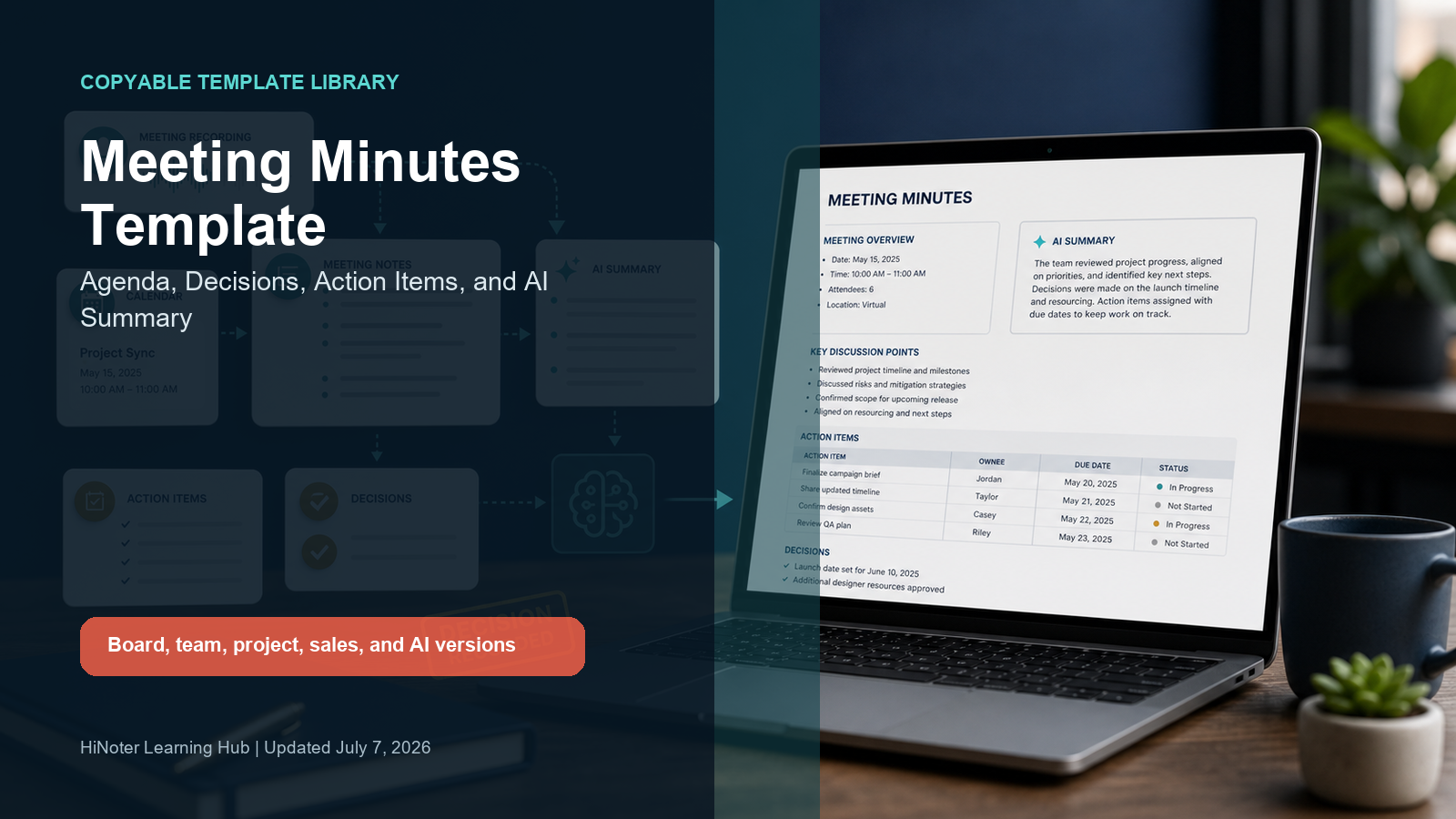
Meeting Minutes Template: Copy the Format and Fill It Fast
Direct definition Meeting minutes are the official written record of a meeting's attendees, decisions, action items, and next steps. A good Meeting minutes template gives every department the same structure, so decisions do not disappear into chat, recordings, or personal notes. |
Use the master template below when you need a clean record that can be shared, approved, and archived. Then choose a specialized version for board meetings, team operating meetings, project reviews, sales calls, or AI-generated minutes. The point is not to write more; it is to make every decision, owner, and due date visible.
Copy This Meeting Minutes Template
Master meeting minutes template MEETING MINUTES - [Meeting Name] |
The master format is intentionally plain. It works in Google Docs, Notion, Word, Confluence, a CRM note, or an email recap. Keep the labels, replace the brackets, and remove any section that does not apply.
Which Template Should You Use?
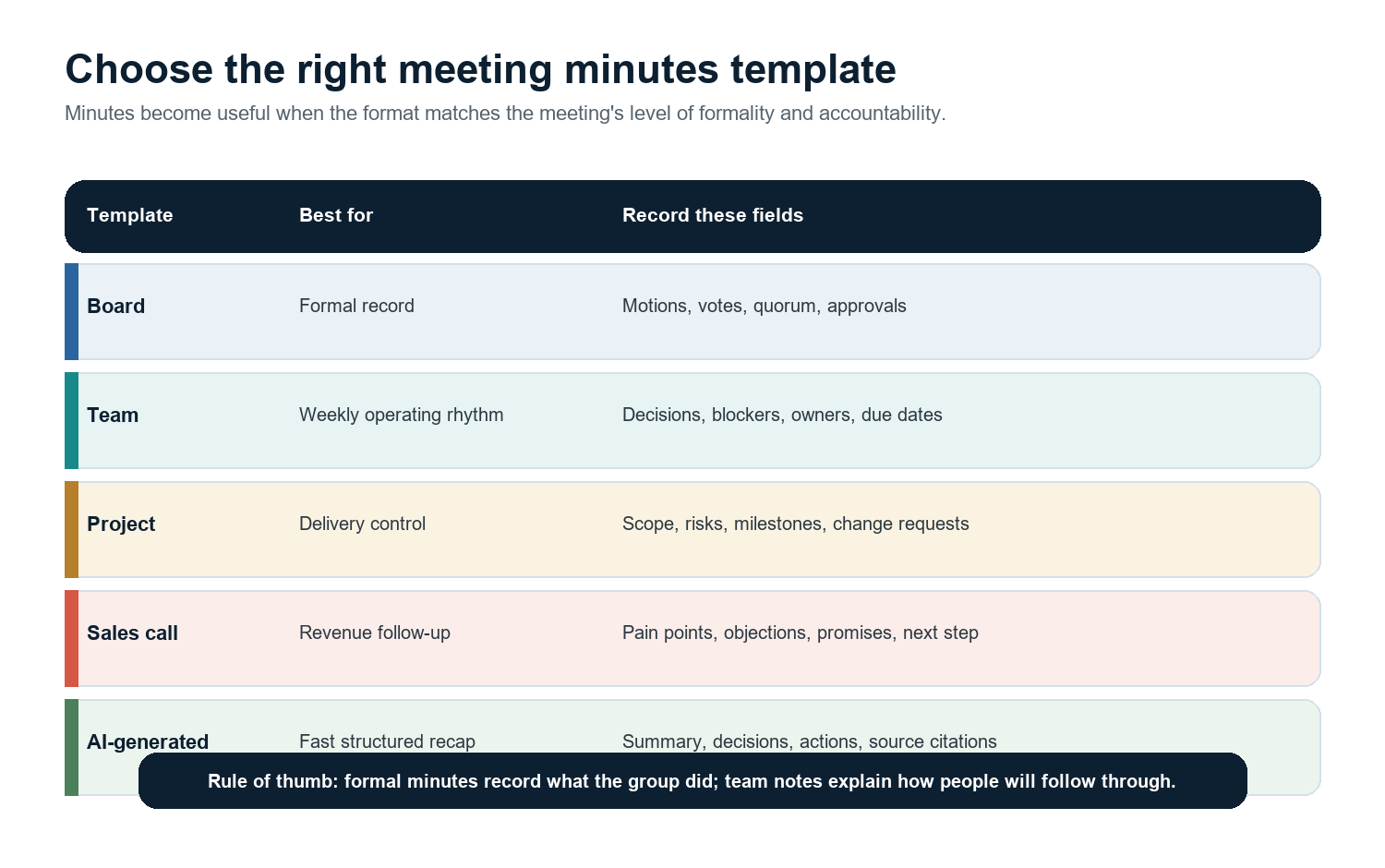
Meeting type | Use this version | Why it works |
Board or committee | Formal board meeting minutes | Captures quorum, motions, votes, reports, approvals, and secretary signature. |
Weekly team sync | Team meeting minutes | Keeps outcomes, blockers, decisions, and owner/date action items in one short record. |
Project review | Project meeting minutes | Ties decisions to timeline, budget, scope, risks, and dependencies. |
Sales or customer call | Sales call minutes | Records customer context, commitments, next steps, and CRM-ready notes. |
Remote meeting with transcript | AI-generated minutes | Uses the transcript to draft summary, decisions, actions, and review flags automatically. |
What to Include in Meeting Minutes
For formal board minutes, BoardSource lists common elements such as the organization name, date and time, attendance, quorum, voting motions and results, dissenters or abstainers, documents introduced, future action steps, ending time, and the secretary's signature. For everyday business meetings, the same logic still helps: record the facts, the decisions, and the follow-up.
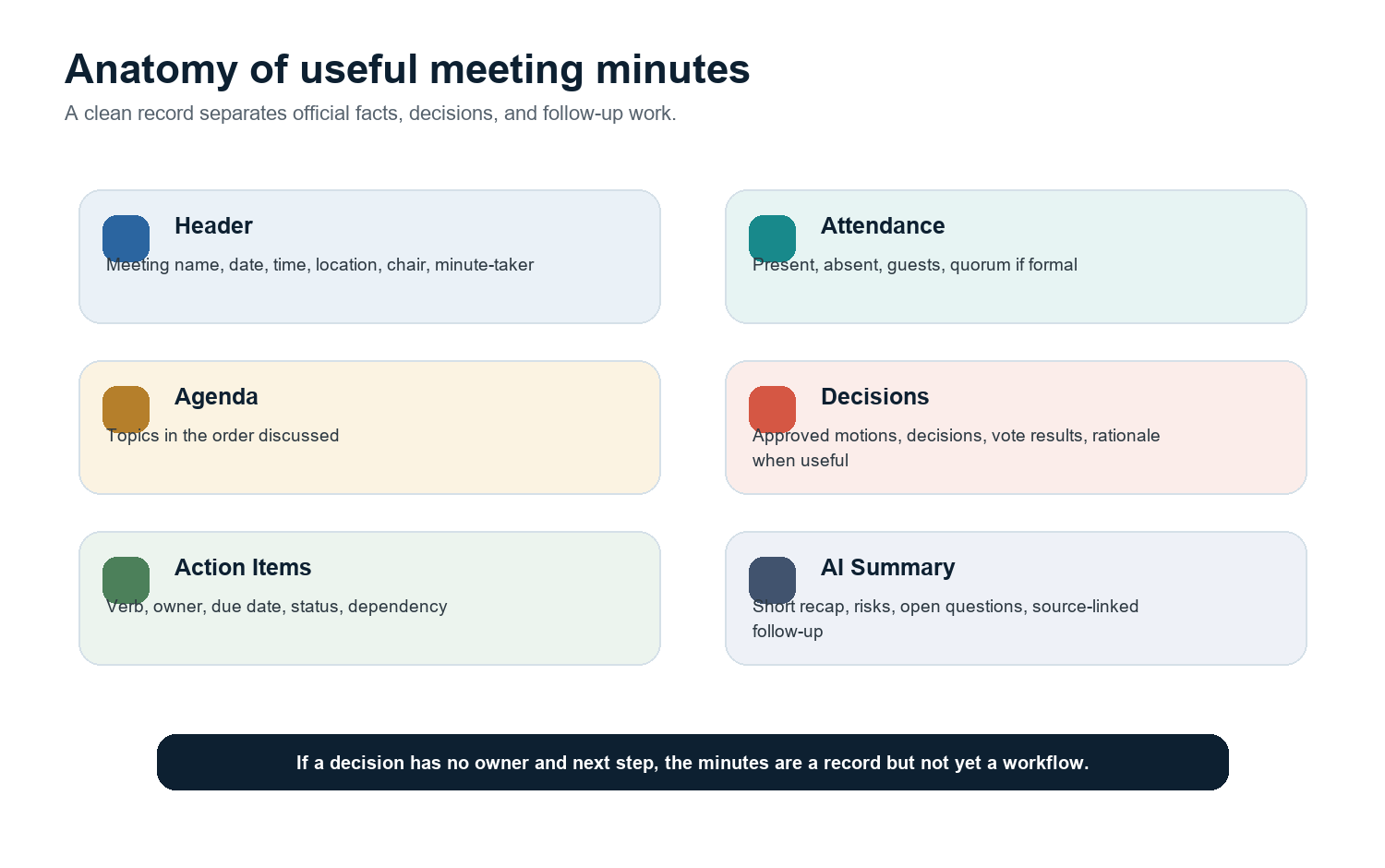
Meeting metadata: name, date, time, location or platform, facilitator, minute-taker, and attendees.
Agenda: the topics actually covered, not a dump of every sentence spoken.
Decisions: the final outcome, approval, vote, or agreed direction.
Action items: a verb, one owner, one due date, and a status.
Open questions: issues that need research, approval, or a follow-up meeting.
Next meeting: date, carry-forward topics, and any pre-work.
Practical rule If a meeting has decisions or compliance value, write minutes. If the goal is personal recall or flexible brainstorming, write notes. If the team needs both, keep minutes as the official record and keep a separate action log for execution. |
Template 1: Formal Board Meeting Minutes
Use this version for board meetings, committee meetings, annual meetings, governance sessions, and any meeting where the organization needs a durable record. Minutes should be neutral. They should capture what the body did, not a dramatic transcript of what everyone said.
Formal board meeting minutes template BOARD MEETING MINUTES - [Organization] |
Template 2: Team Meeting Minutes
Team minutes should be shorter than board minutes but more structured than a casual note. The format below is built for distributed teams that need alignment after recurring meetings. It keeps the useful parts above the noise: top outcomes, decisions, blockers, and owner/date action items.
Team meeting minutes template TEAM MEETING MINUTES - [Team] |
Template 3: Project Meeting Minutes
Project minutes are strongest when they connect the conversation to timeline, budget, scope, and risk. A vague note like 'discussed launch timeline' is not enough. The record should show whether the timeline changed, who owns the next milestone, and which risks need attention before the next review.
Project meeting minutes template PROJECT MEETING MINUTES - [Project] |
Template 4: Sales Call Minutes
Sales calls create promises on both sides. The minutes should preserve customer context without becoming a transcript. Capture pain points, objections, decision process, mutual commitments, and the next step. Then move the CRM fields while the conversation is still fresh.
Sales call minutes template SALES CALL MINUTES - [Account] |
Template 5: AI-Generated Meeting Minutes
AI-generated minutes work best when the meeting has a transcript or recording and the final record is still reviewed by a person. The AI draft should reduce formatting work, not remove judgment. Keep source references for decisions and action items so the reviewer can verify what was said.
AI-generated meeting minutes template AI-GENERATED MEETING MINUTES - [Meeting Name] |
How HiNoter Fills the Template Automatically
Manual minutes break down for the same reason manual notes break down: the minute-taker is listening, interpreting, formatting, and chasing owners at the same time. Microsoft Work Trend Index research found that people spend 57% of their time communicating across meetings, email, and chat, while 68% say they do not have enough uninterrupted focus time. Minutes should not add another administrative tax after every call.
HiNoter acts as the meeting capture layer. It can join scheduled meetings, transcribe the conversation, detect key points, produce a concise AI summary, extract decisions and action items, and help teams share the result to tools such as Notion, Slack, Google Docs, email, and calendars. For multilingual teams, the same meeting record can be easier to review across regions because the transcript and summary are no longer locked inside one person's shorthand.
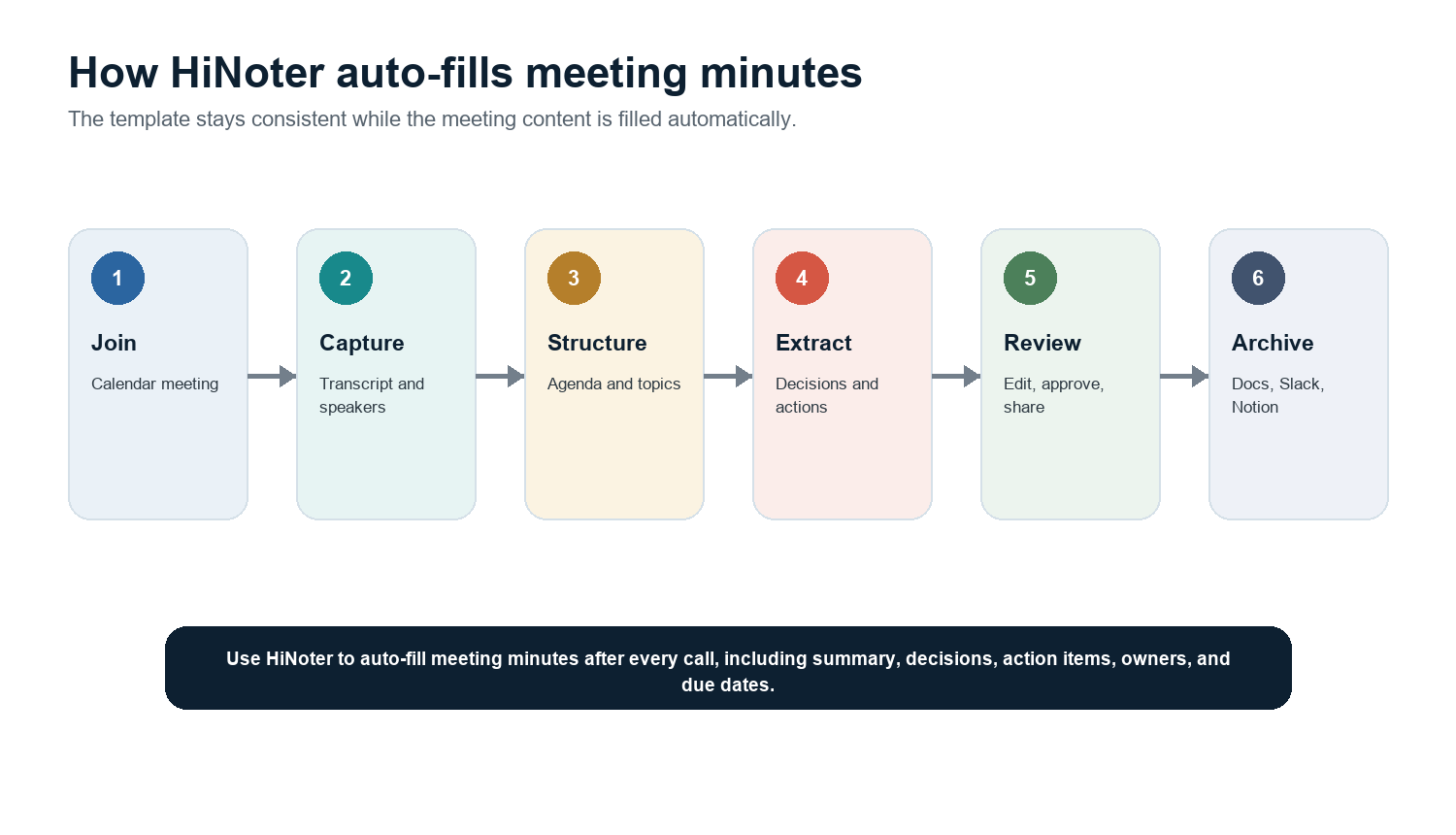
CTA Use HiNoter to auto-fill meeting minutes after every call, including summary, decisions, action items, owners, and due dates. |
Meeting Minutes vs Meeting Notes
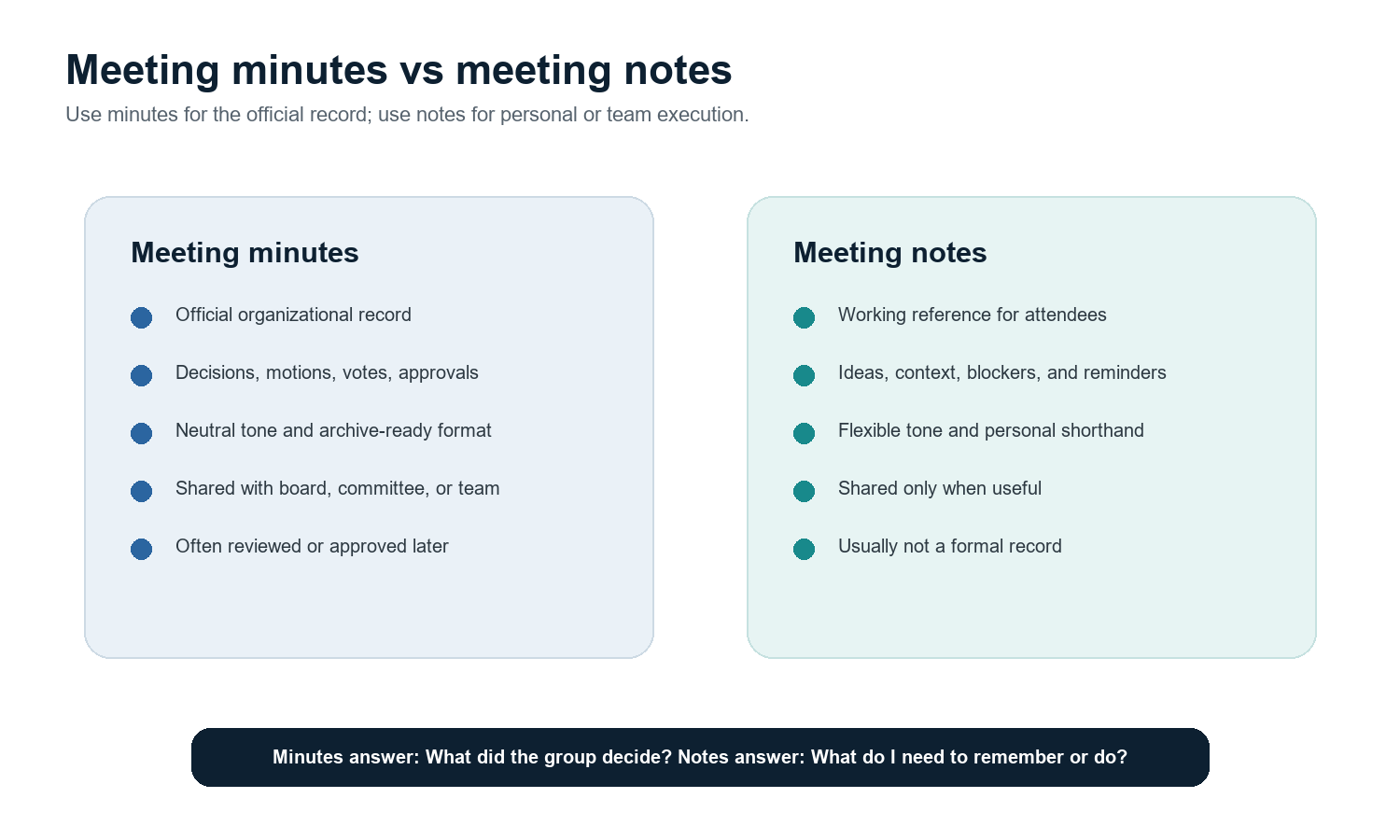
Factor | Meeting minutes | Meeting notes |
Purpose | Official record of attendees, decisions, actions, and outcomes. | Personal or team reference for context, ideas, and reminders. |
Tone | Neutral, concise, archive-ready. | Flexible, informal, sometimes shorthand. |
Detail level | Enough to document what was done and what follows. | Whatever helps the note-taker remember or act. |
Approval | May require review or approval in formal settings. | Usually not formally approved. |
Best tool fit | Template plus review workflow; AI can draft from transcript. | AI note taker, personal notes, shared team doc. |
Common Mistakes to Avoid
Writing a transcript instead of minutes. Long dialogue makes the record harder to approve and harder to search.
Capturing action items without owners. Every task needs one accountable person.
Using soft due dates. 'Soon' and 'next week' create confusion; use an actual date.
Mixing official minutes with private commentary. Keep opinions, performance notes, and sensitive side comments out of the shared record.
Letting each department invent its own format. Inconsistent minutes make cross-team decisions harder to audit.
Sharing AI-generated minutes without review. AI drafts should be checked for accuracy before approval or archive.
FAQ
What is the best meeting minutes template?
The best meeting minutes template is the one that matches the meeting's purpose. Use a formal template for board or committee meetings, a short outcome/action template for team meetings, a risk-focused template for project meetings, and a commitment-focused template for sales calls.
What should meeting minutes include?
Meeting minutes should include meeting name, date, time, location or platform, attendees, agenda, decisions, action items, owners, due dates, open questions, and next meeting details. Formal minutes may also include quorum, motions, vote results, dissenters, abstentions, and secretary signature.
Are meeting minutes the same as meeting notes?
No. Meeting minutes are the official written record of what the group did and decided. Meeting notes are a flexible working reference for a person or team. Minutes are usually more structured, neutral, and archive-ready.
Can AI write meeting minutes?
AI can draft meeting minutes from a transcript or recording by summarizing agenda items, decisions, and action items. A person should still review the draft, especially for formal board records, legal matters, customer commitments, and sensitive decisions.
How do I make action items clear in minutes?
Use one action item per line with a verb, one owner, one due date, and a status. For example: 'Jordan to send the revised launch budget by July 15 - Open.' Avoid vague lines such as 'follow up on budget.'