
YouTube to MP4 Converter Free Trial
Use the converter for three supported conversions before opening a larger HiNoter workflow.
Convert YouTube links into MP4 videos with HiNoter’s online converter. Create accessible video files and enjoy smoother playback across different devices.
Drag a local video file here or choose a file. Max 500MB and up to 30 minutes.
Continue with HiNoter
Open HiNoter Web when an authorized video should become searchable text, a concise summary, organized notes, and follow-up work.
Use HiNoter as a YouTube to MP4 converter tool for eligible public videos. Paste a link, choose MP4 output, and download the browser result when processing is complete.
HiNoter easily converts YouTube links to MP4 via straightforward online conversion.
No desktop software required. Paste valid video links, select MP4 resolution and download on the open webpage.
Supports URL import and local file upload. Converted MP4 files can be further transcribed, summarized and sorted into retrievable notes on HiNoter Web.
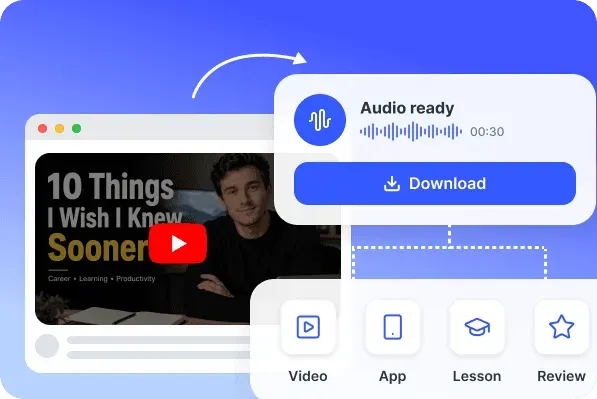
A good MP4 result starts with a clear source and an available quality setting. HiNoter shows the supported output before conversion, then displays file information beside the Download File action.
Save an eligible YouTube video as an MP4 file for playback, review, study, or content organization.
Available MP4 download quality depends on the original video, supported output settings, and source restrictions.
Paste a public YouTube link or upload a supported video file, then choose an available MP4 output.
HiNoter gives you a fast online video converter for YouTube tasks that do not require a full editing suite. Convert an eligible link, download a temporary file, and open HiNoter when the video needs deeper AI work.
Use the converter for three supported conversions before opening a larger HiNoter workflow.
Paste a link, upload a file, choose an output, watch progress, and download the final result from one simple panel.
Use a familiar input and result flow with visible permission reminders, public-link rules, and temporary storage limits.
Choose MP4 for video playback or MP3 when you only need the audio track from an eligible video.
Private, members-only, deleted, blocked, age-restricted, region-restricted, and otherwise unsupported videos are not available for conversion.
The downloaded file remains available only on the current page until the user refreshes or leaves.
Available quality depends on the original video and the output settings supported by HiNoter.
After conversion, open HiNoter Web for AI transcription, summaries, notes, and meeting-ready follow-up.
Responsible use: downloading or converting a video does not transfer copyright or usage rights. Only process content you own, content you have permission to use, or material covered by a license or legal exception that permits the action.
The free converter solves a quick file task. When a video needs to become searchable, editable, and useful for actual work, continue in HiNoter Web for AI transcription, video summaries, structured notes, and follow-up questions.
Try HiNoter Free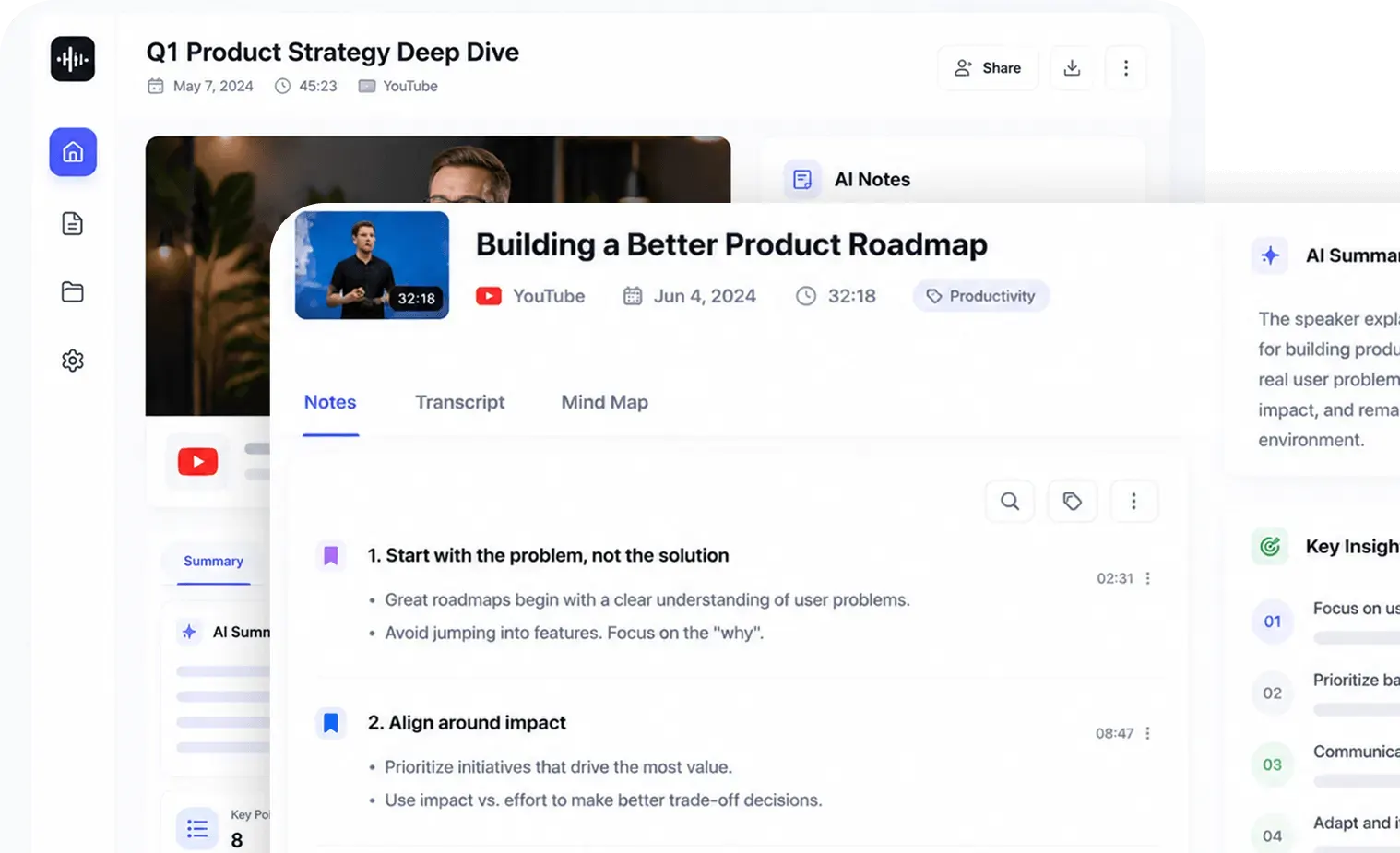
The conversion flow stays predictable from the first click to the final file. You can see what source is being processed, which output is selected, and what happens after the result is ready.
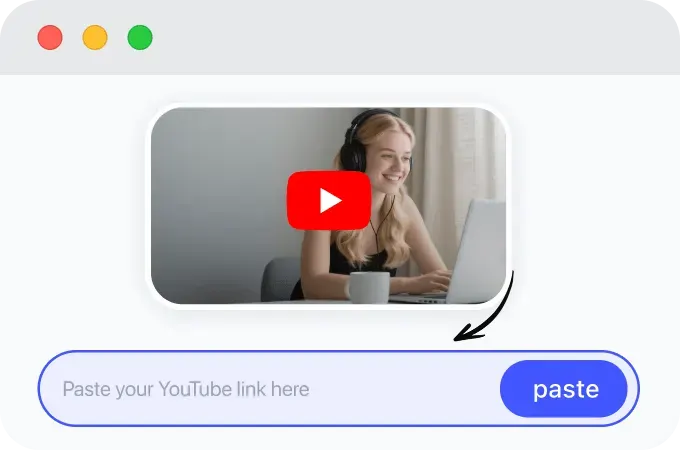
Copy an eligible public YouTube URL and paste it into the converter. Only convert videos you own, have permission to use, or are allowed to save.
Select MP4 as the output format and confirm the available conversion settings.
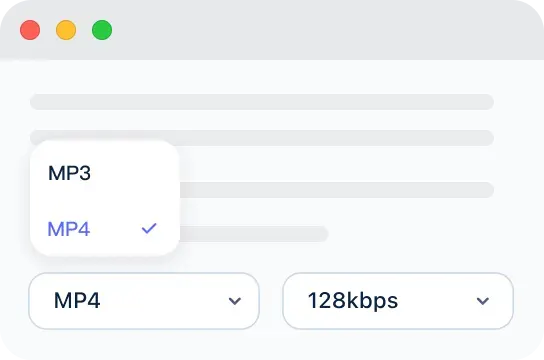
Convert YouTube to MP4 and download the completed file when processing is finished.
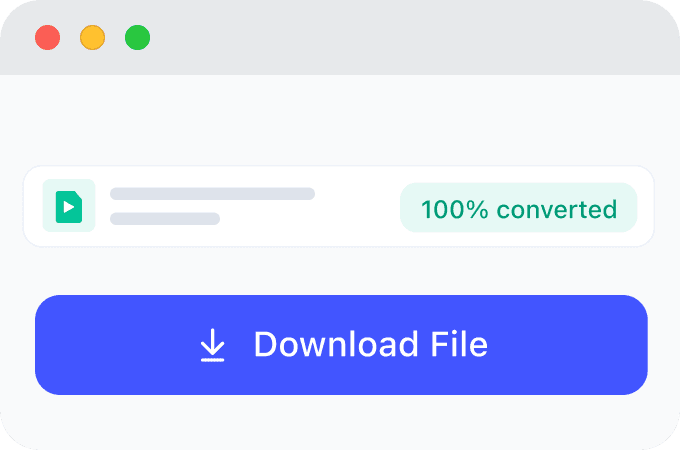
A YouTube to MP4 converter helps turn eligible YouTube videos into playable MP4 files for review, study, or content organization. With HiNoter, you can paste a supported public link, choose MP4 output, and continue into transcription, summaries, or notes when needed.
Use authorized MP4 files for training, creator production, study, research, and consulting workflows before continuing into transcripts, summaries, and notes.
Loved by teams, creators, and students who save authorized videos for playback, review, and deeper AI workflows.
We save approved training videos as MP4 files before workshops, then use HiNoter to create transcripts and searchable takeaways for the team.
Keeping an authorized source video as MP4 makes production review easier. I move the useful recordings into HiNoter when I need summaries and script notes.
When a lecture recording is easier to study as audio, I save the MP3 and use it as a reference file. It helps me compare sections, create a transcript, and organize research notes without keeping the video open.
MP4 quality depends on the source video and available output settings. Choose the best available option for playback, review, or follow-up work.
Use HD output when the source video supports it and you need a smaller playable file.
Choose 1080p when available for clearer playback and review.
4K output appears only when the original video and supported conversion settings allow it.
Save eligible videos as MP4 files for playback, reference, study, or content organization.
Available download quality, file type, and processing behavior depend on the source video and supported output settings.
Choose MP4 when you need video, or MP3 when you only need audio for listening, transcription, or notes.
Explore more HiNoter tools for speech, audio transcription, video summaries, and AI voice workflows.

Convert written text into natural-sounding audio for listening, drafts, and voiceover workflows.

Create concise summaries and key takeaways from long videos before moving into full HiNoter notes.

Upload common audio files and turn recordings into readable transcript text online.

Need the opposite workflow? Use Speech to Text to turn spoken audio into editable transcript text.

Turn voice recordings into accurate text for meetings, lectures, interviews, and daily notes.

Convert public YouTube videos into MP3 audio for listening, review, and later transcription.

Extract audio from MP4 files and prepare video recordings for audio review or transcription.

Download public YouTube videos for viewing, research, and AI-assisted note workflows.
Use the converter directly in a supported browser without installing an application or extension. Continue in HiNoter when the authorized video should become searchable information.
Free website tool
Paste an eligible public link, choose MP4 and an available quality, then download the temporary result during the current browser session.
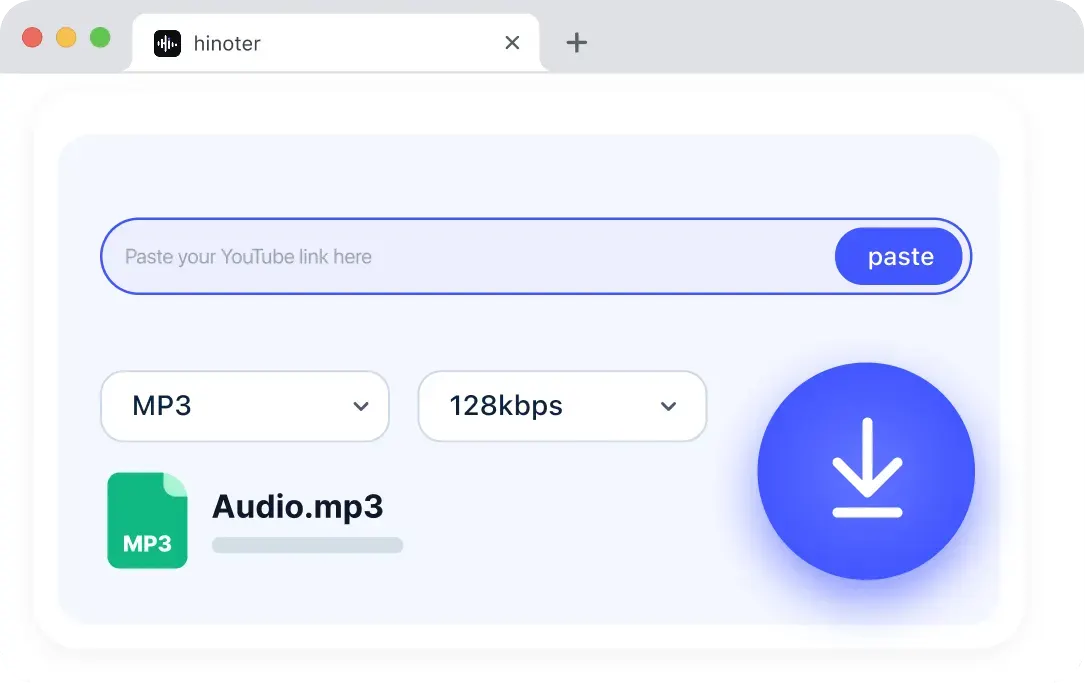
Continue in HiNoter
Upload the authorized video again in HiNoter Web when it should become a saved transcript, concise summary, organized notes, action items, or an AI conversation.
Continue in HiNoter Free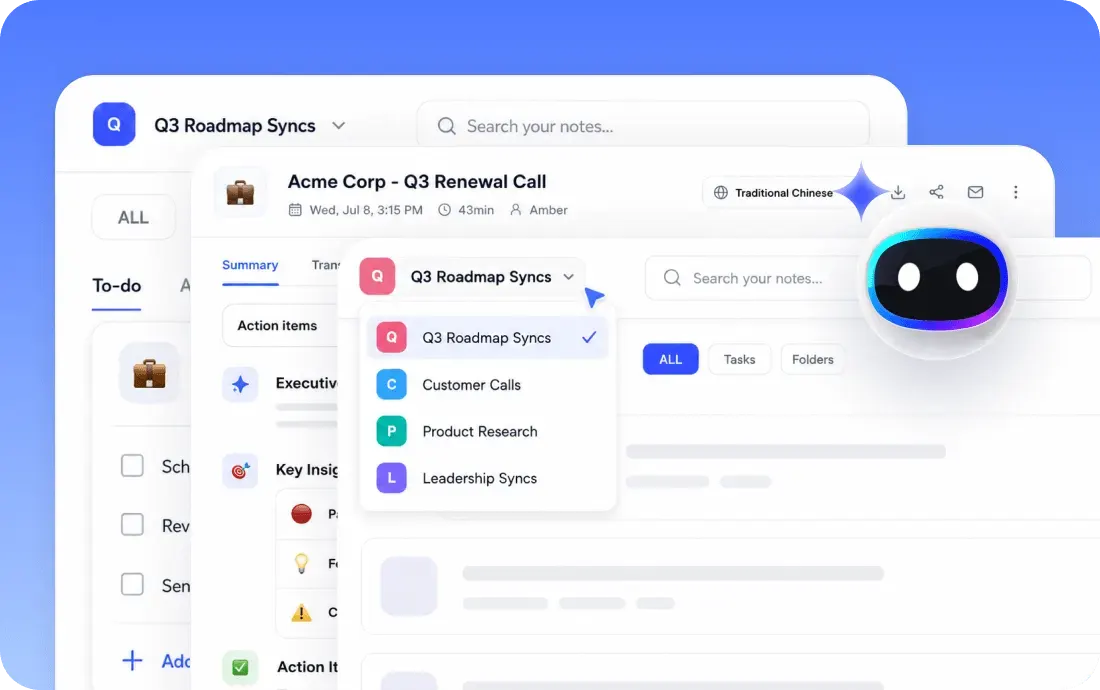
Can't find what you're looking for? Feel free to reach out to our support team.
A YouTube to MP4 converter turns an eligible public video link into a playable MP4 file. HiNoter keeps the process browser-based, temporary, and simple for quick video conversion.
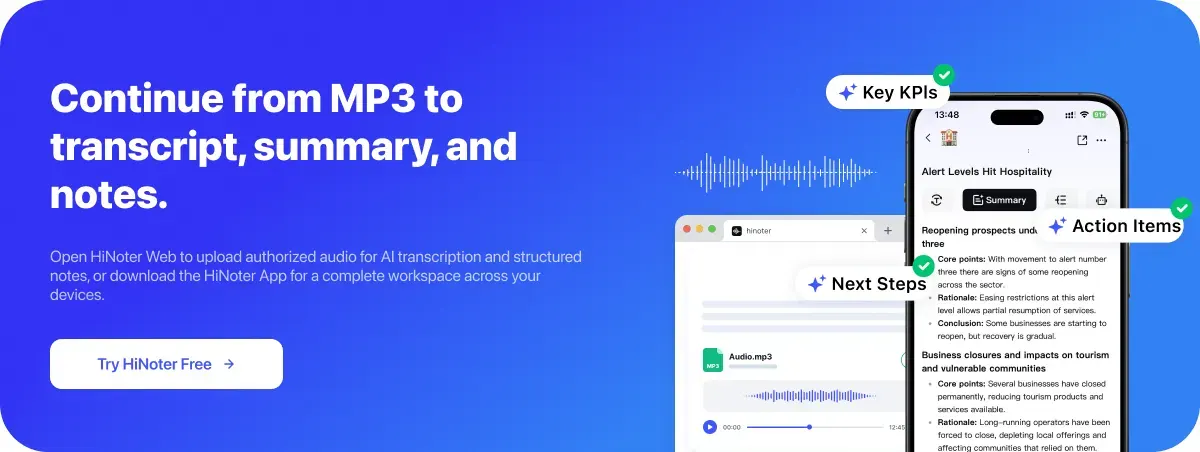
Open HiNoter Web to upload authorized video for AI transcription and structured notes, or use the HiNoter App for a complete workspace across your devices.
Try HiNoter Free