A template-first BOFU landing page draft for teams that need consistent meeting records without manual formatting.
Meeting Minutes Generator: Create Minutes, Decisions, and Action Items
Direct answer
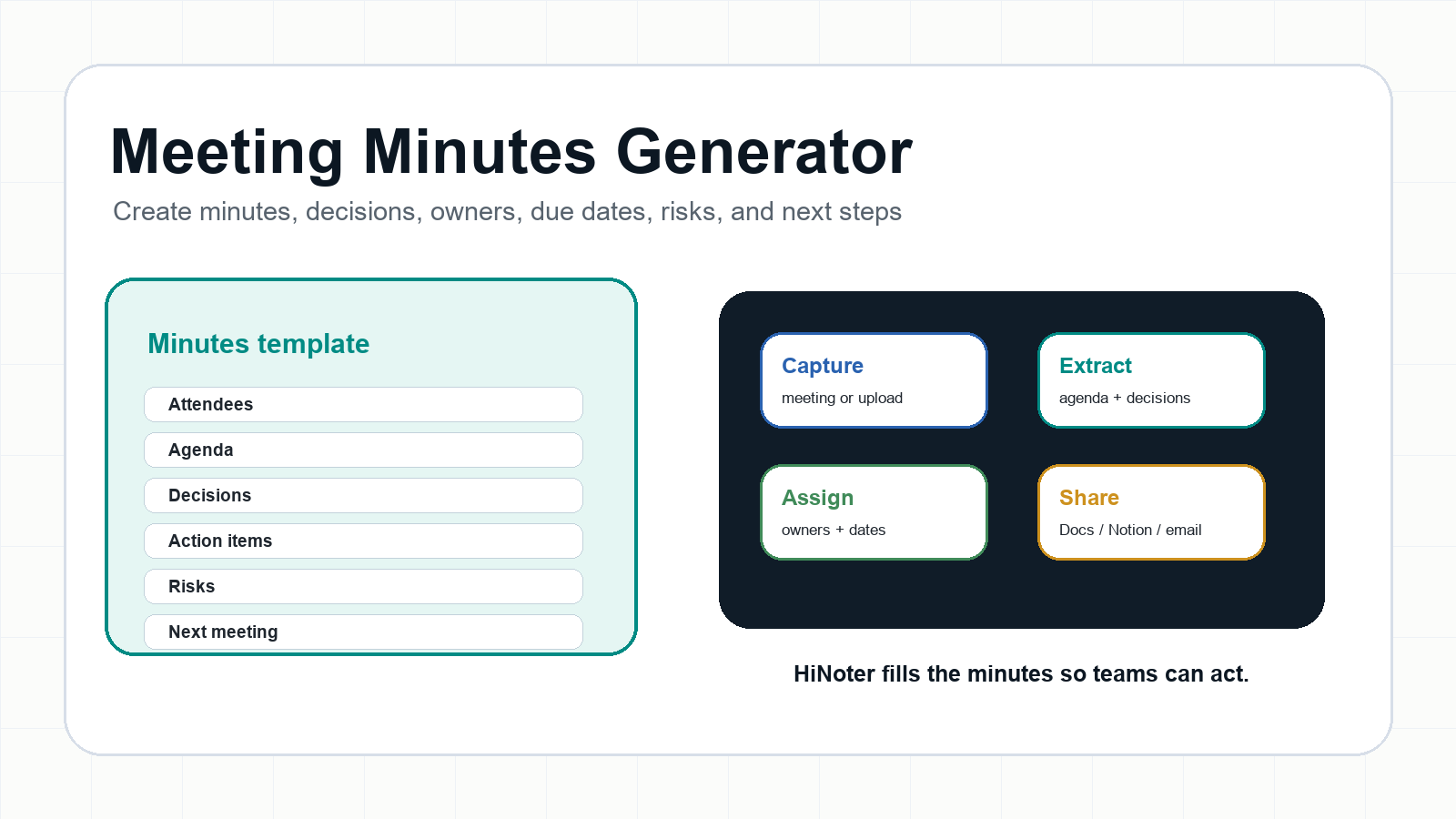
A meeting minutes generator creates a structured written record of attendees, agenda items, decisions, action items, owners, due dates, risks, and next steps. HiNoter automates that workflow by joining meetings or processing recordings, then filling minutes templates with summaries, decisions, tasks, and source-linked context.
Try HiNoter free to generate meeting minutes automatically, or review the AI meeting notes workflow for broader meeting summaries, mind maps, and searchable answers.
Copy This Meeting Minutes Template
Use this copyable meeting minutes template when you need a formal record that goes beyond casual notes. It works for team meetings, project reviews, client calls, board updates, and recurring operations meetings.
| Section | Copyable field |
|---|---|
| Title | [Team / project / committee] |
| Date | [Date, time, time zone] |
| Location | [Room or meeting link] |
| Attendees | [Names and roles] |
| Agenda | [Topic 1; Topic 2; Topic 3] |
| Summary | [Outcome-focused recap] |
| Decisions | [Decision; owner; date] |
| Actions | [Task; owner; due date] |
| Risks | [Risk; owner; checkpoint] |
| Next meeting | [Date; owner; draft agenda] |
Generate this automatically with HiNoter
HiNoter can fill this template after a meeting by extracting attendees, agenda items, decisions, action items, owners, due dates, risks, and a follow-up email draft from the transcript.
Completed Example: Project Launch Meeting Minutes
| Section | Example |
|---|---|
| Title | Q3 Product Launch Readiness |
| Date | July 9, 2026, 10:00 AM PT |
| Attendees | Product, Engineering, Customer Success, Marketing |
| Agenda | Launch date; QA; messaging; analytics |
| Summary | Beta launch needs one more week for onboarding QA. |
| Decisions | Move beta launch to August 19. |
| Actions | Design: QA checklist by Friday. Engineering: event names by sprint planning. CS: training update by Wednesday. |
| Risks | Training may lag behind QA changes. |
| Next steps | Product sends revised timeline and recap. |
Generate this automatically with HiNoter
After the call, HiNoter can turn the transcript into the completed minutes above, then export the record to Google Docs or Notion and keep the source transcript available for verification.
Why Teams Need a Meeting Minutes Generator
Meeting minutes are the official written record of what a group did, decided, assigned, and agreed to revisit. Robert's Rules of Order is often summarized by the principle that minutes should record what was done, not everything that was said. That is exactly where teams struggle: meetings produce a lot of conversation, but the business record needs decisions, owners, due dates, and next steps.
The operational pain is familiar. A project decision lives in a recording, a task is mentioned once and never assigned, a client commitment hides in a private note, and the follow-up email is written from memory. Microsoft's 2023 Work Trend Index found that inefficient meetings were the top productivity disruptor in its global research. Asana's 2023 Anatomy of Work reported that leaders and knowledge workers lose hours each week to unnecessary meetings. Better minutes will not fix every bad meeting, but they make the useful part of a meeting harder to lose.
What Should Meeting Minutes Include?
Meeting minutes should include enough context for someone who missed the meeting to understand what happened and what to do next. They should not read like a full transcript. The most useful minutes are short, structured, and accountable.
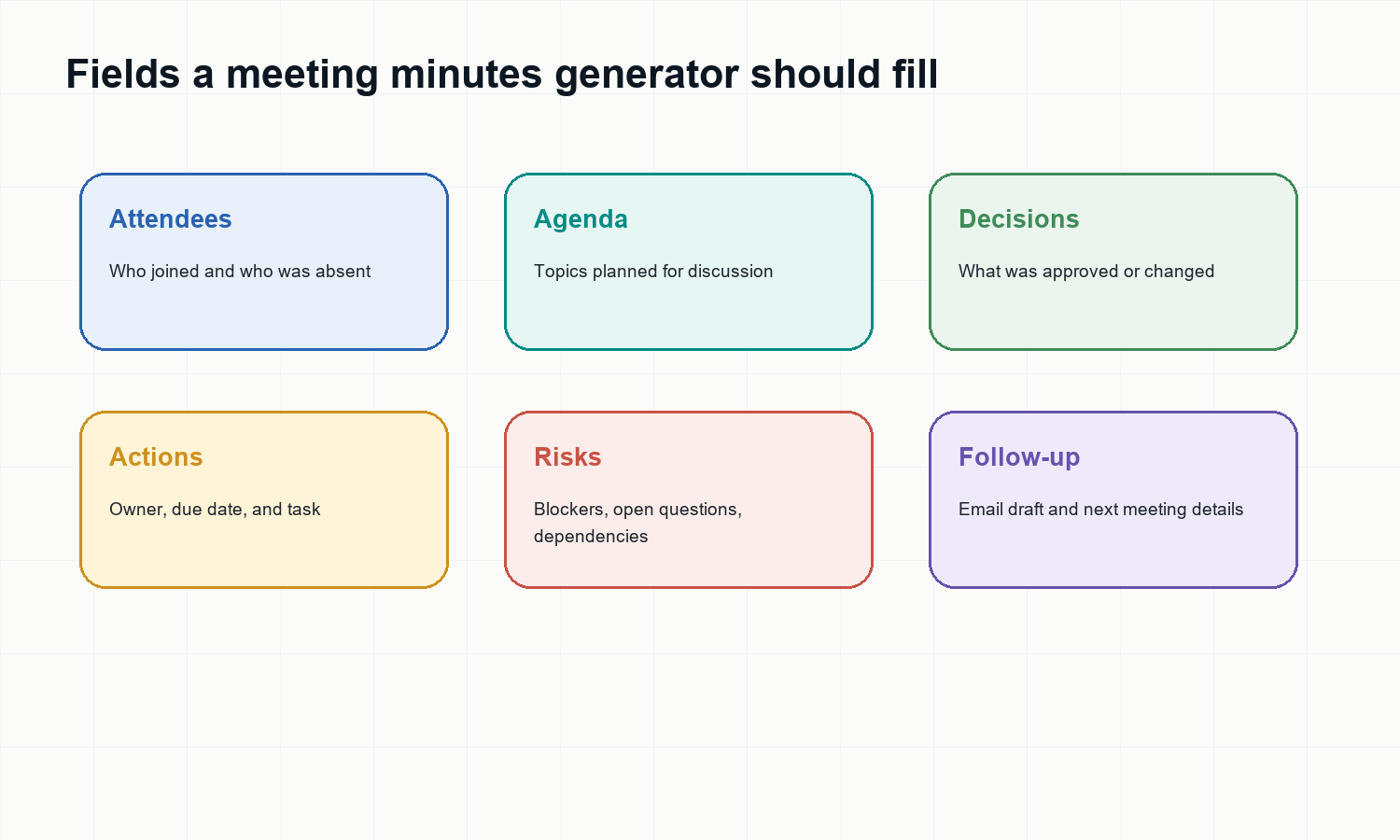
| Field | Purpose |
|---|---|
| Title | Names the meeting. |
| Date | Confirms when it happened. |
| Attendees | Shows who joined. |
| Agenda | Lists planned topics. |
| Summary | Captures outcomes. |
| Decisions | Records approvals and changes. |
| Actions | Assigns tasks, owners, and dates. |
| Risks | Tracks blockers and open questions. |
| Next meeting | Sets the next checkpoint. |
Templates by Meeting Type
Team Meeting Minutes Template
| Field | Template |
|---|---|
| Purpose | Weekly team alignment |
| Agenda | Priorities; blockers; handoffs |
| Decisions | [Decision; owner; date] |
| Actions | [Task; owner; due date] |
| Follow-up | [Team recap] |
Generate this automatically with HiNoter
HiNoter can identify blockers, owners, and follow-up items from recurring team meetings so managers do not have to rebuild the same format every week.
Project Meeting Minutes Template
| Field | Template |
|---|---|
| Purpose | Project status |
| Agenda | Milestones; scope; blockers |
| Decisions | [Approved change] |
| Risks | [Risk; impact; owner] |
| Next steps | [Checkpoint before review] |
Generate this automatically with HiNoter
HiNoter can extract scope changes, risks, decision owners, and next checkpoints so project minutes become an action record.
Client Call Minutes Template
| Field | Template |
|---|---|
| Purpose | Client record |
| Agenda | Goals; concerns; commitments |
| Decisions | [Client-approved item] |
| Actions | [Task; owner; due date] |
| Follow-up | [Client-ready recap] |
Generate this automatically with HiNoter
HiNoter can draft the client recap, preserve source context, and help account teams avoid vague commitments.
Board or Formal Meeting Minutes Template
| Field | Template |
|---|---|
| Purpose | Formal record |
| Attendees | Present; absent; guests |
| Agenda | Motions; reports; approvals |
| Decisions | [Motion; result; owner] |
| Adjournment | [Close time; next date] |
Generate this automatically with HiNoter
HiNoter can prepare a first draft, but formal board minutes should still be reviewed by the responsible secretary, chair, or legal/governance owner before approval.
How HiNoter Fills Meeting Minutes Automatically
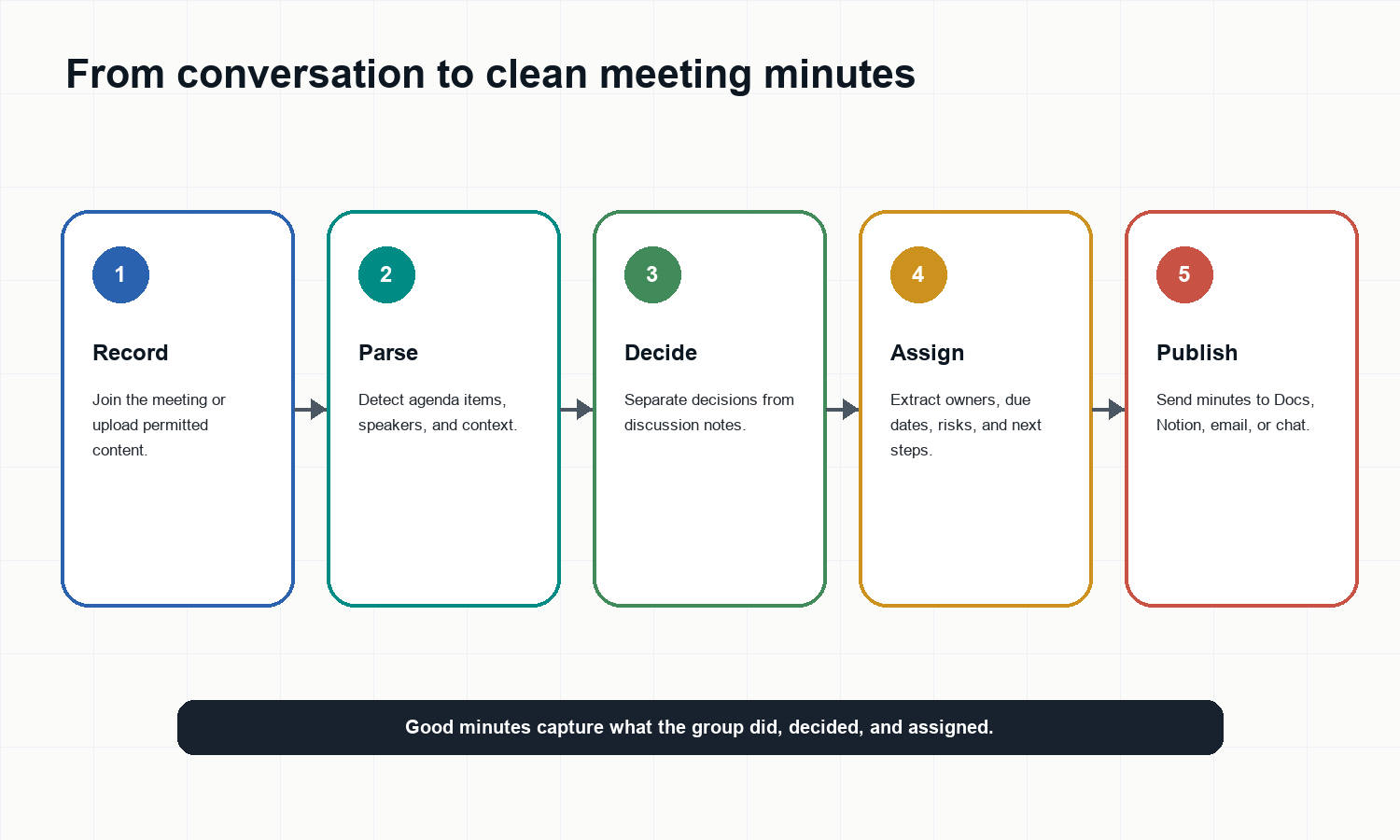
- Connect your calendar or upload a permitted meeting recording, audio file, video, PDF, or transcript.
- HiNoter captures or processes the content and creates a speaker-aware transcript.
- The system identifies agenda topics, decisions, action items, owners, due dates, risks, and next steps.
- HiNoter formats the content into a minutes-style record that can be copied, exported, or shared.
- Teams can ask follow-up questions in AI Chat and verify answers against source references.
For related workflows, see AI meeting assistant, AI Chat, Google Docs integration, and Notion integration.
Meeting Notes vs. Meeting Minutes
| Question | Meeting notes | Meeting minutes |
|---|---|---|
| Purpose | Reference | Official record |
| Style | Flexible | Structured |
| Best for | 1:1s; brainstorming; interviews | Decisions; projects; clients |
| Must include | Useful context | Attendees; decisions; actions |
| HiNoter fit | Summaries and mind maps | Minutes and action items |
Common Meeting Minutes Mistakes
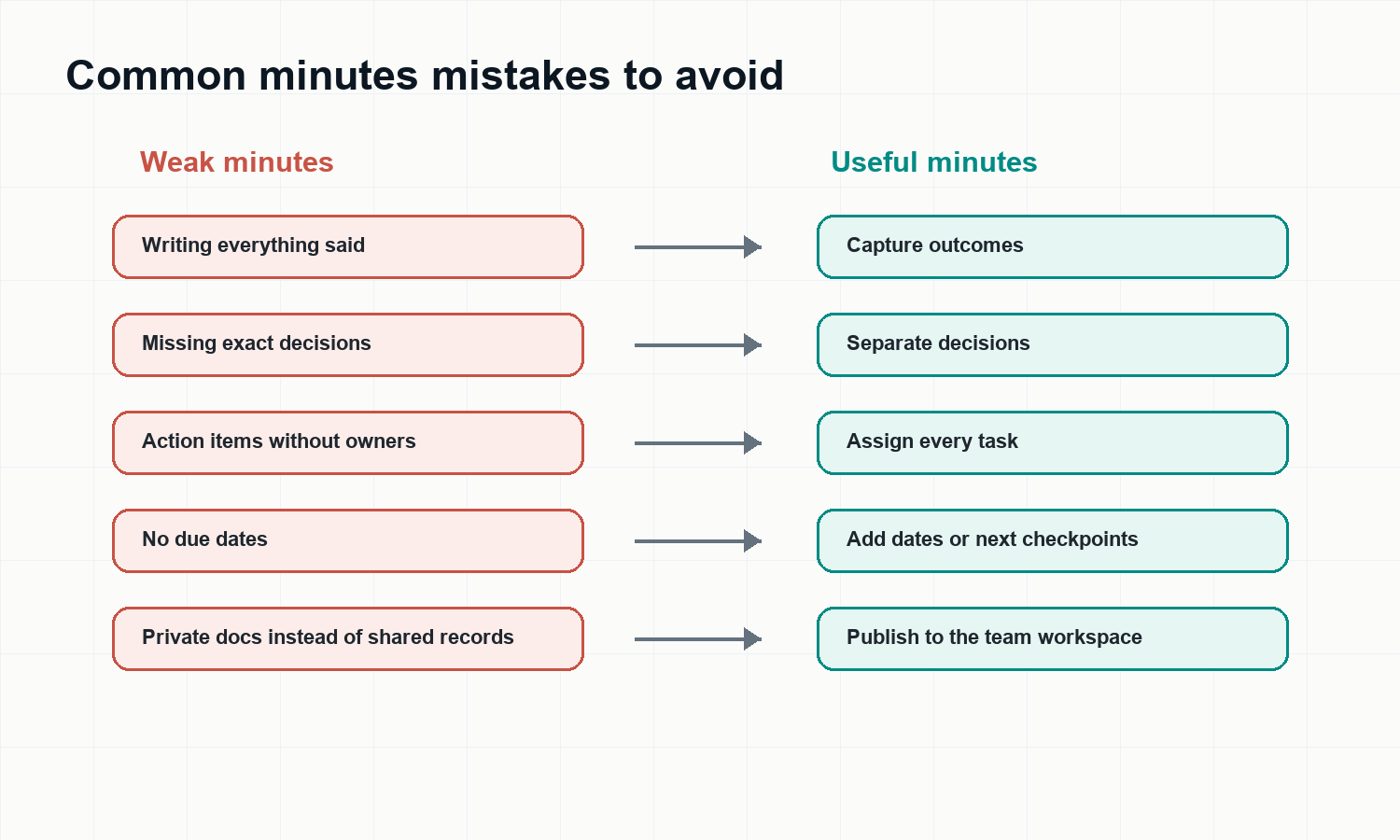
- Writing a transcript instead of a decision record.
- Using vague verbs such as discuss, review, or consider without saying what changed.
- Listing action items without owners or due dates.
- Leaving risks and blockers out because they were not final decisions.
- Keeping minutes in a private document where the rest of the team cannot find them.
- Forgetting to send the recap while the meeting is still fresh.
Inputs HiNoter Can Turn Into Minutes
A practical meeting minutes generator should handle more than one meeting app. Teams often need minutes from live calls, recorded webinars, customer interviews, training videos, audio memos, and documents that shaped the discussion.
HiNoter supports multi-source workflows including audio to text, video to text, PDF to text, and YouTube transcript generator use cases, with multilingual support for distributed teams.
Publish Minutes Where Follow-Up Happens
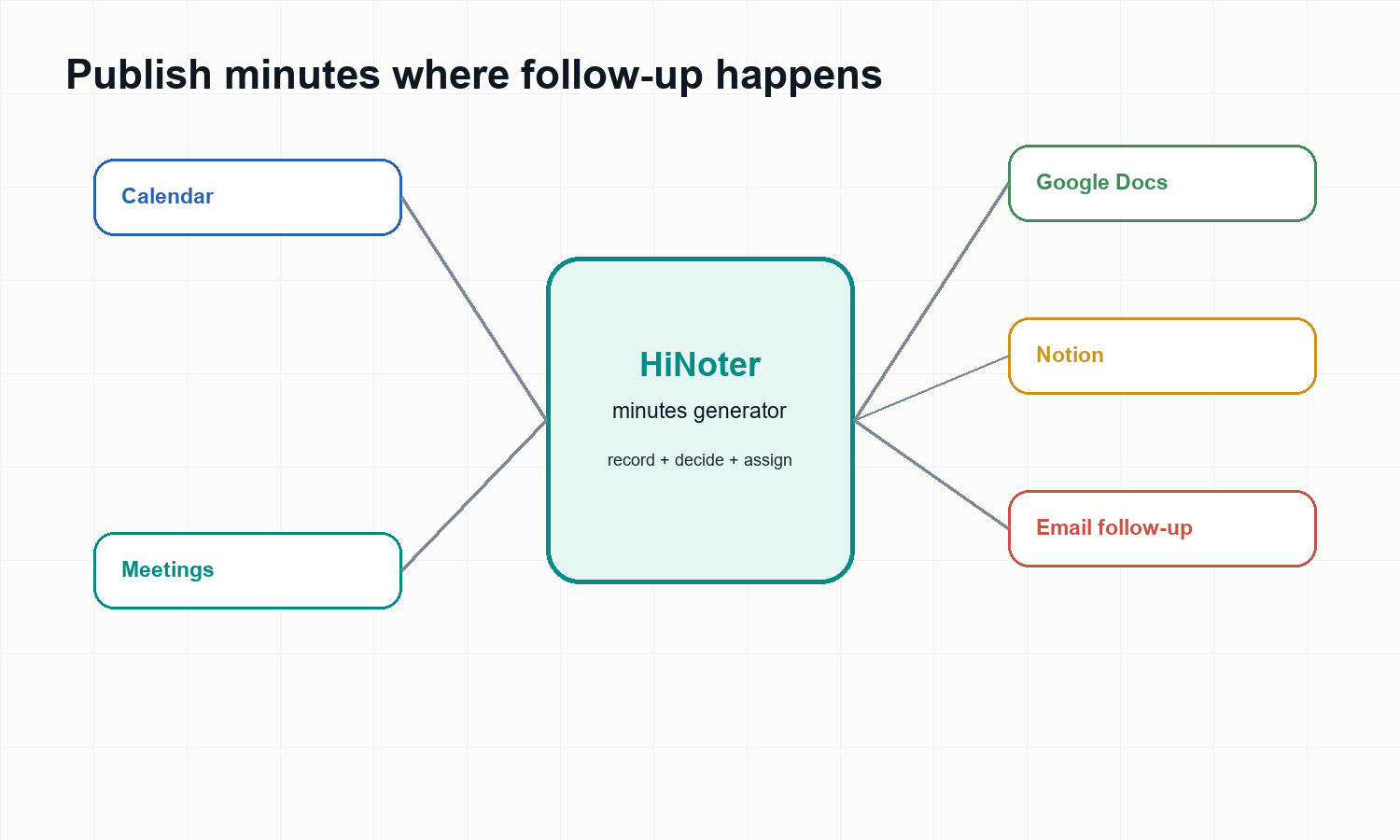
Minutes lose value when they sit in the wrong place. HiNoter helps move the record into the workflow: share a Google Docs version, send a follow-up email draft, add the record to Notion, or keep the source-linked note searchable for the next planning cycle.
FAQ
What should be included in meeting minutes?
Meeting minutes should include the meeting title, date, attendees, agenda, short discussion summary, decisions, action items, owners, due dates, risks, next steps, and the next meeting date when relevant.
What is the difference between meeting notes and meeting minutes?
Meeting notes are flexible personal or team references. Meeting minutes are more structured records of what was decided, assigned, and agreed for follow-up.
How long should meeting minutes be?
Meeting minutes should be long enough to capture decisions and follow-up, but short enough to scan quickly. For most team meetings, one to two pages is enough. Formal board or governance meetings may need more detail.
Can AI generate meeting minutes automatically?
Yes. An AI meeting minutes generator can use a transcript or recording to draft attendees, agenda items, summaries, decisions, action items, owners, due dates, risks, and next steps. A human should still review formal or sensitive minutes before sharing.
Can HiNoter generate minutes from Zoom, Google Meet, or Microsoft Teams?
HiNoter supports common meeting workflows and integrations such as Google Meet and Microsoft Teams, and it can process permitted meeting recordings from other tools. Teams should follow consent and recording policies.
Is a meeting minutes generator useful for multilingual teams?
Yes. HiNoter supports multilingual workflows and language detection, helping distributed teams create one shared record across regions and languages.