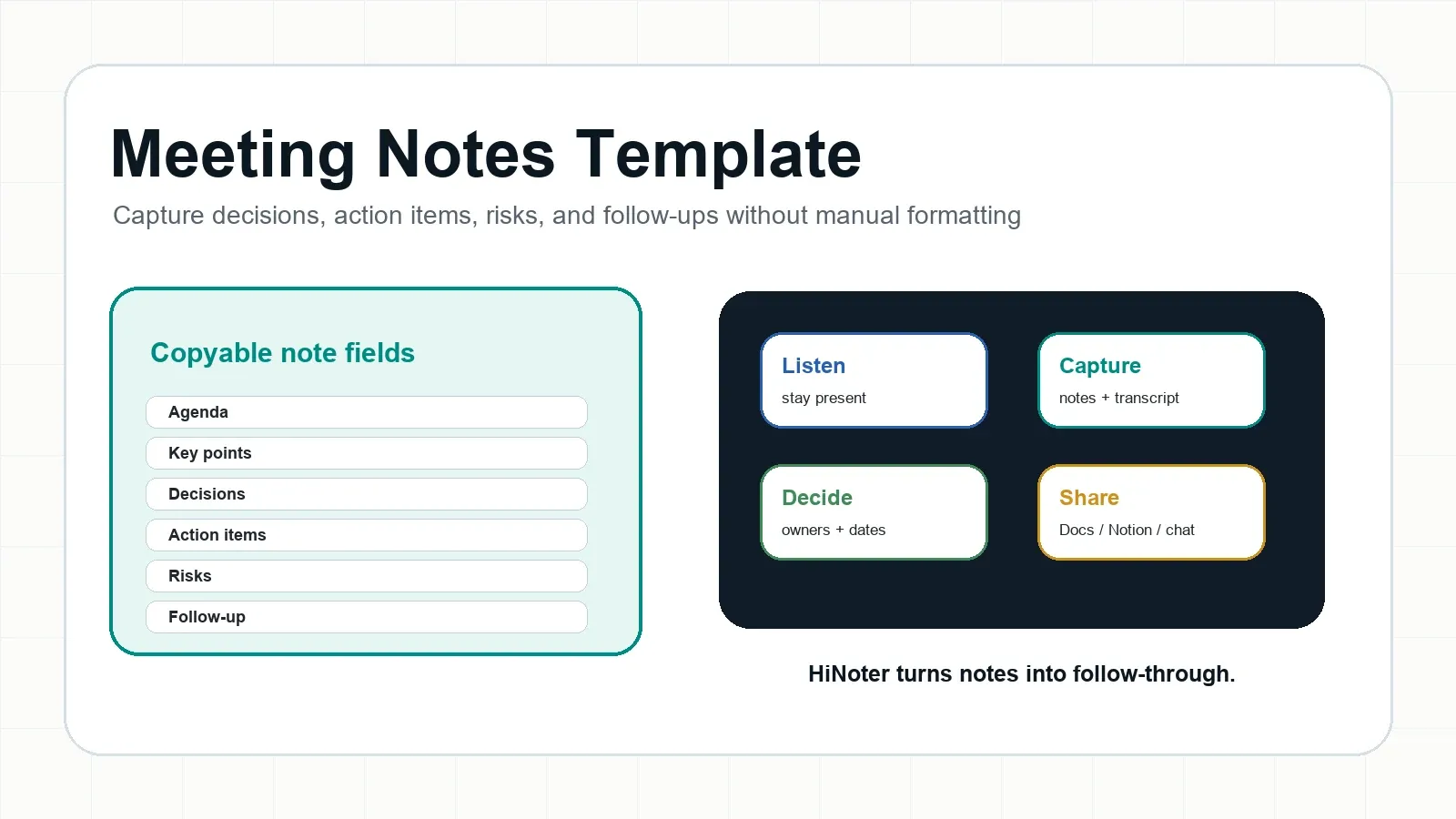
Direct answer: A meeting notes template is a reusable structure for capturing agenda items, key points, decisions, action items, owners, due dates, risks, and follow-ups. It helps teams leave meetings with the same record. HiNoter can fill the template automatically from meetings, recordings, audio, video, PDFs, and transcripts.
Try HiNoter free to generate structured notes automatically, or explore AI meeting notes if you want summaries, mind maps, action items, and source-linked AI Chat after every meeting.
Copy This Meeting Notes Template
Use this template for weekly team syncs, product reviews, client calls, 1:1s, interviews, project meetings, and executive reviews.
| Field | Copyable note |
|---|---|
| Meeting | [Name / project / team] |
| Date | [Date, time, time zone] |
| Attendees | [Names and roles] |
| Goal | [Why this meeting exists] |
| Agenda | [Topic 1; Topic 2; Topic 3] |
| Key points | [Important discussion points] |
| Decisions | [Decision; owner; context] |
| Actions | [Task; owner; due date] |
| Risks | [Blocker; owner; next checkpoint] |
| Follow-up | [Recap to send; next meeting] |
Generate this automatically with HiNoter: HiNoter can fill this meeting notes template by extracting agenda items, decisions, action items, owners, deadlines, risks, and a follow-up recap from the meeting transcript.
Completed Example: Product Review Meeting Notes
| Field | Example |
|---|---|
| Meeting | Product Review - Onboarding Flow |
| Date | July 9, 2026, 10:00 AM PT |
| Attendees | Product, Design, Engineering, Customer Success |
| Goal | Decide whether onboarding QA is ready for beta launch. |
| Agenda | QA status; launch date; analytics events; support docs |
| Key points | QA found three onboarding gaps. Training docs need one update cycle. |
| Decisions | Move beta launch to August 19. Keep public announcement on hold. |
| Actions | Design: QA checklist by Friday. Engineering: event names by sprint planning. CS: training update by Wednesday. |
| Risks | Training may lag behind QA changes. |
| Follow-up | Product sends revised timeline and meeting recap. |
Generate this automatically with HiNoter: After the meeting, HiNoter can produce the completed notes, export them to Google Docs or Notion, and keep the source transcript available for later questions.
Why Teams Need a Better Meeting Notes Template
Most teams do not lose information because nobody cares. They lose it because meetings create too much raw conversation and too little structure. A decision is made, a task is implied, a risk is mentioned, and then the official record becomes a recording, a private document, or a chat thread that nobody searches later.
That problem has a measurable cost. Microsoft's 2023 Work Trend Index found that inefficient meetings were the top productivity disruptor in its global research. Asana's 2023 Anatomy of Work reported that leaders and knowledge workers lose hours each week to unnecessary meetings. A good meeting notes format does not fix every meeting, but it makes useful outcomes easier to preserve.
What Should a Meeting Notes Template Include?
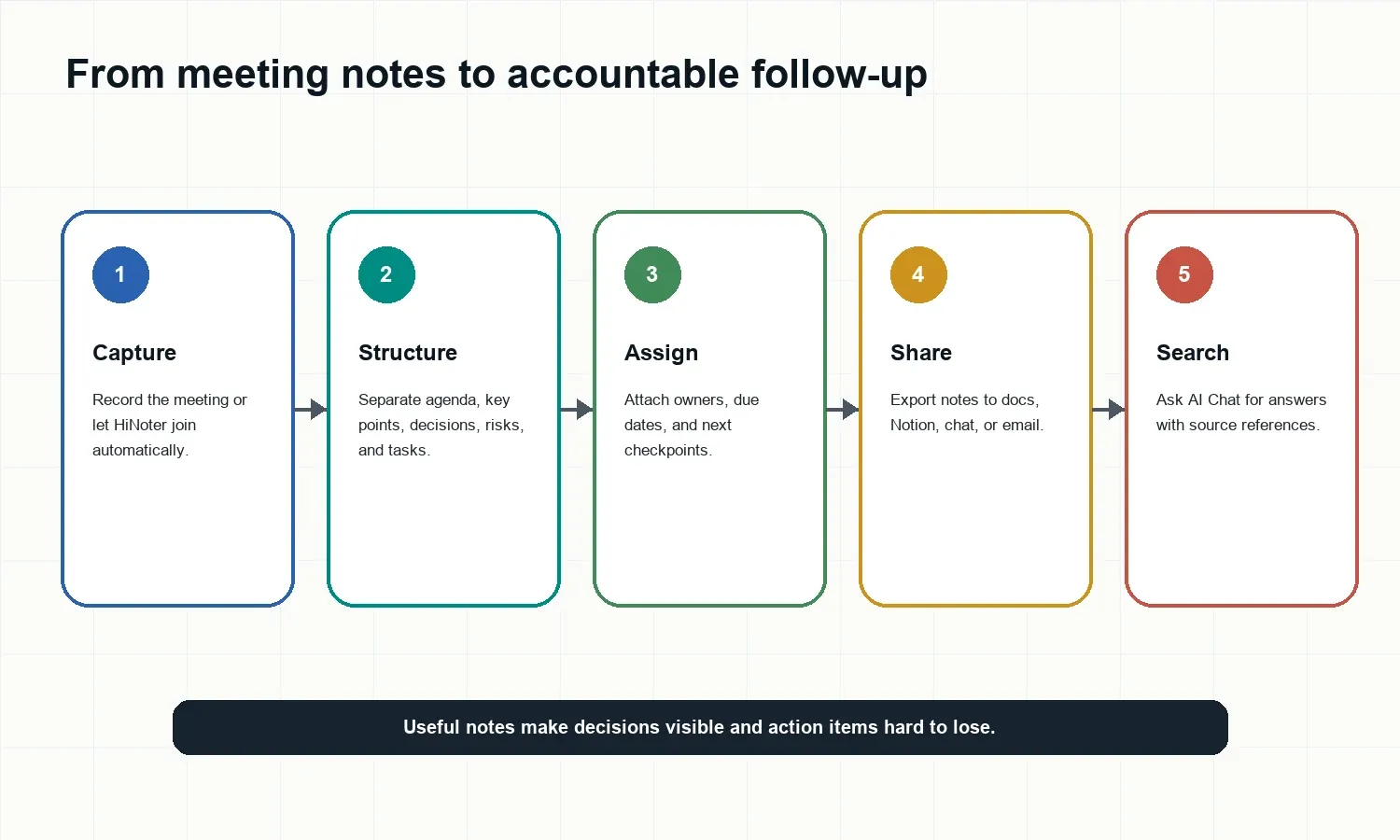
A meeting notes template should include context, discussion highlights, decisions, action items, risks, and follow-up. It should not try to capture every sentence. Notes are useful when they help someone understand what changed and what happens next.
| Field | Purpose |
|---|---|
| Meeting | Names the conversation. |
| Goal | Explains why people met. |
| Agenda | Shows planned topics. |
| Key points | Summarizes useful context. |
| Decisions | Records what changed. |
| Actions | Assigns tasks, owners, dates. |
| Risks | Tracks blockers and questions. |
| Follow-up | Keeps momentum after the call. |
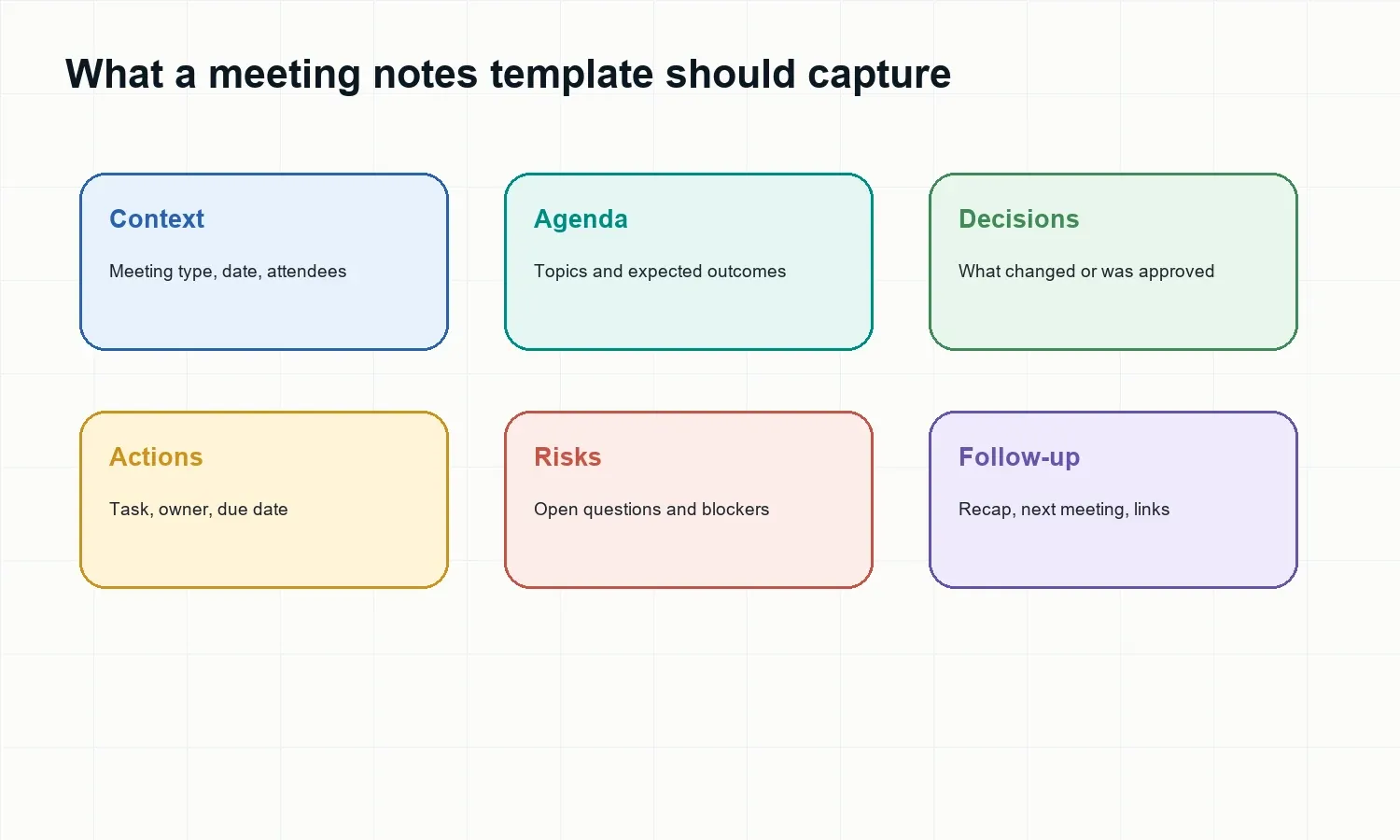
Templates by Meeting Type
Team Meeting Notes Template
| Field | Template |
|---|---|
| Goal | Weekly team alignment |
| Agenda | Priorities; blockers; handoffs |
| Decisions | [Decision; owner; context] |
| Actions | [Task; owner; due date] |
| Follow-up | [Team recap] |
Generate this automatically with HiNoter: HiNoter can detect blockers, owners, and next steps from recurring team meetings so managers do not have to rebuild the same notes format every week.
Project Meeting Notes Template
| Field | Template |
|---|---|
| Goal | Project status and next decisions |
| Agenda | Milestones; scope; blockers |
| Decisions | [Approved change] |
| Risks | [Risk; impact; owner] |
| Next steps | [Checkpoint before next review] |
Generate this automatically with HiNoter: HiNoter can extract scope changes, risks, decision owners, due dates, and next checkpoints from project meetings.
Client Meeting Notes Template
| Field | Template |
|---|---|
| Goal | Client record and follow-up |
| Agenda | Goals; concerns; commitments |
| Decisions | [Client-approved item] |
| Actions | [Task; owner; due date] |
| Follow-up | [Client-ready recap] |
Generate this automatically with HiNoter: HiNoter can draft client follow-up notes, preserve source context, and help account teams avoid vague commitments.
1:1 Meeting Notes Template
| Field | Template |
|---|---|
| Goal | Manager and direct report alignment |
| Topics | Wins; blockers; feedback; growth |
| Decisions | [Agreement or change] |
| Actions | [Task; owner; due date] |
| Follow-up | [Next 1:1 checkpoint] |
Generate this automatically with HiNoter: HiNoter can summarize recurring 1:1 conversations while keeping follow-up items visible for the next check-in.
Meeting Notes vs. Meeting Minutes
| Question | Meeting notes | Meeting minutes |
|---|---|---|
| Purpose | Flexible reference | Official record |
| Style | Informal and practical | Structured and formal |
| Best for | 1:1s; team syncs; interviews | Governance; approvals; formal projects |
| Must include | Context and next steps | Attendees; decisions; actions |
| HiNoter fit | Summaries, mind maps, AI Chat | Formal minutes and action items |
Meeting notes are usually the better everyday format. Meeting minutes are better when a group needs a formal record, approval trail, or governance document.
How HiNoter Fills Meeting Notes Automatically
- 1. Connect your calendar or upload a permitted meeting recording, audio file, video, PDF, or transcript.
- 2. HiNoter captures or processes the conversation and creates a structured transcript.
- 3. It identifies agenda items, decisions, action items, owners, due dates, risks, and next steps.
- 4. It formats the output into a reusable meeting notes template.
- 5. You can export notes to Docs or Notion, share a recap, and ask questions in AI Chat with source references.
HiNoter is useful when the best note-taking method is to stop typing and stay in the conversation. It works as an AI meeting assistant for scheduled meetings and as a multi-source notes workflow for audio to text, video to text, PDF to text, and YouTube transcript use cases. For global teams, multilingual support helps create one shared record across regions.
Common Meeting Notes Mistakes
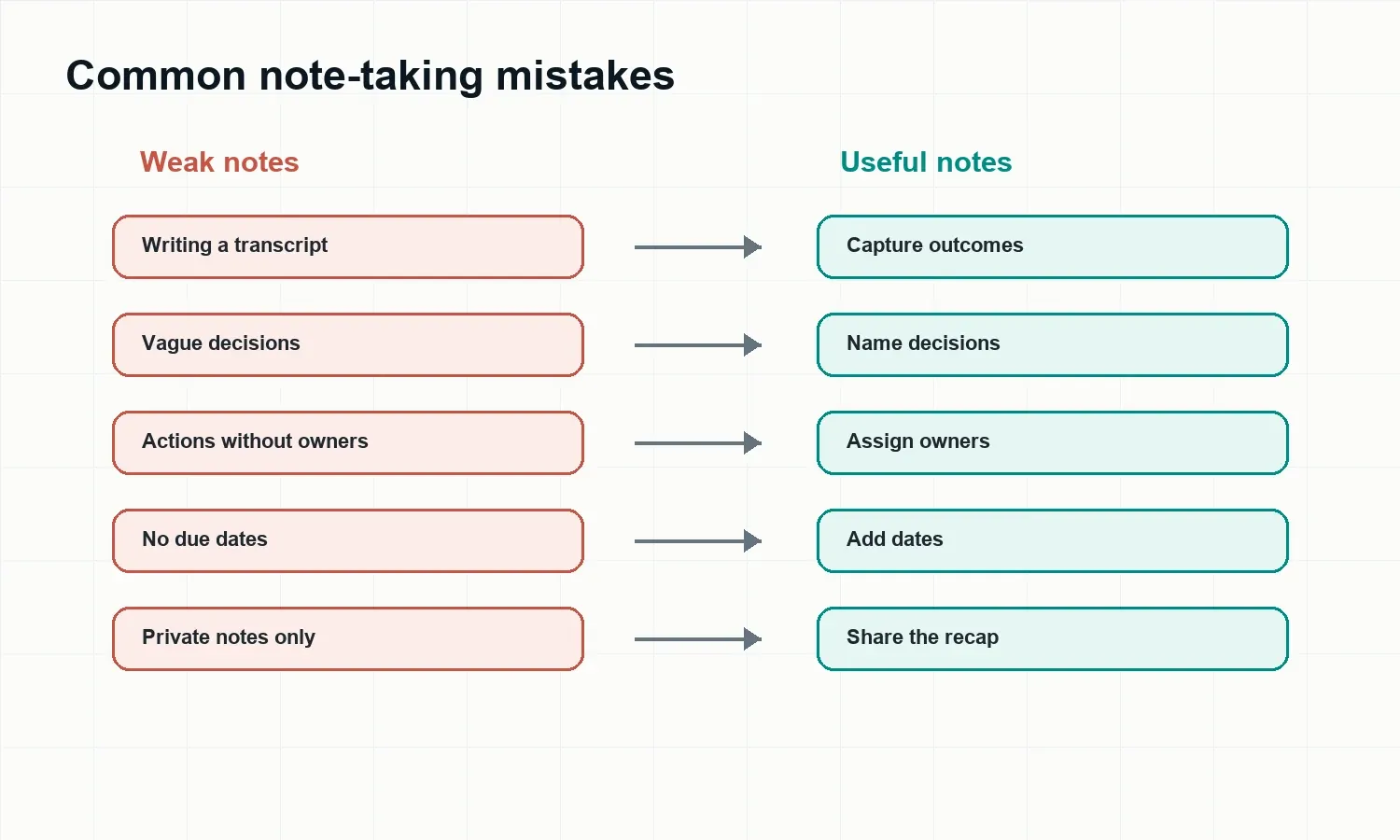
- Writing a transcript instead of a useful record.
- Recording vague decisions such as "discuss launch" without saying what changed.
- Listing action items without owners.
- Leaving due dates out.
- Keeping notes in a private document.
- Forgetting to send the recap while the meeting is still fresh.
Publish Notes Where Follow-Up Happens
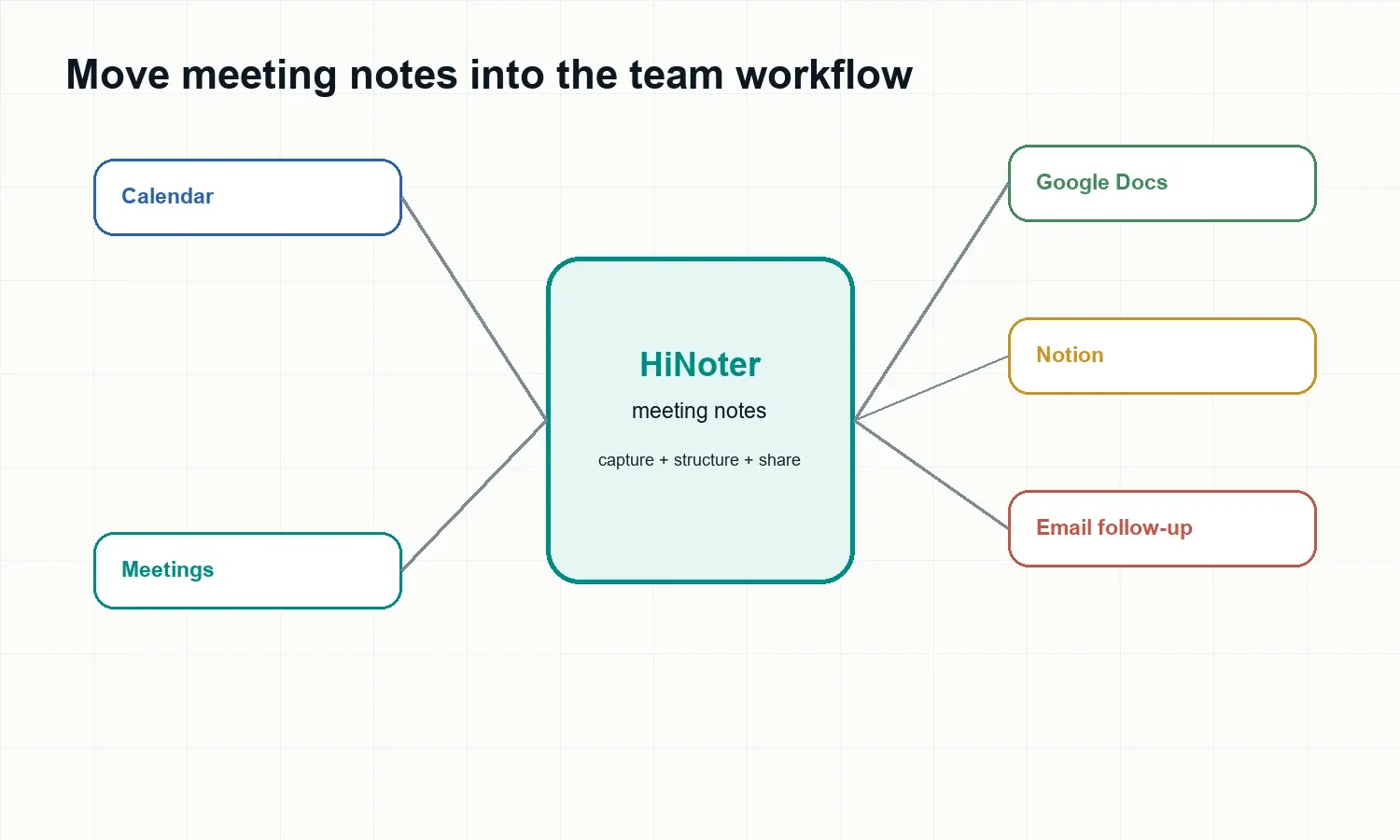
Notes should move into the tools where the team works. HiNoter can help teams turn a meeting into a shared recap, export the record to Google Docs or Notion, and keep source-linked answers available through AI Chat.
FAQ
What should be included in a meeting notes template?
A meeting notes template should include the meeting title, date, attendees, agenda, key points, decisions, action items, owners, due dates, risks, next steps, and links to supporting materials.
What is the difference between meeting notes and meeting minutes?
Meeting notes are flexible records for everyday collaboration. Meeting minutes are more formal records of what was decided, assigned, and approved.
How long should meeting notes be?
Meeting notes should be long enough to preserve decisions and follow-ups, but short enough to scan quickly. For most team meetings, one page is enough.
Can AI fill a meeting notes template automatically?
Yes. HiNoter can use a meeting transcript, recording, or uploaded file to draft agenda items, summaries, decisions, action items, owners, due dates, risks, and follow-up text.
Can HiNoter create meeting notes from Zoom, Google Meet, or Microsoft Teams?
HiNoter supports common meeting workflows, including Google Meet and Microsoft Teams integrations, and can process permitted recordings from other meeting tools.
Is a meeting notes template useful for multilingual teams?
Yes. HiNoter supports multilingual workflows and language detection, helping distributed teams keep one shared record across regions and languages.