A meeting minutes template gives teams a repeatable structure for agenda items, decisions, action items, owners, deadlines, risks, and next steps. Copy the template below when you need a usable minutes format today, then review the filled examples to see how decisions and follow-up should be written. It is designed for project, customer, leadership, and operating meetings. If your team already records or transcribes meetings, HiNoter can help fill the same template automatically after the call and sync approved tasks to your workflow tools.
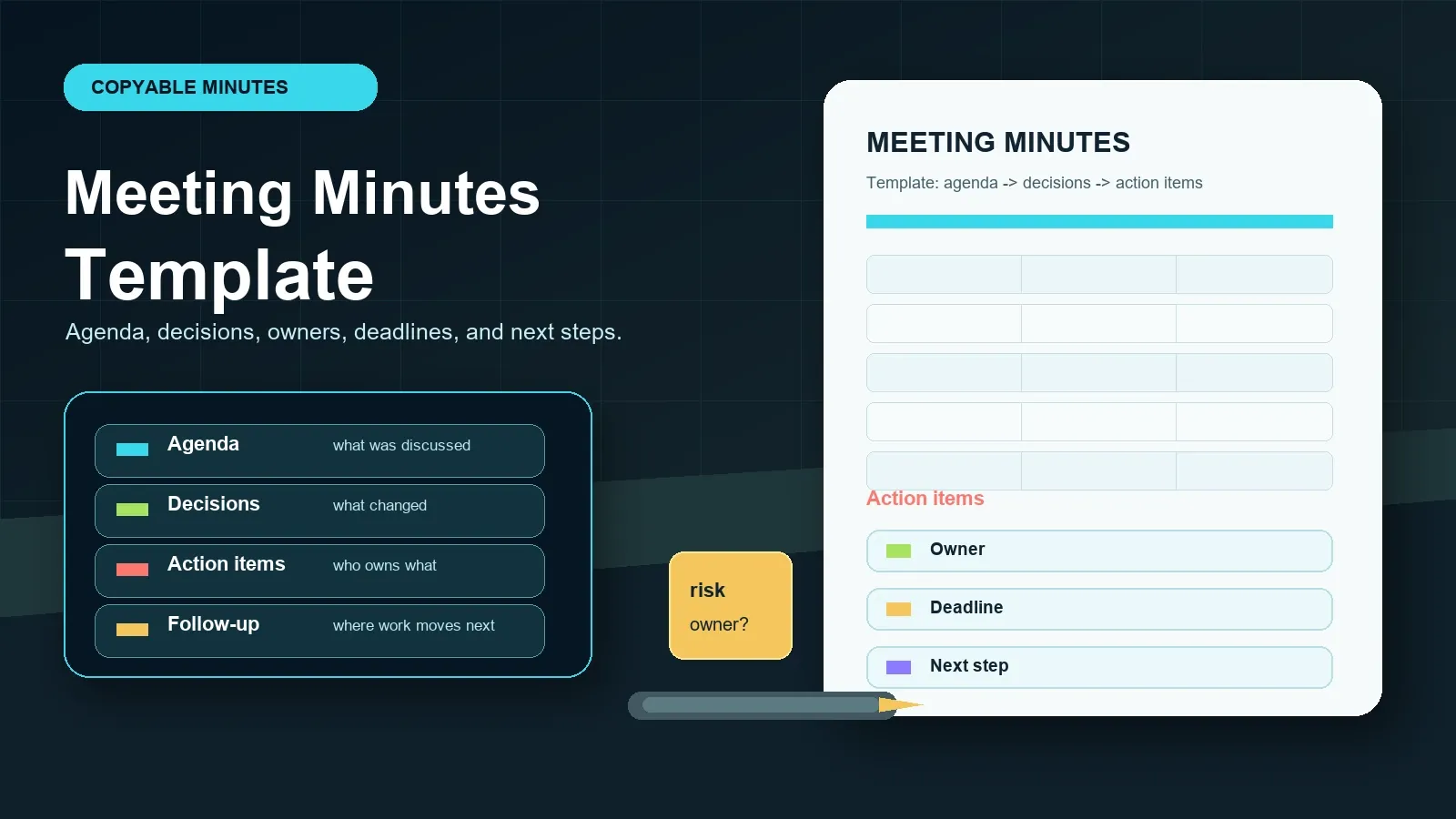
Copy the meeting minutes template or try HiNoter to fill meeting minutes automatically.
Direct Answer: Meeting Minutes Template
A meeting minutes template is a reusable format for documenting a meeting's purpose, agenda, discussion, decisions, action items, owners, deadlines, risks, and follow-up. A strong template keeps decisions separate from general notes and gives every task a clear owner, due date, status, source, and destination.
Copyable Meeting Minutes Template
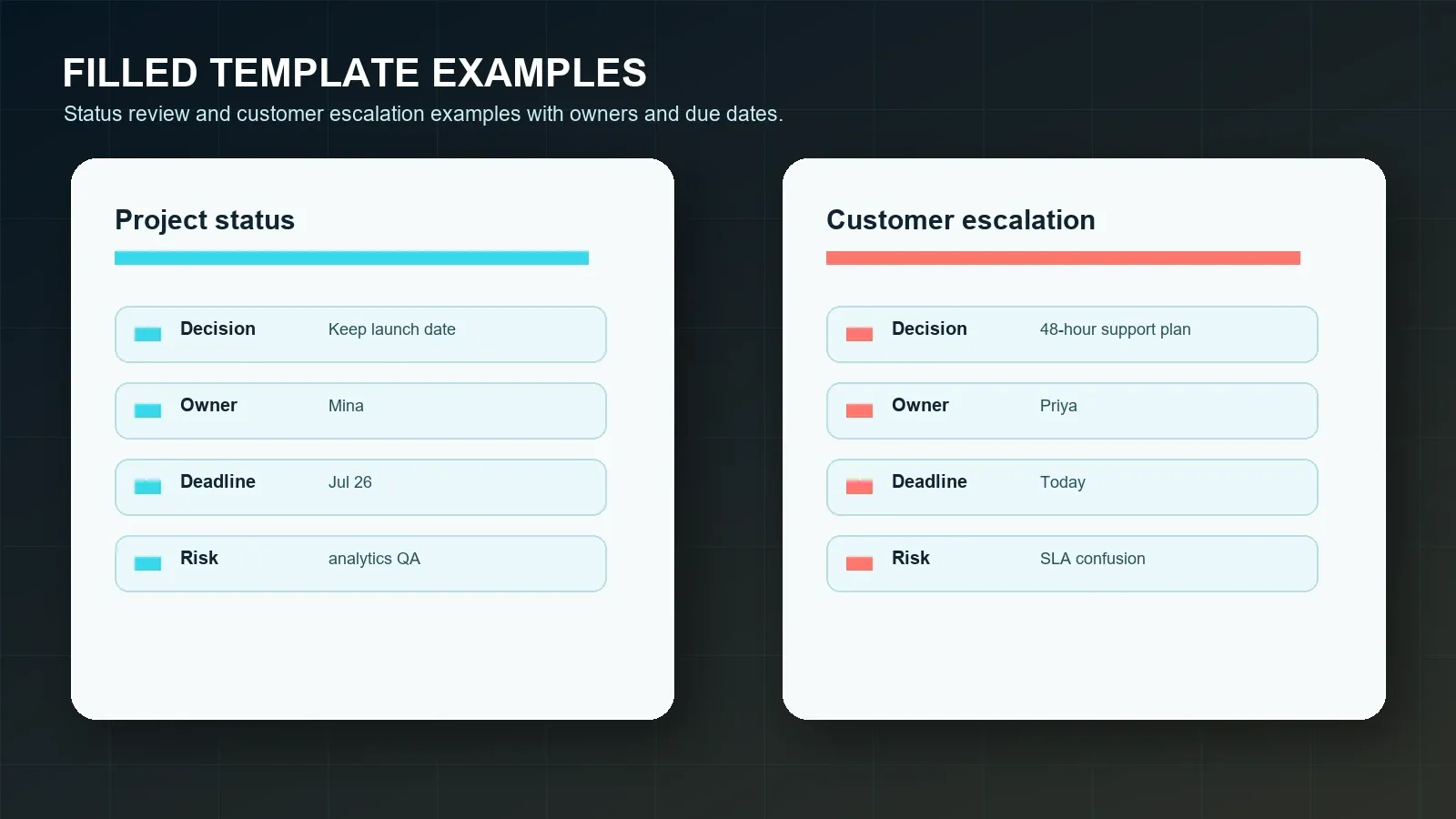
Copy this plain-text template into Google Docs, Notion, Microsoft Word, Slack, email, or a shared project page. It uses text-table rows so the important fields remain visible when pasted into most writing tools. Keep the action-item rows intact; that is where most meeting minutes fail.
MEETING MINUTES TEMPLATE
Meeting title:
Date and time:
Time zone:
Location or platform:
Meeting owner / facilitator:
Minute taker:
Attendees:
Absent or optional attendees:
Purpose:
What outcome should this meeting create?
Agenda:
Agenda item | Discussion summary | Decision needed?
1. | |
2. | |
3. | |
Decisions:
Decision | Context / rationale | Owner | Date decided | Source or timestamp
| | | |
Action items:
Task | Owner | Deadline | Status | Source or timestamp | Sync destination
| | | | |
Risks and blockers:
Risk or blocker | Impact | Owner | Next review date | Source
| | | |
Open questions:
Question | Person to answer | Due date | Where answer will be stored
| | |
Follow-up:
Who receives the minutes?
Where will decisions be stored?
Where will action items be tracked?
When is the next meeting or review?
Use the template before the meeting as an agenda and after the meeting as the final record. If a field is unknown, write "Unconfirmed" instead of leaving it blank. A visible gap is easier to resolve than a missing owner, missing deadline, or decision with no context.
What Should a Meeting Minutes Template Include?
A meeting minutes template should include enough detail for someone who missed the meeting to understand the outcome and act on it. It should not become a transcript. The template's job is to preserve the decisions, rationale, responsibilities, dates, risks, and next steps that matter after the meeting ends.
| Field | What to capture | Common missing detail |
|---|---|---|
| Meeting title | Use a searchable name with team, project, or customer context. | Generic titles such as "weekly sync." |
| Date, time, and platform | Add date, time zone, and location or platform. | Time zone and source platform. |
| Attendees | List required attendees, optional attendees, and absent approvers. | Missing decision makers. |
| Purpose | State the outcome the meeting should produce. | A topic list without a goal. |
| Agenda | Record the planned topics and any unplanned topics that changed the outcome. | Scope changes during the meeting. |
| Discussion summary | Capture key facts, tradeoffs, objections, and evidence. | The rationale behind a decision. |
| Decisions | Write the decision, context, owner, date, and source. | Why and when the decision was made. |
| Action items | Write task, owner, deadline, status, source, and sync destination. | Owner and deadline. |
| Risks and blockers | Record risk, impact, owner, and next review date. | Who is accountable for resolving the risk. |
| Next steps | Say who receives the minutes and where follow-up will be tracked. | Distribution and task system of record. |
Meeting Minutes vs Meeting Notes
Meeting notes and meeting minutes overlap, but they are not the same job. Notes can be private, rough, and selective. Minutes are a shared record. They should be structured enough to support accountability after the meeting, especially when decisions affect customers, projects, budgets, hiring, compliance, or cross-functional work.
| Criterion | Meeting notes | Meeting minutes |
|---|---|---|
| Purpose | Help one person remember and think. | Create a shared record of outcomes and follow-up. |
| Structure | Flexible bullets, comments, quotes, or personal observations. | Consistent fields for agenda, decisions, action items, risks, and next steps. |
| Audience | Usually the note taker or immediate team. | Attendees, absent stakeholders, managers, customers, or future teammates. |
| Decisions | May be mixed into general discussion notes. | Listed separately with context and source. |
| Action items | May be informal. | Require task, owner, deadline, status, and tracking destination. |
| Review | Optional. | Recommended before distribution or sync. |
Filled Meeting Minutes Template Examples
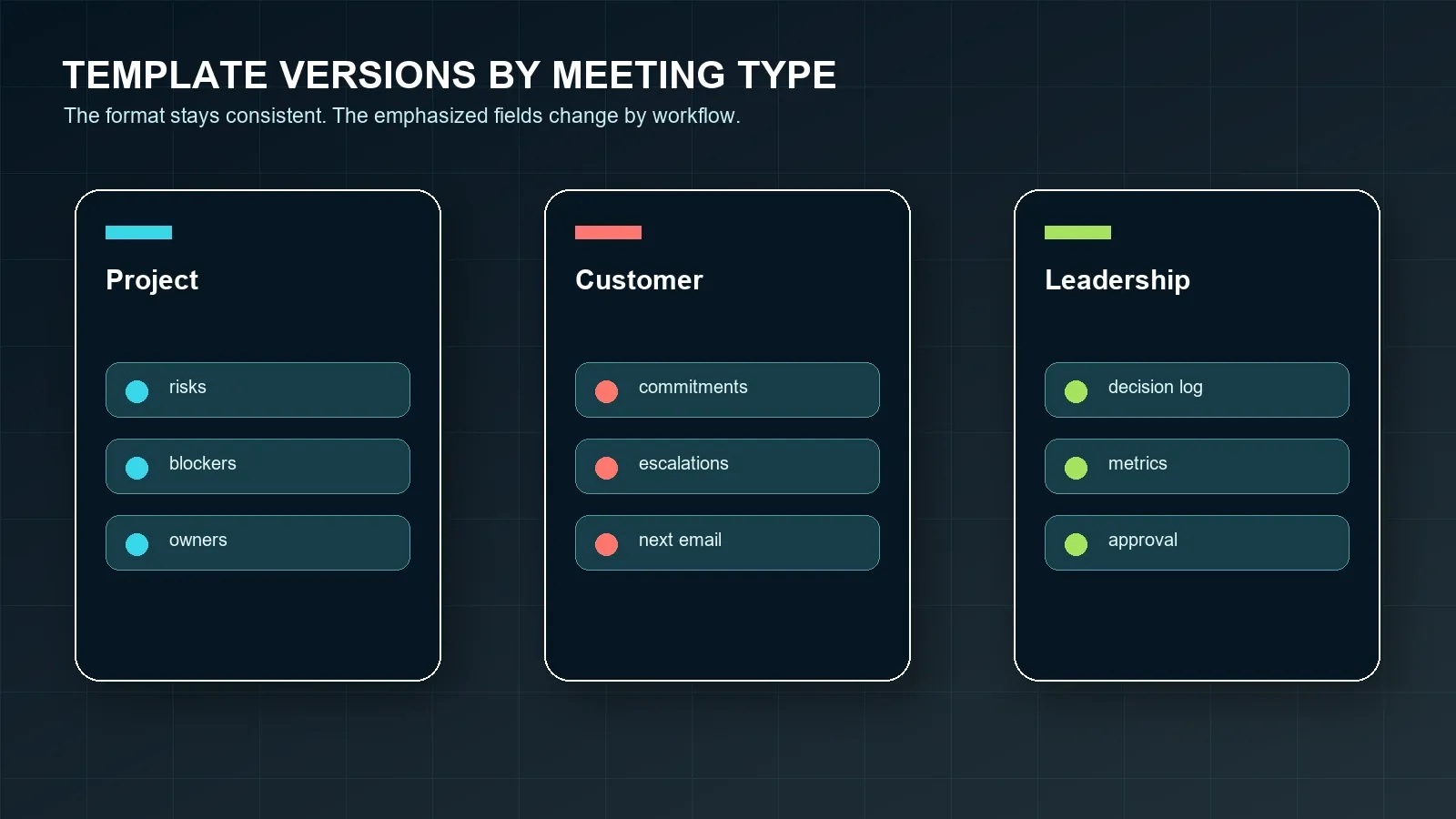
The fastest way to improve meeting minutes is to look at filled examples. Notice that each example separates the discussion from the decision and gives each action item an owner, deadline, status, source, and sync destination. That structure makes minutes easier to review and easier to automate later.
Example 1: project status meeting
FILLED EXAMPLE 1: PROJECT STATUS MEETING
Meeting title: July Release Status Review
Date and time: 2026-07-20, 10:00 AM PT
Location or platform: Google Meet
Meeting owner: Mina Patel
Minute taker: HiNoter draft, reviewed by Mina
Attendees: Mina, Evan, Jules, Priya
Purpose:
Confirm launch readiness and identify the work required before the release note is sent.
Agenda:
Agenda item | Discussion summary | Decision needed?
Release readiness | Engineering confirmed the core workflow is ready. | Yes
Analytics validation | Event tracking still needs one QA pass. | No
Customer communication | Release note needs pricing-risk language. | Yes
Decisions:
Decision: Keep the July 26 release date.
Context: Analytics validation is the only open risk and has a named owner.
Owner: Mina
Date decided: 2026-07-20
Source: Transcript 20:03
Action items:
Task: Validate analytics events | Owner: Evan | Deadline: 2026-07-22 | Status: Open | Source: Transcript 18:42 | Sync destination: Notion
Task: Draft customer-facing release note | Owner: Priya | Deadline: 2026-07-21 | Status: Open | Source: Transcript 24:10 | Sync destination: Google Docs
Risks and blockers:
Risk: Analytics validation delay could reduce launch confidence.
Impact: Release owner may need to delay the customer email.
Owner: Evan
Next review date: 2026-07-22
Follow-up:
Mina posts a short recap to Slack and stores approved minutes in the July release page.
Example 2: customer escalation meeting
FILLED EXAMPLE 2: CUSTOMER ESCALATION MEETING
Meeting title: Acme Support Escalation Review
Date and time: 2026-07-20, 2:00 PM ET
Location or platform: Zoom
Meeting owner: Priya Shah
Minute taker: HiNoter draft, reviewed by Priya
Attendees: Priya, Marco, Sam, customer operations lead
Purpose:
Agree on a short-term support plan and clarify who owns the next customer update.
Agenda:
Agenda item | Discussion summary | Decision needed?
Customer issue | Customer needs faster response on setup errors. | Yes
Support plan | Team proposed a 48-hour check-in plan. | Yes
SLA language | Customer and team used different SLA definitions. | No
Decisions:
Decision: Start a 48-hour support plan for the customer's operations team.
Context: The customer needs confidence before expanding the rollout.
Owner: Priya
Date decided: 2026-07-20
Source: Transcript 16:35
Action items:
Task: Send customer recap email | Owner: Priya | Deadline: 2026-07-20 | Status: Open | Source: Transcript 22:12 | Sync destination: Email
Task: Confirm SLA definition with support lead | Owner: Marco | Deadline: 2026-07-23 | Status: Open | Source: Transcript 26:44 | Sync destination: Calendar reminder
Risks and blockers:
Risk: SLA confusion could create a repeat escalation.
Impact: Customer may expect response times not covered by the current plan.
Owner: Marco
Next review date: 2026-07-23
Follow-up:
Priya sends approved minutes to the account channel and adds Marco's SLA check to the project board.
Meeting Minutes Template Versions for Different Meetings
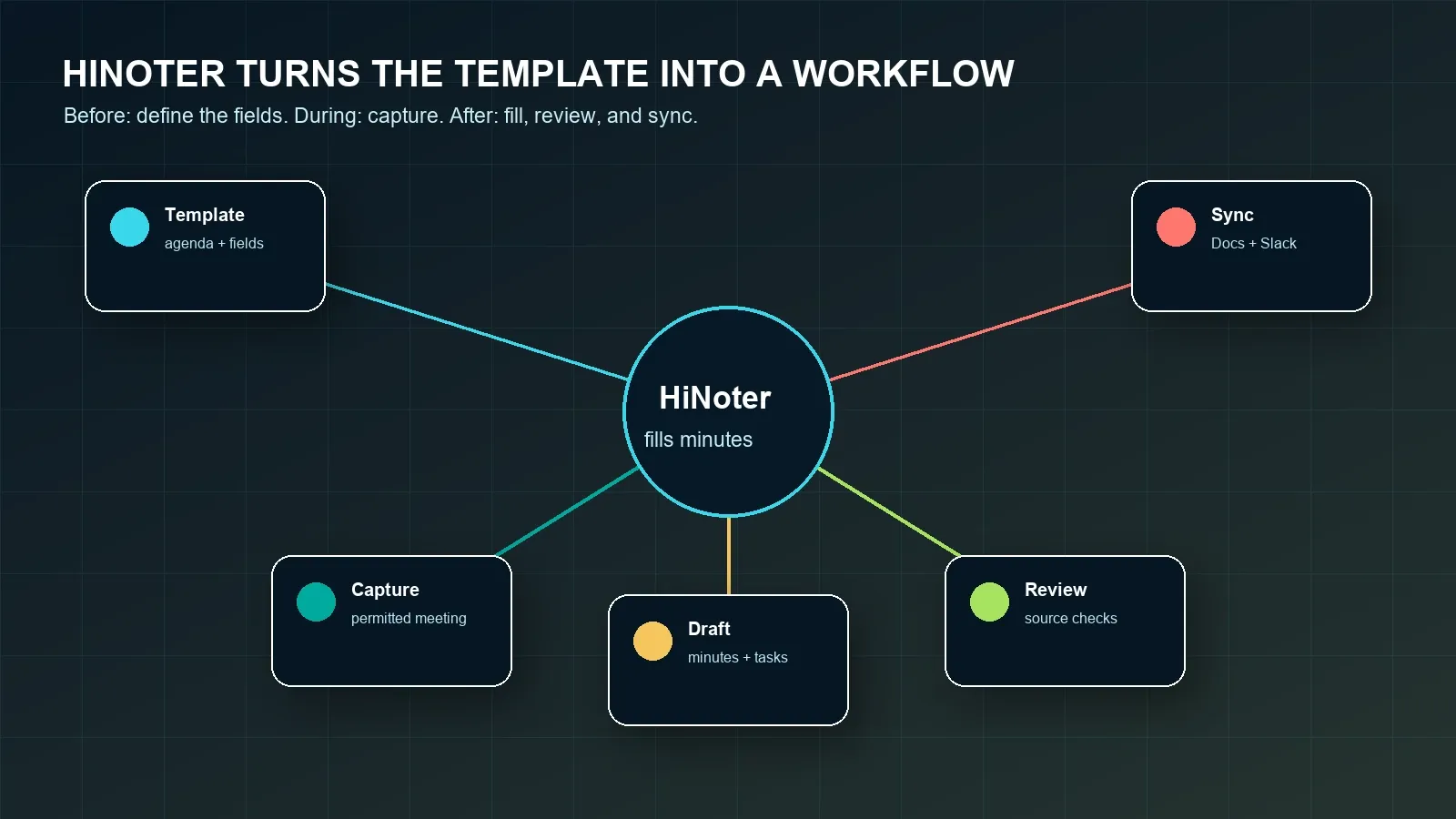
The same base template can support different teams if the emphasized fields change. A project review needs blockers and owners. A customer escalation needs commitments and next customer communication. A leadership review needs decisions, metrics, and approval status. Do not force every meeting into the same one-paragraph summary.
| Meeting type | Fields to emphasize | Recommended follow-up |
|---|---|---|
| Project status | Status change, blocker, dependency, owner, deadline. | Sync action items to the project board. |
| Customer escalation | Customer issue, commitment, risk, owner, next customer message. | Email the approved recap and track commitments in CRM. |
| Product roadmap | Evidence, decision, tradeoff, dependency, open question. | Store decisions in a roadmap decision log. |
| Leadership review | Metrics, approval, strategic risk, executive request, deadline. | Send a concise executive recap and assign owners. |
| Recruiting debrief | Candidate evidence, scorecard criteria, concerns, next step. | Attach evidence to the candidate record. |
| Training or class | Topics, key takeaways, questions, assignment, study source. | Create study notes and reminders. |
Common Meeting Minutes Template Mistakes
Most teams do not fail because they lack a template. They fail because the template becomes an empty ritual. People skip the hard fields, write vague summaries, and move real decisions into chat threads or private notes. A good meeting minutes template makes those gaps visible.
| Mistake | Why it hurts follow-up | Fix |
|---|---|---|
| Agenda without outcome | The meeting can end with discussion but no decision. | Add a purpose field and mark whether each agenda item needs a decision. |
| Decision without context | Future readers cannot tell why the team chose that path. | Add rationale and source or timestamp. |
| Action item without owner | No one is accountable. | Require exactly one owner per task. |
| Action item without deadline | The task cannot be prioritized or followed up. | Add a deadline or a date to confirm the deadline. |
| Risk without next review | The blocker remains visible but unmanaged. | Add owner and next review date. |
| No sync destination | Approved minutes never reach the team's real workflow. | Choose Notion, Slack, Google Docs, calendar, email, CRM, or project board before closing the meeting. |
How HiNoter Automatically Fills the Template
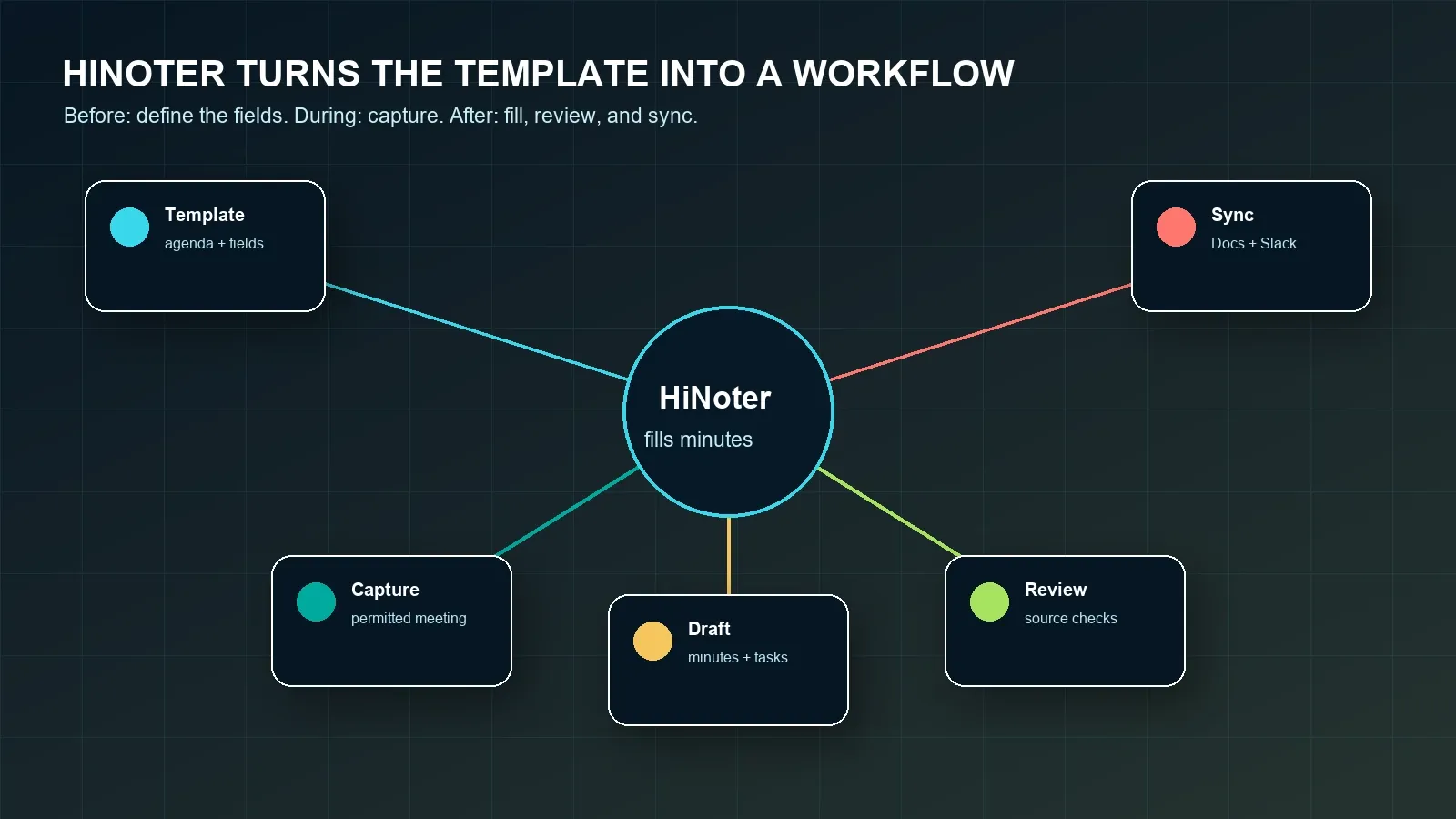
The template gives the team a standard. HiNoter helps maintain that standard after the meeting. HiNoter is an AI meeting notes and transcription platform that can turn meetings, audio, video, permitted YouTube content, and PDFs into structured, searchable, source-linked knowledge. For meeting minutes, that means the transcript becomes a draft template, action items become rows, and source-linked AI Chat helps reviewers check the evidence.
- Before the meeting, choose the template. Decide whether the meeting is a project review, customer escalation, roadmap discussion, leadership review, or another workflow.
- During the meeting, capture permitted content. Use an approved meeting capture workflow or upload a permitted recording or transcript. Confirm participant notice, platform settings, and company policy.
- After the meeting, generate the draft. HiNoter fills agenda summaries, decisions, action items, owners, deadlines, risks, open questions, and follow-up fields.
- Review sources. Check names, dates, obligations, financial details, legal terms, and customer commitments against transcript timestamps or source material.
- Sync approved outputs. Send final minutes and accepted action items to Notion, Slack, Google Docs, calendar, email, CRM, or other tools where supported.
Export, Integrations, Action Items, and Follow-Up
Completed minutes should not sit in one person's document. Once reviewed, send the right part of the record to the right destination. HiNoter can support workflows that send approved summaries, decisions, and action items to Notion, Slack, Google Docs, calendar reminders, email, CRM, or project tools where available.
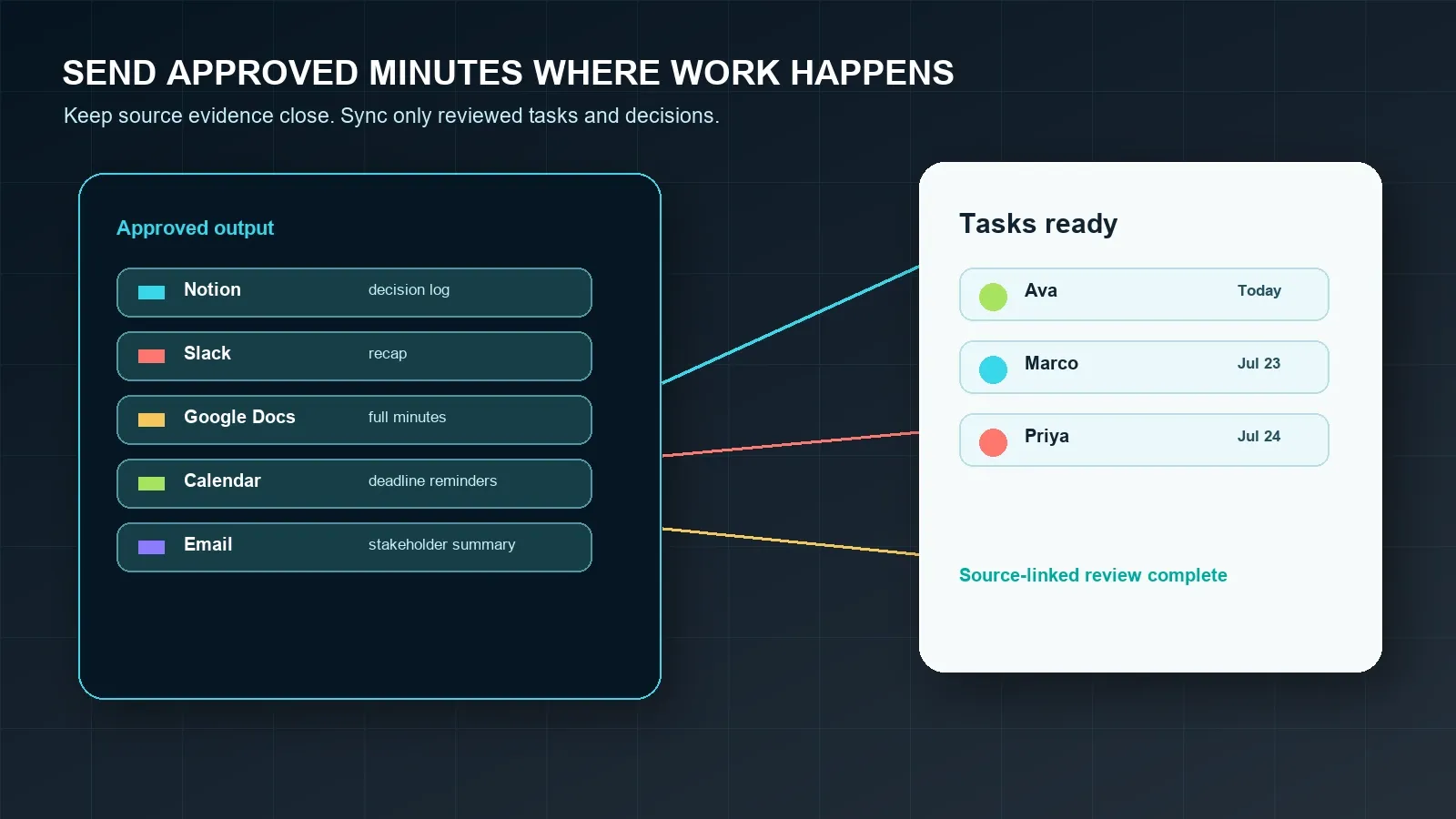
| Destination | What to send | What to review first |
|---|---|---|
| Notion | Decision log, meeting archive, project page, action list. | Page permissions and source-link access. |
| Slack | Short recap, key decisions, owners, deadlines. | Names, dates, and action-item owner. |
| Google Docs | Full reviewed minutes for stakeholders. | Document sharing and sensitive content. |
| Calendar | Follow-up meeting or deadline reminder. | Owner and due date. |
| Customer, executive, or stakeholder recap. | Commitments, numbers, tone, and recipient list. | |
| CRM or project tool | Customer commitments, blockers, and next steps. | Only accepted tasks with clear ownership. |
Privacy, Permissions, and Trust
Meeting minutes can contain personal data, confidential business context, customer commitments, HR discussion, legal context, or product strategy. When a template is filled from a recording or transcript, define participant notice, consent, access controls, retention, deletion, and export rules before capture begins. Requirements vary by jurisdiction, industry, employer policy, and meeting type.
Use official platform guidance when configuring capture. Google documents Meet transcripts and note-taking features, Microsoft documents live transcription in Teams, and Zoom publishes information about AI note-taking. For broader organizational privacy and security practices, consult guidance from the U.S. Federal Trade Commission and the NIST Privacy Framework, and involve legal or compliance stakeholders for regulated use cases.
How to Choose or Customize a Meeting Minutes Template
The July 2026 Google and Bing samples for "meeting minutes template" were dominated by template pages and editable-template collections, including Microsoft Word, Canva, Fellow, Template.net, Notejoy, Reclaim, iBabs, Adobe, WPS, and similar sources. Searchers expect a template they can copy or edit, plus examples and best practices. That is why this page puts the template near the top before introducing automation.
- Start with a copyable template. If you cannot paste it into your work tool, it is less useful.
- Add accountability fields. Require owner, deadline, status, source, and sync destination for each action item.
- Separate decisions from discussion. A decision should have context and source, not just a vague note.
- Customize by meeting type. Emphasize risks for projects, commitments for customers, and approvals for leadership reviews.
- Set a review path. Decide who approves minutes before distribution or sync.
- Use automation when volume grows. If no one keeps filling the template manually, use HiNoter to draft it from meeting evidence.
Choose HiNoter if your team wants the discipline of a meeting minutes template without asking one person to rebuild every decision and action item after each call. HiNoter can draft minutes, summaries, action items, mind maps, exports, and source-linked AI Chat from permitted meetings and approved sources.
Try HiNoter for AI-filled meeting minutes templates and turn your next approved meeting into a reviewed minutes record with owners, deadlines, and follow-up.
Frequently Asked Questions
What should a meeting minutes template include?
A meeting minutes template should include meeting title, date, time zone, platform, owner, minute taker, attendees, purpose, agenda, discussion summary, decisions, action items, owners, deadlines, risks, open questions, follow-up, and source references when minutes come from a transcript or recording.
What is the difference between meeting minutes and meeting notes?
Meeting notes are often informal and personal. Meeting minutes are a structured shared record used for decisions, action items, accountability, and follow-up. Minutes usually need clearer owners, deadlines, risks, distribution rules, and review than personal notes.
Can I use this meeting minutes template in Google Docs or Notion?
Yes. The template is plain text, so you can copy it into Google Docs, Notion, Microsoft Word, Slack, email, or a project page. Keep the action-item table intact so owners, deadlines, status, and sync destinations do not disappear.
How do I write action items in meeting minutes?
Write each action item as a separate row with task, owner, deadline, status, source, and sync destination. If the owner or date is unclear, mark it as unresolved and assign a person to confirm it before the minutes are distributed.
Can AI fill a meeting minutes template automatically?
Yes. An AI meeting notes platform can use a permitted recording, transcript, or upload to draft minutes, decisions, risks, and action items. A human reviewer should verify names, dates, obligations, financial details, legal terms, and customer commitments before sharing or syncing tasks.
How does HiNoter use a meeting minutes template?
HiNoter captures a permitted meeting or uploaded source, creates a transcript, and drafts structured minutes using fields such as agenda, decisions, action items, owners, deadlines, risks, and follow-up. It can also create summaries, mind maps, exports, and source-linked AI Chat for review.