In 2026, students, researchers, and knowledge workers deal with more digital documents than ever before. From academic papers and lecture slides to scanned books and research reports, PDFs remain the standard format for sharing information. However, extracting editable content from PDFs is often frustrating — especially when dealing with scanned documents, complex formatting, or large research libraries.
That’s where a reliable PDF to Text Converter becomes essential.
Whether you need to summarize academic papers, extract quotes for citations, convert lecture notes into editable documents, or simply organize research materials, the right tool can save hours of manual work. Some tools even allow you to convert text to pdf online free, while others support advanced OCR, AI summarization, and cloud collaboration features.
In this guide, we’ll explore the 15 best PDF to text converter tools for students and researchers in 2026, comparing their features, strengths, and ideal use cases.
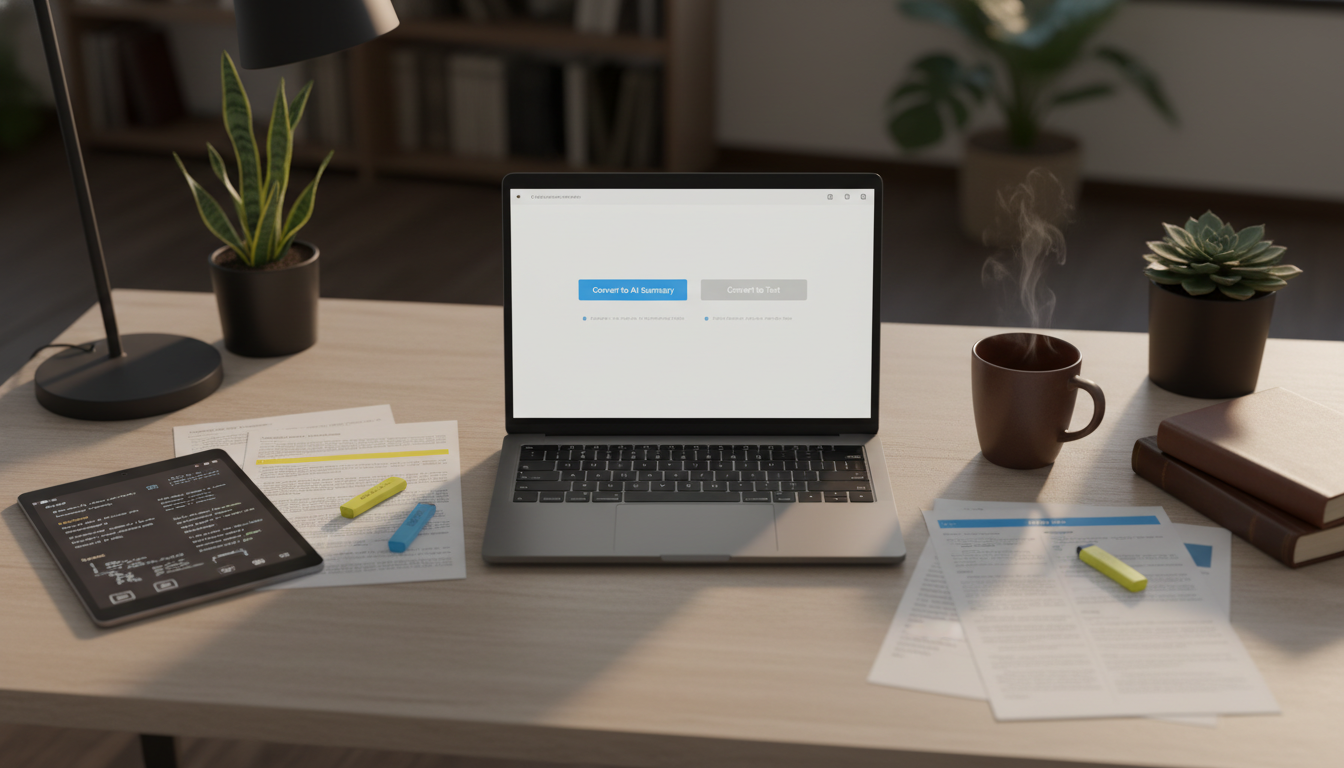
Why Students & Researchers Need PDF to Text Converter Tools
PDF files are excellent for preserving formatting, but they are not ideal for editing or extracting information. A high-quality PDF to Text Converter can help users:
- Extract editable text from academic PDFs
- Convert scanned lecture notes into searchable content
- Save quotes and references quickly
- Turn research papers into study notes
- Organize information for AI summarization tools
- Export documents into formats like Word or TXT
Many modern tools also support:
- OCR (Optical Character Recognition)
- AI-powered summarization
- Multi-language text extraction
- Cloud syncing
- Batch conversion
Additionally, students often need tools that support text document to pdf workflows when submitting assignments or creating polished research documents.
What Makes a Great PDF to Text Converter?
Before choosing a tool, consider these important factors:
1. OCR Accuracy
If you work with scanned books or handwritten notes, OCR quality is critical.
2. Formatting Preservation
Good converters retain:
- Headings
- Tables
- Citations
- Images
- Footnotes
3. Export Options
The best tools support:
- TXT
- DOCX
- Markdown
- HTML
- PDF export
Some even include rich text format to pdf converter functionality for seamless document editing.
4. AI Features
Modern AI-powered converters can:
- Summarize content
- Extract action items
- Generate study notes
- Highlight key insights
5. Cross-Platform Access
Students often switch between:
- Laptop
- Tablet
- Phone
- Browser
Cloud sync and web-based support are increasingly important.
The Top 15 Best PDF to Text Converter Tools in 2026
1.HiNoter
Best for AI-powered note-taking and research workflows.
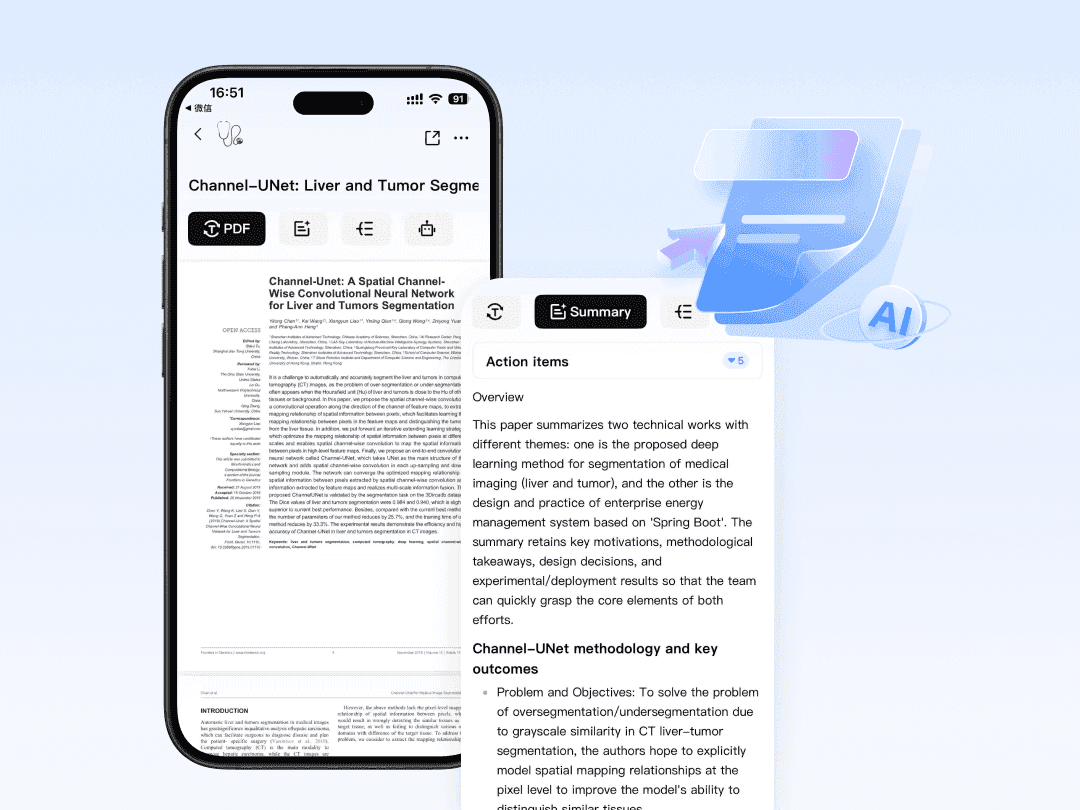
HiNoter goes beyond traditional PDF conversion by combining AI transcription, smart summarization, and document organization into a single workspace. Students and researchers can upload PDFs, extract text instantly, and generate structured notes automatically.
Key Features:
- AI-powered PDF text extraction
- Smart summaries for long research papers
- Multi-device syncing
- Export notes into editable formats
- Supports meeting notes and lecture recordings
Why It Stands Out:
HiNoter is ideal for students who want more than simple conversion. It transforms documents into actionable knowledge.
2. Adobe Acrobat AI Assistant
Best for professional-grade PDF handling.
Adobe Acrobat remains one of the most trusted PDF platforms. Its AI Assistant now provides advanced text extraction and summarization features.
Pros:
- Industry-leading OCR
- Excellent formatting preservation
- AI-generated summaries
- Cloud collaboration
Cons:
- Expensive subscription
- Heavy desktop software
3. Smallpdf
Best for quick browser-based conversions.
Smallpdf offers simple online conversion tools for students who need fast results.
Features:
- Browser-based conversion
- Drag-and-drop uploads
- Free daily usage
- Easy convert text to pdf online free options
Ideal For:
Quick assignments and lightweight academic tasks.
4. PDFgear
Best free all-in-one PDF toolkit.
PDFgear has become popular among students because it offers many premium features for free.
Features:
- OCR support
- AI chat with PDFs
- Batch conversion
- Annotation tools
5. ABBYY FineReader PDF
Best for OCR-heavy academic research.
ABBYY FineReader PDF is widely recognized for highly accurate OCR technology.
Best For:
- Historical documents
- Scanned books
- Research archives
- Multi-language extraction
6. Notion AI
Best for organizing extracted research notes.
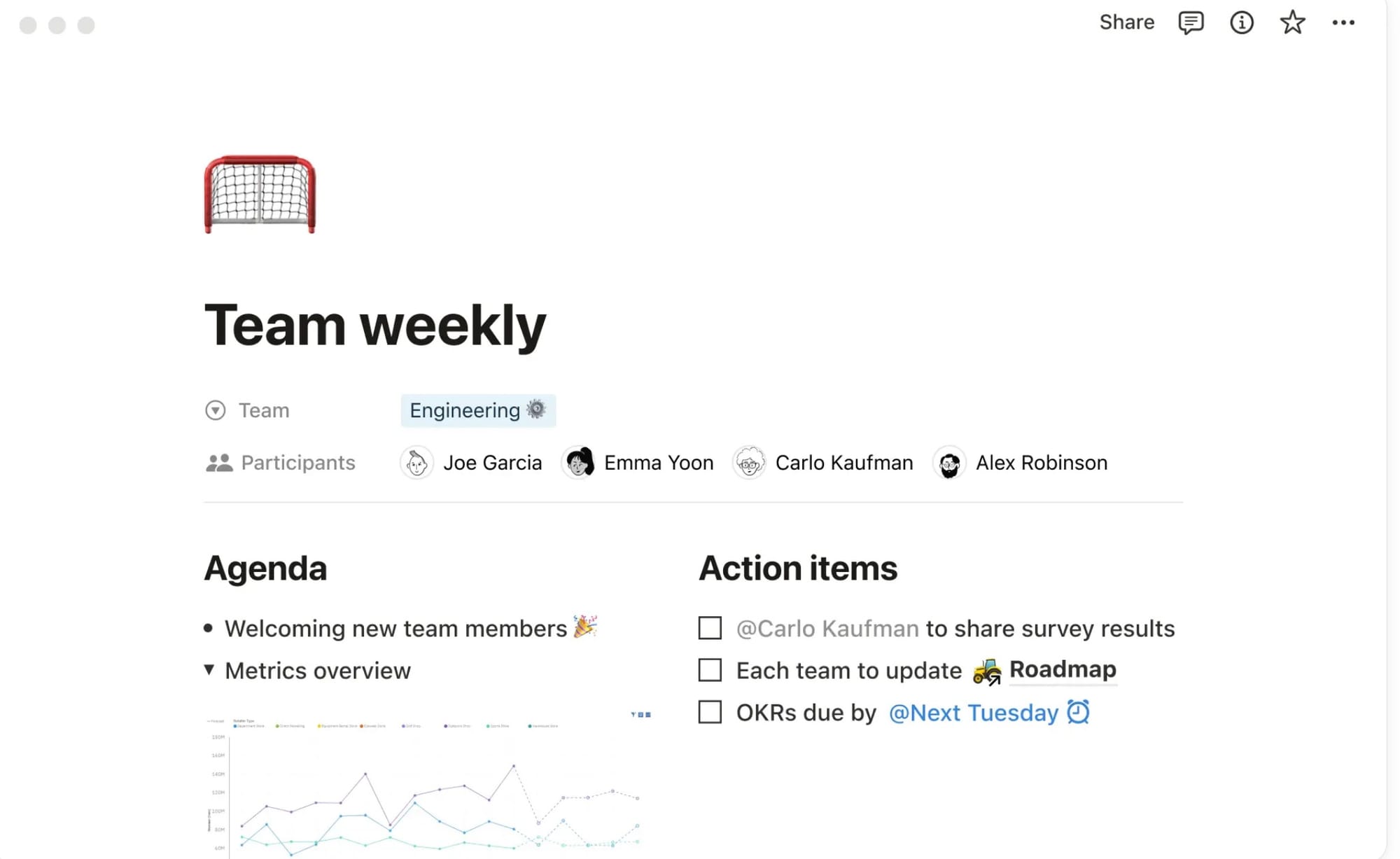
Notion AI is not a traditional converter, but many students use it after extracting PDF text.
Why Researchers Love It:
- Organize citations
- Create knowledge databases
- Summarize papers with AI
- Collaborate with teams
It works especially well after using tools that convert pdf to docs formats.
7. ChatPDF
Best for conversational research assistance.
ChatPDF allows users to upload PDFs and ask questions directly about the content.
Useful For:
- Literature reviews
- Exam preparation
- Understanding complex papers
8. iLovePDF
Best for simple academic workflows.
iLovePDF includes multiple PDF utilities in one place.
Features:
- PDF merging
- Text extraction
- Compression
- Word conversion
Students often use it to handle both text to pdf and PDF editing tasks.
9. Nitro PDF Pro
Best for advanced editing and collaboration.
Nitro PDF Pro is a strong alternative to Adobe Acrobat.
Highlights:
- Fast performance
- Enterprise-level OCR
- Collaboration tools
- Annotation support
10. UPDF AI
Best lightweight AI PDF reader.
UPDF combines AI features with modern UI design.
Features:
- AI summarization
- Translation
- Annotation
- Multi-platform support
Great For:
Mobile-first students and researchers.
11. Zamzar
Best for file format flexibility.
Zamzar supports hundreds of file conversion formats.
Useful When Converting:
- PDFs
- Word files
- Images
- E-books
It also supports workflows involving text document to pdf exports.
12. Google Docs OCR
Best free OCR solution.
Google Docs includes built-in OCR functionality when opening PDFs in Google Drive.
Advantages:
- Completely free
- Cloud-based
- Easy collaboration
Limitations:
Formatting may break in complex documents.
13. Foxit PDF Editor
Best for productivity-focused students.
Foxit PDF Editor is known for speed and lightweight performance.
Features:
- OCR
- Annotation
- Cloud syncing
- AI Assistant
14. Canva Docs
Best for visually polished academic documents.
Canva Docs now supports document editing and PDF export workflows.
Ideal For:
- Presentation reports
- Research posters
- Visual study materials
Many users combine Canva with a rich text format to pdf converter workflow for final formatting.
15. Microsoft Word OCR
Best for familiar desktop workflows.
Microsoft Word can open many PDFs directly and convert them into editable documents.
Benefits:
- Familiar interface
- Easy editing
- Strong compatibility
Good For:
Students already using Microsoft 365.
How to Choose the Right PDF to Text Converter
Different users have different needs.
Choose HiNoter If You Want:
- AI-powered summaries
- Research organization
- Smart study workflows
- Multi-device productivity
Choose Adobe Acrobat If You Want:
- Professional formatting
- Enterprise reliability
- Advanced OCR
Choose Google Docs If You Want:
- Completely free OCR
- Simple workflows
- Cloud collaboration
Choose ABBYY FineReader If You Need:
- Best OCR accuracy
- Historical document extraction
- Multi-language support
PDF to Text Conversion Tips for Researchers
1. Use OCR for Scanned PDFs
Without OCR, scanned documents behave like images instead of editable text.
2. Export Into Editable Formats
DOCX or Markdown formats are easier for note-taking and citation management.
3. Organize Converted Files Immediately
Create folders by:
- Subject
- Research project
- Semester
- Citation status
4. Double-Check Citation Formatting
Some converters may alter:
- Footnotes
- References
- Mathematical equations
5. Use AI Summarization Carefully
AI tools save time, but researchers should still verify:
- Accuracy
- Context
- Source interpretation
The Future of PDF Conversion in 2026
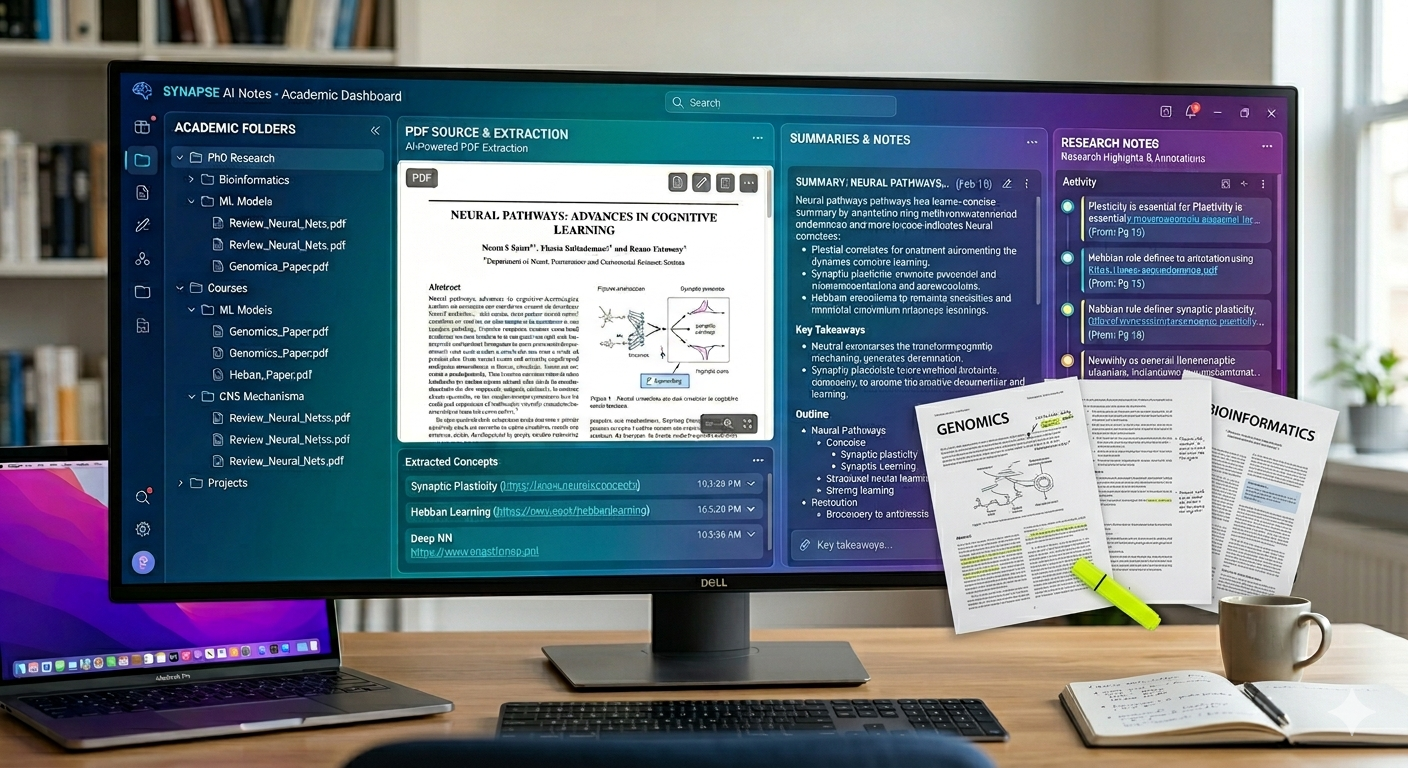
PDF conversion is no longer just about extracting text. AI-powered tools are turning documents into interactive knowledge systems.
Emerging trends include:
- AI-generated study guides
- Automatic citation extraction
- Semantic search across PDFs
- Voice-based document interaction
- Research workflow automation
Students increasingly expect tools that can:
- Read documents
- Understand context
- Summarize insights
- Organize knowledge automatically
This is why modern platforms like HiNoter are becoming more valuable than traditional file converters alone.
Final Thoughts
The best PDF to Text Converter for students and researchers depends on your workflow, budget, and academic needs.
If you simply need quick conversions, tools like Smallpdf or Google Docs work well. If you need advanced OCR, ABBYY FineReader and Adobe Acrobat remain industry leaders. But if you want AI-powered research assistance, summaries, and intelligent note organization, newer platforms like HiNoter provide a much more modern productivity experience.
As academic workloads continue growing in 2026, investing in the right document workflow tools can dramatically improve efficiency, focus, and research quality.
Whether you need to extract quotes from a journal article, create study notes from lecture slides, or convert text to pdf online free, the right tool can help transform overwhelming documents into organized knowledge.